Press Start - Game Nostalgia Clicker

Press Start - Game Nostalgia Clicker

Simulation

| Tapps Games

Play on PC with BlueStacks or from our cloud

  • Overview
  • Game Features
  • How to Play

Page Modified On: June 17, 2026

Play Press Start - Game Nostalgia Clicker on PC or Mac

Explore a whole new adventure with Press Start – Game Nostalgia Clicker, a Simulation game created by Tapps Games. Experience great gameplay with BlueStacks, the most popular gaming platform to play Android games on your PC or Mac.

About the Game

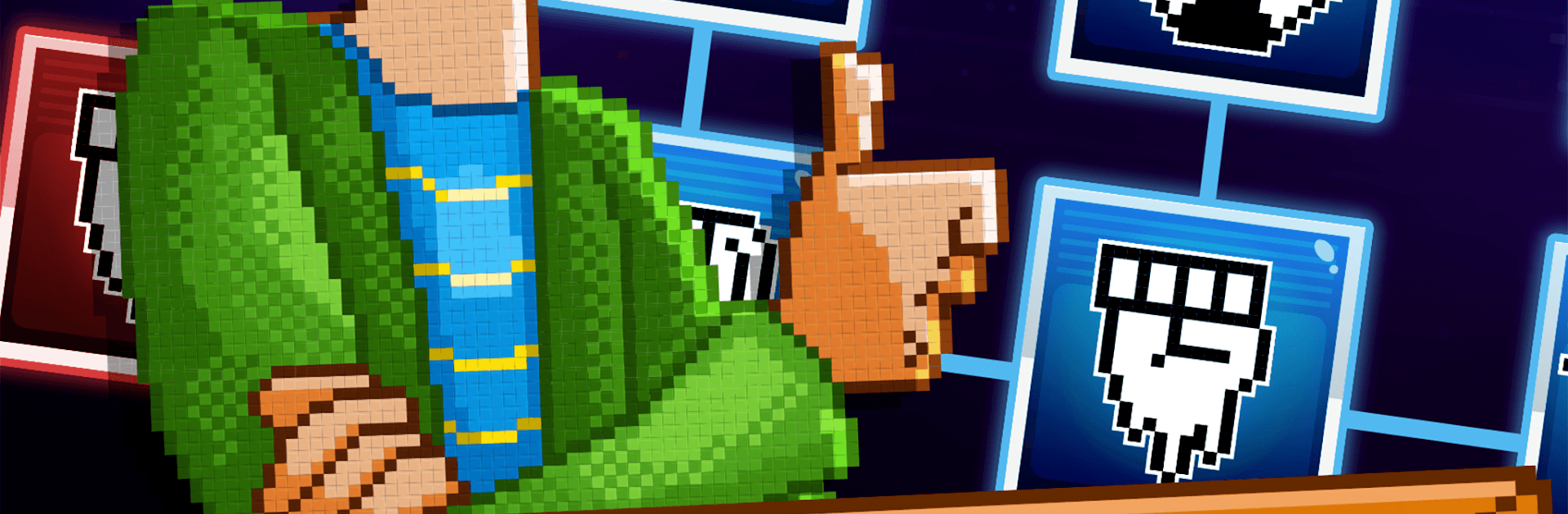
Press Start – Game Nostalgia Clicker is a chill, tap-happy Simulation that lets you stroll through the history of video games one upgrade at a time. You’ll start with humble pixel days and gradually unlock new eras until you’re tinkering with early 3D vibes and beyond. It’s all about that cozy “numbers go up” feeling paired with warm memories of the games that hooked you in the first place.

Game Features

  • Era-Spanning Progression: Work your way from chunky pixels to polygon pioneers, opening fresh generations as your production grows.
  • Satisfying Idle Tapping: Tap to rack up resources, then funnel them into upgrades that push you toward the next milestone.
  • Unlock New Generations: Each breakthrough boosts your pace and opens fresh layers of progression that keep the run moving.
  • Hire Helpful Managers: Bring in managers to automate tasks, stack multipliers, and keep your growth humming while you plan the next upgrade.
  • Nostalgia, Not Noise: Packed with nods to classic genres and hardware eras—no lectures, just feel-good throwbacks that spark memories.
  • Quick Sessions or Long Runs: Drop in for a few taps or settle in for a min-max session; the loop feels good either way.
  • Clean, Game-First Look: A straightforward interface keeps the focus on collecting, upgrading, and watching your totals soar.
  • Play Comfortably on PC: Prefer a bigger screen and easy clicking? BlueStacks makes it simple to enjoy the game on your desktop setup.

Start your journey now. Download the game on BlueStacks, invite your friends, and march on a new adventure.


Game Features

Enhancements

  • Macros
  • Multi Instance
  • Multi Instance Sync
  • Script
  • Enhancements
Macros

Macros

Automate the predictable in Press Start - Game Nostalgia Clicker and transform your gameplay with Macros. Get access to inventive Macros in the BlueStacks Macro Community
Multi Instance

Multi Instance

Play Press Start - Game Nostalgia Clicker on one window. And chat with your friend on the other. Press CTRL + Shift + 8 to open the Multi-Instance Manager. And start creating fresh instances or clone an existing one.
Multi Instance Sync

Multi Instance Sync

Play Press Start - Game Nostalgia Clicker with the power of Multi-Instance Sync. Replicate what you are doing on the main instance on all other instances. Level up faster, play more.
Script

Script

Script your way to gaming glory in Press Start - Game Nostalgia Clicker with BlueStacks Script. Write and run a set of commands to automate repeated tasks. Trigger the command by assigning it to any key.
Read More

How to Download and Play Press Start - Game Nostalgia Clicker on PC or Mac

  • Download and install BlueStacks on your PC or Mac

  • Complete Google sign-in to access the Play Store, or do it later

  • Look for Press Start - Game Nostalgia Clicker in the search bar at the top right corner

  • Click to install Press Start - Game Nostalgia Clicker from the search results

  • Complete Google sign-in (if you skipped step 2) to install Press Start - Game Nostalgia Clicker

  • Click the Press Start - Game Nostalgia Clicker icon on the home screen to start playing

video
Watch Video

Minimum System Requirements

With BlueStacks 5, you can get started on a PC that fulfills the following requirements.

  • Operating System

    Microsoft Windows 7 or above, macOS 11 (Big Sur) or above

  • Processor

    Intel, AMD or Apple Silicon Processor

  • RAM

    at least 4GB

  • HDD

    10GB Free Disk Space

Note:

* You must be an Administrator on your PC. Up to date graphics drivers from Microsoft or the chipset vendor.

Press Start - Game Nostalgia Clicker - FAQs

  • How to play Press Start - Game Nostalgia Clicker on Windows PC & Mac?

    Play Press Start - Game Nostalgia Clicker on your PC or Mac by following these simple steps.

    • Click on 'Play Press Start - Game Nostalgia Clicker on PC’ to download BlueStacks
    • Install it and log-in to Google Play Store
    • Launch and play the game.
  • Why is BlueStacks the fastest and safest platform to play games on PC?

    BlueStacks respects your privacy and is always safe and secure to use. It does not carry any malware, spyware, or any sort of additional software that could harm your PC.

    It is engineered to optimize speed and performance for a seamless gaming experience.

  • What are Press Start - Game Nostalgia Clicker PC requirements?

    Minimum requirement to run Press Start - Game Nostalgia Clicker on your PC

    • OS: Microsoft Windows 7 or above MacOS 11 (Big Sur) or above
    • Processor: Intel, AMD or Apple Silicon Processor
    • RAM: Your PC must have at least 4GB of RAM. (Note that having 4GB or more disk space is not a substitute for RAM)
    • HDD: 10GB Free Disk Space.
    • You must be an Administrator on your PC.