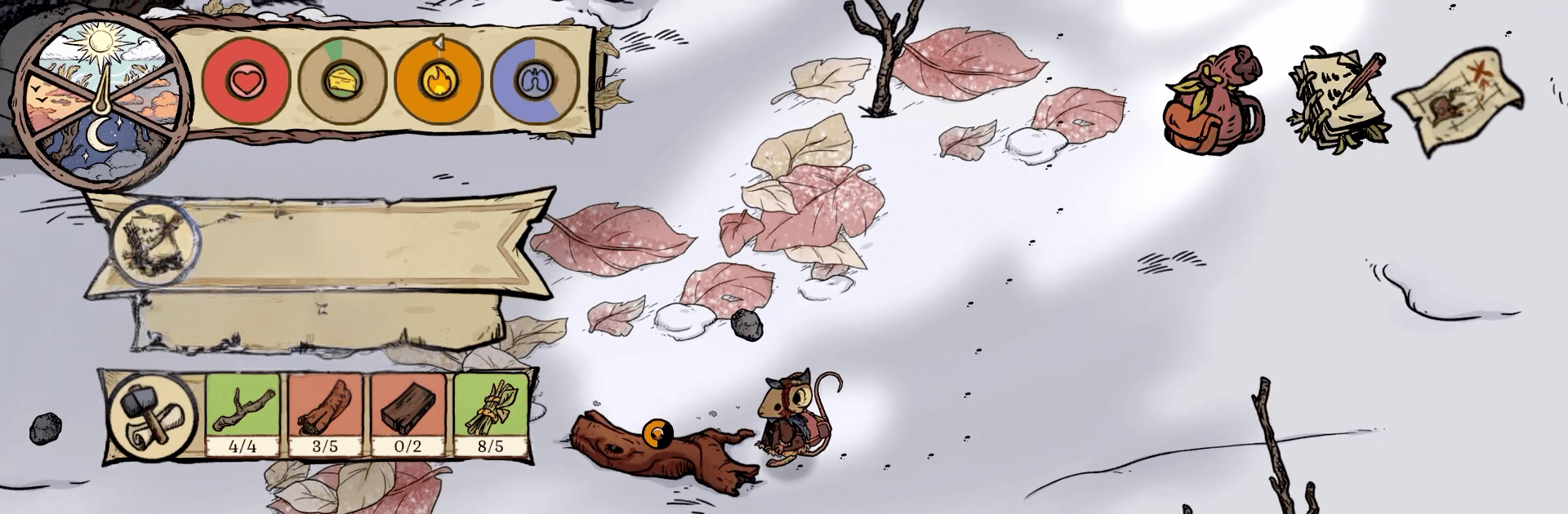


Winter Burrow brings the Simulation genre to life, and throws up exciting challenges for gamers. Developed by Noodlecake, this Android game is best experienced on BlueStacks, the World’s #1 app player for PC and Mac users.
About the Game
Winter Burrow is a warm, small-scale Simulation about making a home when the snow won’t quit and you’re a mouse with a lot on your plate. You return to your childhood burrow to find it in rough shape—and your aunt is missing. Patch things up, keep the cold at bay, and get to know the neighbors while you figure out what really happened.
Game Features
- Gentle survival, your way: Set your own pace as you bundle up, scavenge for supplies, and stay safe in a frosty woodland where even bugs can be a problem.
- Rebuild your burrow: Fix broken rooms, stock the pantry, and turn a drafty hole in the ground into a place you actually want to curl up in.
- Crafting that matters: Make the tools you need, knit cozy sweaters that keep the chill off, and bake pies that feel like a hug after a long day.
- Explore the winter woods: Venture into snowy clearings and frozen paths to gather materials and discover spots worth revisiting when you’re better prepared.
- Meet the locals: Cross paths with quirky woodland folk, trade favors, and find friends who make the long winter a little easier.
- Shape your story: Customize your mouse’s look, decorate your home to match your vibe, and choose tasks that fit how you like to play.
- Uncover the mystery: Follow clues, piece together your aunt’s last steps, and add new entries to a handy survival handbook along the way.
- Play comfortably with BlueStacks: Want more screen space and easy controls? You can run Winter Burrow on your computer with BlueStacks for a cozy, desk-friendly setup.
Ready to top the leaderboard? We bet you do. Let precise controls and sharp visuals optimized on BlueStacks lead you to victory.