Gela: Live Your Global Moment

Gela: Live Your Global Moment

Social

| WarmLink Company

Play on PC with BlueStacks or from our cloud

  • Overview
  • How to Download

Page Modified On: October 12, 2026

Run Gela: Live Your Global Moment on PC or Mac

Upgrade your experience. Try Gela: Live Your Global Moment, the fantastic Social app from WarmLink Company, from the comfort of your laptop, PC, or Mac, only on BlueStacks.

About the App

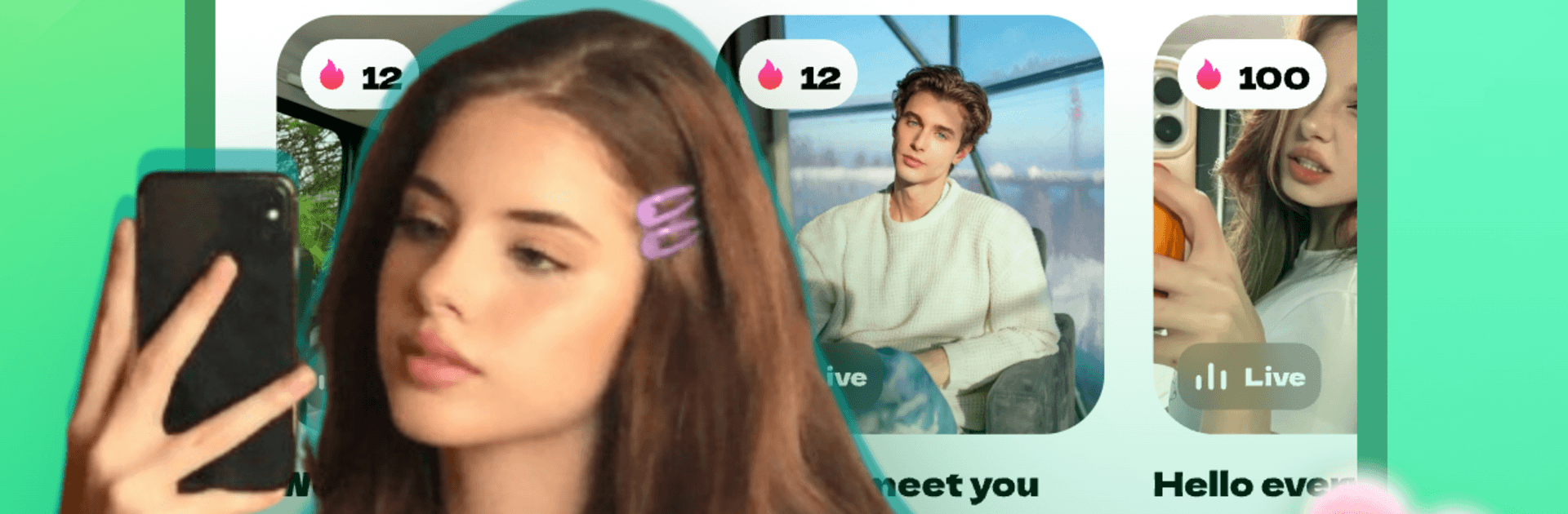
Gela: Live Your Global Moment makes going live feel like hanging out with the world next door. Jump into real-time streams, chat with hosts, and find communities that match your vibe—any hour, any day. It’s a Social space for spontaneous moments and global conversations; prefer a bigger screen? It works smoothly on BlueStacks, too.

App Features

  • 24/7 Live Action: Streams run all day and night—from laid-back chats to off-the-cuff performances—so there’s always something waiting when you hop in.
  • Recommendations That Get You: The more you watch, the better it gets, serving up creators and rooms that match your interests without you hunting for them.
  • Real-Time Interaction: Say hi in chat, react with emojis, and send gifts—your input lands instantly and can nudge the stream in fun directions.
  • Clear Picture, Clean Sound: Crisp video and smooth audio with minimal delay make conversations feel natural and easy to follow.
  • Global Chat, No Dictionary Needed: Built-in real-time translation helps you talk with people across different languages, keeping the convo flowing.
  • Quick Discovery, Zero Fuss: Refresh to uncover something new, switch rooms fast, and explore different moods whenever you feel like it.

Big screen. Bigger performance. Use BlueStacks on your PC or Mac to run your favorite apps.

How to Download and Run Gela: Live Your Global Moment on PC or Mac

  • Download and install BlueStacks on your PC or Mac

  • Complete Google sign-in to access the Play Store, or do it later

  • Look for Gela: Live Your Global Moment in the search bar at the top right corner

  • Click to install Gela: Live Your Global Moment from the search results

  • Complete Google sign-in (if you skipped step 2) to install Gela: Live Your Global Moment

  • Click the Gela: Live Your Global Moment icon on the home screen to start playing

video
Watch Video

Minimum System Requirements

With BlueStacks 5, you can get started on a PC that fulfills the following requirements.

  • Operating System

    Microsoft Windows 7 or above, macOS 11 (Big Sur) or above

  • Processor

    Intel, AMD or Apple Silicon Processor

  • RAM

    at least 4GB

  • HDD

    10GB Free Disk Space

Note:

* You must be an Administrator on your PC. Up to date graphics drivers from Microsoft or the chipset vendor.

Gela: Live Your Global Moment - FAQs

  • How to Run Gela: Live Your Global Moment on Windows PC & Mac?

    Run Gela: Live Your Global Moment on your PC or Mac by following these simple steps.

    • Click on ‘Download Gela: Live Your Global Moment on PC’ to download BlueStacks
    • Install it and log-in to Google Play Store
    • Launch and run the app.
  • Why is BlueStacks the fastest and safest platform to play games on PC?

    BlueStacks respects your privacy and is always safe and secure to use. It does not carry any malware, spyware, or any sort of additional software that could harm your PC.

    It is engineered to optimize speed and performance for a seamless gaming experience.

  • What are Gela: Live Your Global Moment PC requirements?

    Minimum requirement to run Gela: Live Your Global Moment on your PC

    • OS: Microsoft Windows 7 and above:
    • Processor: Intel or AMD Processor:
    • RAM: Your PC must have at least 2GB of RAM. (Note that having 2GB or more disk space is not a substitute for RAM):
    • HDD: 5GB Free Disk Space.
    • You must be an Administrator on your PC.