Instagram
Instagram

Instagram

Social

| Instagram

Play on PC with BlueStacks or from our cloud

  • Overview
  • How to Download

Page Modified On: October 13, 2026

Run Instagram on PC or Mac

What’s better than using Instagram by Instagram? Well, try it on a big screen, on your PC or Mac, with BlueStacks to see the difference.

About the App
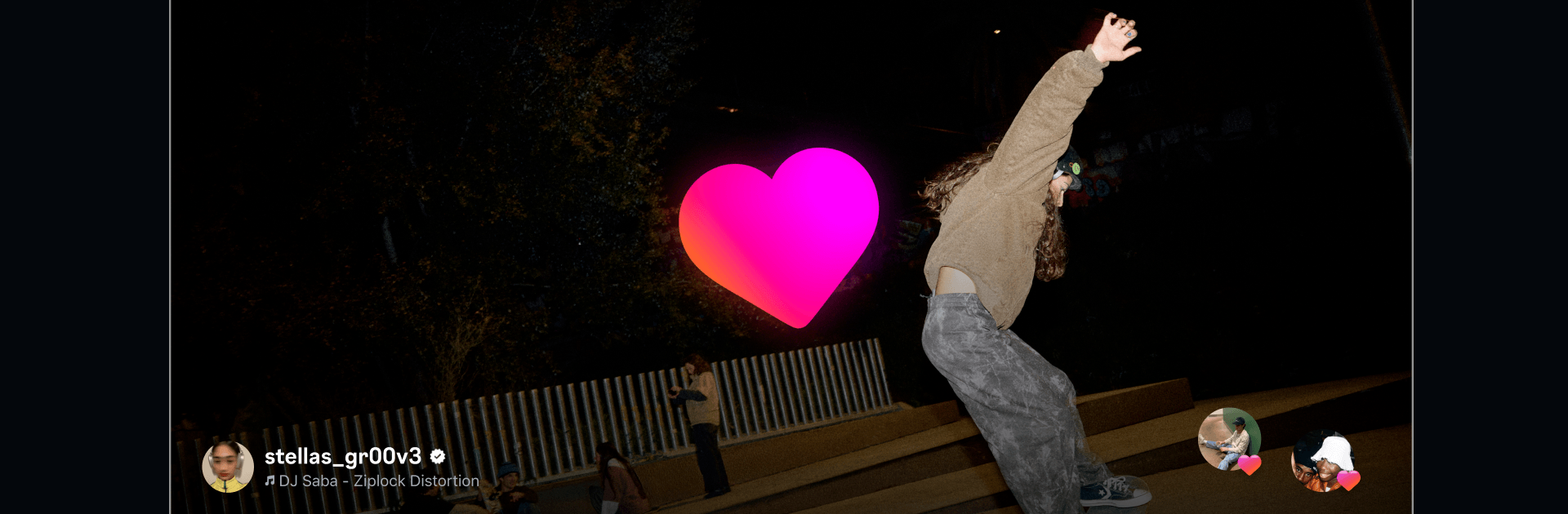
Instagram brings your favorite Reels to the biggest screen in the room so you can kick back, watch, and laugh together. It’s simple, social, and all about sharing quick hits of creativity without huddling over a tiny display. Genre: Social. Prefer a comfy desk setup? Instagram also runs smoothly on BlueStacks if you like browsing from a computer.

App Features
– Big-Screen Reels: Enjoy short, punchy videos with full sound on your TV, perfect for group viewing from the couch.
– Watch Together Vibes: See comments and reactions right on-screen, so everyone can follow the conversation as clips play.
– Interest-Based Channels: Jump into channels that match your mood—music, sports highlights, travel inspo, trending moments, and more.
– Endless Stream: Get a continuous playlist of Reels from creators you follow, plus fresh picks tailored to what you like.
– Multi-Account Friendly: Sign in with your Instagram account and add up to five accounts, making it easy for everyone at home to switch and watch.
– TV-Only Option: Want a clean slate for the living room? Create a separate account just for TV viewing.
– Quick Setup: Get started fast—sign in, pick a channel, and you’re watching in seconds with a simple remote-friendly interface.
– Evolving Experience: This is an early test that’s actively improving, with updates shaped by what viewers find most fun to watch together.

Eager to take your app experience to the next level? Start right away by downloading BlueStacks on your PC or Mac.


How to Download and Run Instagram on PC or Mac

  • Download and install BlueStacks on your PC or Mac

  • Complete Google sign-in to access the Play Store, or do it later

  • Look for Instagram in the search bar at the top right corner

  • Click to install Instagram from the search results

  • Complete Google sign-in (if you skipped step 2) to install Instagram

  • Click the Instagram icon on the home screen to start playing

video
Watch Video

Minimum System Requirements

With BlueStacks 5, you can get started on a PC that fulfills the following requirements.

  • Operating System

    Microsoft Windows 7 or above, macOS 11 (Big Sur) or above

  • Processor

    Intel, AMD or Apple Silicon Processor

  • RAM

    at least 4GB

  • HDD

    10GB Free Disk Space

Note:

* You must be an Administrator on your PC. Up to date graphics drivers from Microsoft or the chipset vendor.

Instagram - FAQs

  • How to Run Instagram on Windows PC & Mac?

    Run Instagram on your PC or Mac by following these simple steps.

    • Click on ‘Download Instagram on PC’ to download BlueStacks
    • Install it and log-in to Google Play Store
    • Launch and run the app.
  • Why is BlueStacks the fastest and safest platform to play games on PC?

    BlueStacks respects your privacy and is always safe and secure to use. It does not carry any malware, spyware, or any sort of additional software that could harm your PC.

    It is engineered to optimize speed and performance for a seamless gaming experience.

  • What are Instagram PC requirements?

    Minimum requirement to run Instagram on your PC

    • OS: Microsoft Windows 7 and above:
    • Processor: Intel or AMD Processor:
    • RAM: Your PC must have at least 2GB of RAM. (Note that having 2GB or more disk space is not a substitute for RAM):
    • HDD: 5GB Free Disk Space.
    • You must be an Administrator on your PC.