Statuses
Statuses

Statuses

Social

| 7 Mobile

Play on PC with BlueStacks or from our cloud

  • Overview
  • How to Download

Page Modified On: October 13, 2025

Run Statuses on PC or Mac

What’s better than using Statuses by 7 Mobile? Well, try it on a big screen, on your PC or Mac, with BlueStacks to see the difference.

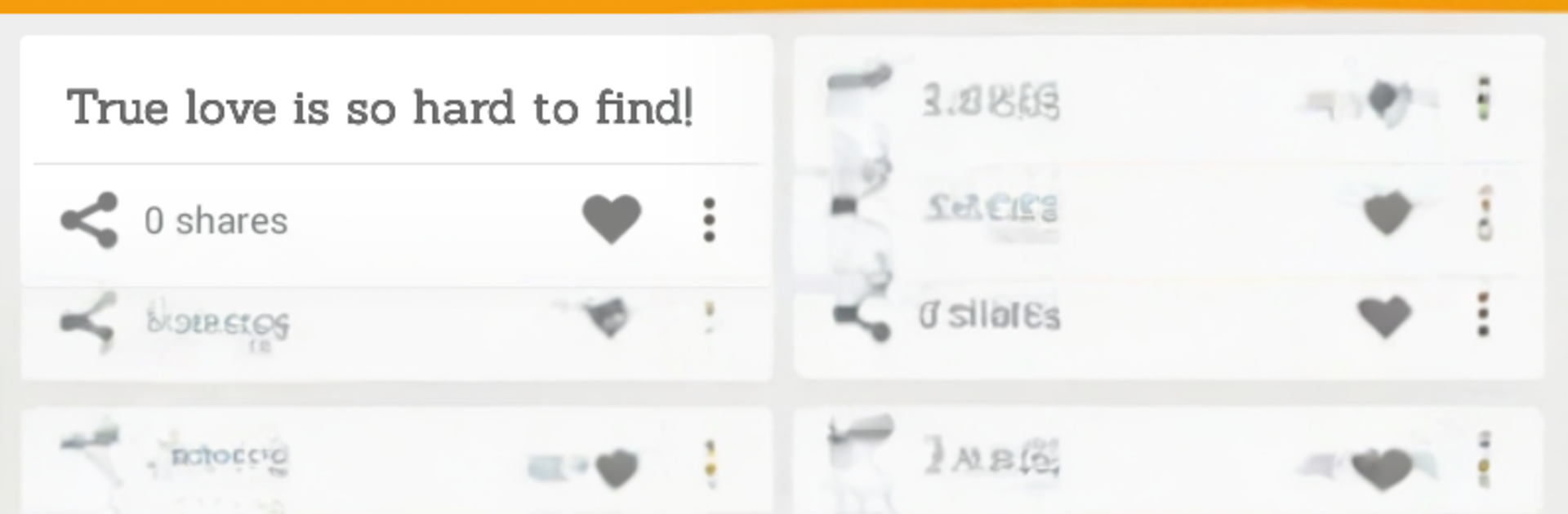
Statuses is a big library of short quotes and one‑liners that someone can turn into shareable images. It feels like scrolling a box of ready made captions, from silly jokes and love notes to sad thoughts, life stuff, New Year wishes, and even a few gender tagged sections. Pick a line, pair it with a background or a photo, tweak the font and colors, and it spits out a clean image that looks good on a feed or a chat. The editor is simple enough that it does not get in the way, and the app keeps a gallery of what was made, plus a favorites list so the best lines do not disappear.

Sharing is quick. It hands things off to Instagram, WhatsApp, Facebook, VK, Twitter, or really any social app installed. There is a search box for hunting down a specific word or mood, which helps when someone knows the feeling they want but not the exact phrase. On a PC with BlueStacks, the bigger screen makes browsing categories and adjusting text feel less cramped, and typing long captions with a keyboard is just easier. The whole thing is low effort and kind of relaxing to use, more like picking stickers than doing graphic design, and it is handy for anyone who wants a post that looks neat without spending all afternoon tweaking it.

BlueStacks brings your apps to life on a bigger screen—seamless and straightforward.

How to Download and Run Statuses on PC or Mac

  • Download and install BlueStacks on your PC or Mac

  • Complete Google sign-in to access the Play Store, or do it later

  • Look for Statuses in the search bar at the top right corner

  • Click to install Statuses from the search results

  • Complete Google sign-in (if you skipped step 2) to install Statuses

  • Click the Statuses icon on the home screen to start playing

video
Watch Video

Minimum System Requirements

With BlueStacks 5, you can get started on a PC that fulfills the following requirements.

  • Operating System

    Microsoft Windows 7 or above, macOS 11 (Big Sur) or above

  • Processor

    Intel, AMD or Apple Silicon Processor

  • RAM

    at least 4GB

  • HDD

    10GB Free Disk Space

Note:

* You must be an Administrator on your PC. Up to date graphics drivers from Microsoft or the chipset vendor.

Statuses - FAQs

  • How to Run Statuses on Windows PC & Mac?

    Run Statuses on your PC or Mac by following these simple steps.

    • Click on ‘Download Statuses on PC’ to download BlueStacks
    • Install it and log-in to Google Play Store
    • Launch and run the app.
  • Why is BlueStacks the fastest and safest platform to play games on PC?

    BlueStacks respects your privacy and is always safe and secure to use. It does not carry any malware, spyware, or any sort of additional software that could harm your PC.

    It is engineered to optimize speed and performance for a seamless gaming experience.

  • What are Statuses PC requirements?

    Minimum requirement to run Statuses on your PC

    • OS: Microsoft Windows 7 and above:
    • Processor: Intel or AMD Processor:
    • RAM: Your PC must have at least 2GB of RAM. (Note that having 2GB or more disk space is not a substitute for RAM):
    • HDD: 5GB Free Disk Space.
    • You must be an Administrator on your PC.