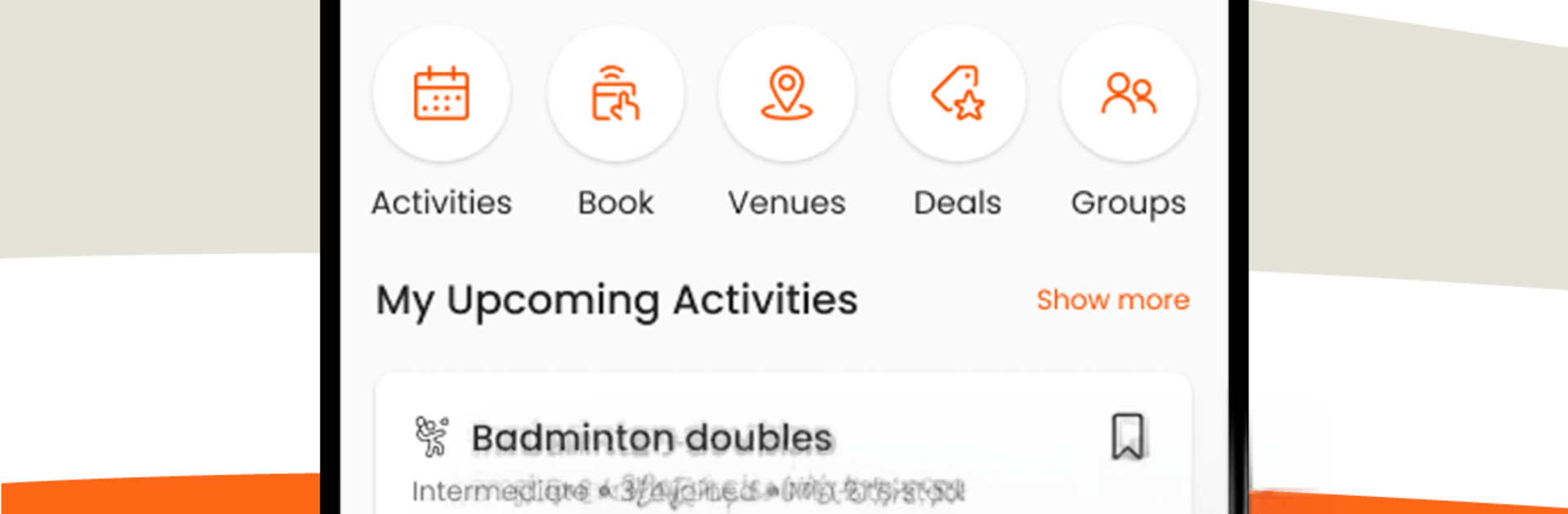
AFA: Meet People, Play Sports

AFA: Meet People, Play Sports

Sports

| Athletes For Athletes Solutions Sdn Bhd

Play on PC with BlueStacks or from our cloud

  • Overview
  • How to Download

Page Modified On: June 30, 2026

Run AFA: Meet People, Play Sports on PC or Mac

Get freedom from your phone’s obvious limitations. Use AFA: Meet People, Play Sports, made by Athletes For Athletes Solutions Sdn Bhd, a Sports app on your PC or Mac with BlueStacks, and level up your experience.

About the App

AFA: Meet People, Play Sports makes it easy to find pick‑up games, book courts, and meet folks who love the same sports you do. It’s an all‑in‑one place to organize matches, handle payments, and keep your schedule straight—so you can spend more time playing and less time chasing replies.

App Features

  • Host Your Own Games: Create an activity in minutes, invite friends, set rules, and cap the headcount. No messy group chats or spreadsheet chaos.
  • Instant Venue Booking: Browse available courts and fields, lock in a timeslot, and you’re set. No back‑and‑forth calls—just tap, confirm, play.
  • Smart RSVPs and Team Maker: Track who’s in, who’s out, and auto‑shuffle players into balanced teams when it’s go time.
  • AFA Pay Wallet: Pay securely with AFA Pay, split venue fees, and see every transaction at a glance. No more “Who still owes?” after the game.
  • Rewards That Add Up: Earn points for getting active, grab discounts on bookings, and redeem perks from partners. Playing regularly actually pays off.
  • Find Your Crew: Search nearby groups for futsal, badminton, basketball, and more. Join a community or start your own if you can’t find the perfect fit.
  • Reminders and History: Get nudges for upcoming sessions and keep a tidy record of what you’ve played and paid—helpful for regular organizers.
  • Handy on PC with BlueStacks: Prefer planning on a bigger screen and typing with a keyboard? Run the app on BlueStacks and manage games comfortably.

BlueStacks gives you the much-needed freedom to experience your favorite apps on a bigger screen. Get it now.


How to Download and Run AFA: Meet People, Play Sports on PC or Mac

  • Download and install BlueStacks on your PC or Mac

  • Complete Google sign-in to access the Play Store, or do it later

  • Look for AFA: Meet People, Play Sports in the search bar at the top right corner

  • Click to install AFA: Meet People, Play Sports from the search results

  • Complete Google sign-in (if you skipped step 2) to install AFA: Meet People, Play Sports

  • Click the AFA: Meet People, Play Sports icon on the home screen to start playing

video
Watch Video

Minimum System Requirements

With BlueStacks 5, you can get started on a PC that fulfills the following requirements.

  • Operating System

    Microsoft Windows 7 or above, macOS 11 (Big Sur) or above

  • Processor

    Intel, AMD or Apple Silicon Processor

  • RAM

    at least 4GB

  • HDD

    10GB Free Disk Space

Note:

* You must be an Administrator on your PC. Up to date graphics drivers from Microsoft or the chipset vendor.

AFA: Meet People, Play Sports - FAQs

  • How to Run AFA: Meet People, Play Sports on Windows PC & Mac?

    Run AFA: Meet People, Play Sports on your PC or Mac by following these simple steps.

    • Click on ‘Download AFA: Meet People, Play Sports on PC’ to download BlueStacks
    • Install it and log-in to Google Play Store
    • Launch and run the app.
  • Why is BlueStacks the fastest and safest platform to play games on PC?

    BlueStacks respects your privacy and is always safe and secure to use. It does not carry any malware, spyware, or any sort of additional software that could harm your PC.

    It is engineered to optimize speed and performance for a seamless gaming experience.

  • What are AFA: Meet People, Play Sports PC requirements?

    Minimum requirement to run AFA: Meet People, Play Sports on your PC

    • OS: Microsoft Windows 7 and above:
    • Processor: Intel or AMD Processor:
    • RAM: Your PC must have at least 2GB of RAM. (Note that having 2GB or more disk space is not a substitute for RAM):
    • HDD: 5GB Free Disk Space.
    • You must be an Administrator on your PC.