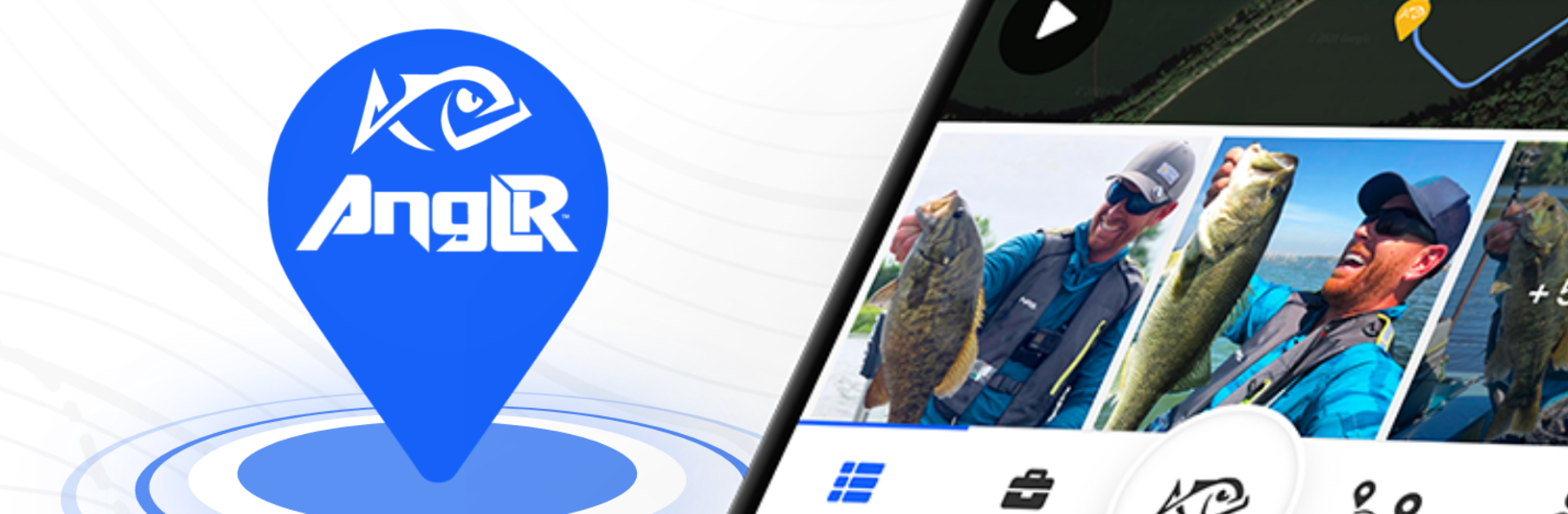
ANGLR Fishing App for Anglers

ANGLR Fishing App for Anglers

Sports

| Rough Stone Software

Play on PC with BlueStacks or from our cloud

  • Overview
  • Game Features
  • How to Play

Page Modified On: November 28, 2025

Play ANGLR Fishing App for Anglers on PC or Mac

Explore a whole new adventure with ANGLR Fishing App for Anglers, a Sports game created by Rough Stone Software. Experience great gameplay with BlueStacks, the most popular gaming platform to play Android games on your PC or Mac.

About the Game

ANGLR Fishing App for Anglers is a smart, track-everything companion for people who live to chase fish. This Sports title from Rough Stone Software turns your time on the water into useful insights—so every trip teaches you something new. Planning a bass mission at sunrise or sneaking in a kayak session after work? It quietly logs, maps, and analyzes it all.

Game Features

  • Smart Trip Planning: Check past results and conditions to choose where, when, and how to fish—powered by your own history, not guesswork.
  • Automatic Tracking: Let the app record weather and water details, GPS routes, and time on spots without stopping to scribble notes.
  • Waypoints & GPS Routes: Drop waypoints, map your path, and mark catches as you go. Edit, reorder, or delete later if plans change.
  • Private by Default: Your spots stay yours. Share specific waypoints or trips with friends only when you want to.
  • Detailed Logbook: Save photos, length, weight, lure or fly, and notes for every catch. It’s your fishing journal—organized and searchable.
  • Personal Analytics: Compare trips, catches, and tackle performance to spot patterns that actually move the needle.
  • Forecast from Your Data: See a fishing forecast informed by your own results and conditions you’ve already fished.
  • Tackle Box Insights: Build a virtual box to track which baits, colors, and setups earn their keep across seasons.
  • Relive Every Trip: Replay routes, waypoints, and stats. Even add quick video recaps for a clean trip story.
  • Gear Integrations: Go hands-free with Abu Garcia Virtual Rod, ANGLR Bullseye, or Lowrance electronics to auto-capture key moments.
  • Fish Any Style: Freshwater, saltwater, bass fishing, fly fishing, ice fishing, kayak fishing—log it all in one place.
  • Play on PC with BlueStacks: Prefer planning and reviewing on a larger screen? Run ANGLR Fishing App for Anglers with BlueStacks for roomy maps and easier trip reviews.

Make your gaming sessions memorable with precise controls that give you an edge in close combats and visuals that pop up, bringing every character to life.


Game Features

Enhancements

  • Macros
  • Multi Instance
  • Multi Instance Sync
  • Script
  • Enhancements
Macros

Macros

Automate the predictable in ANGLR Fishing App for Anglers and transform your gameplay with Macros. Get access to inventive Macros in the BlueStacks Macro Community
Multi Instance

Multi Instance

Play ANGLR Fishing App for Anglers on one window. And chat with your friend on the other. Press CTRL + Shift + 8 to open the Multi-Instance Manager. And start creating fresh instances or clone an existing one.
Multi Instance Sync

Multi Instance Sync

Play ANGLR Fishing App for Anglers with the power of Multi-Instance Sync. Replicate what you are doing on the main instance on all other instances. Level up faster, play more.
Script

Script

Script your way to gaming glory in ANGLR Fishing App for Anglers with BlueStacks Script. Write and run a set of commands to automate repeated tasks. Trigger the command by assigning it to any key.
Read More

How to Download and Play ANGLR Fishing App for Anglers on PC or Mac

  • Download and install BlueStacks on your PC or Mac

  • Complete Google sign-in to access the Play Store, or do it later

  • Look for ANGLR Fishing App for Anglers in the search bar at the top right corner

  • Click to install ANGLR Fishing App for Anglers from the search results

  • Complete Google sign-in (if you skipped step 2) to install ANGLR Fishing App for Anglers

  • Click the ANGLR Fishing App for Anglers icon on the home screen to start playing

video
Watch Video

Minimum System Requirements

With BlueStacks 5, you can get started on a PC that fulfills the following requirements.

  • Operating System

    Microsoft Windows 7 or above, macOS 11 (Big Sur) or above

  • Processor

    Intel, AMD or Apple Silicon Processor

  • RAM

    at least 4GB

  • HDD

    10GB Free Disk Space

Note:

* You must be an Administrator on your PC. Up to date graphics drivers from Microsoft or the chipset vendor.

ANGLR Fishing App for Anglers - FAQs

  • How to play ANGLR Fishing App for Anglers on Windows PC & Mac?

    Play ANGLR Fishing App for Anglers on your PC or Mac by following these simple steps.

    • Click on 'Play ANGLR Fishing App for Anglers on PC’ to download BlueStacks
    • Install it and log-in to Google Play Store
    • Launch and play the game.
  • Why is BlueStacks the fastest and safest platform to play games on PC?

    BlueStacks respects your privacy and is always safe and secure to use. It does not carry any malware, spyware, or any sort of additional software that could harm your PC.

    It is engineered to optimize speed and performance for a seamless gaming experience.

  • What are ANGLR Fishing App for Anglers PC requirements?

    Minimum requirement to run ANGLR Fishing App for Anglers on your PC

    • OS: Microsoft Windows 7 or above MacOS 11 (Big Sur) or above
    • Processor: Intel, AMD or Apple Silicon Processor
    • RAM: Your PC must have at least 4GB of RAM. (Note that having 4GB or more disk space is not a substitute for RAM)
    • HDD: 10GB Free Disk Space.
    • You must be an Administrator on your PC.