
Athletics 365
Athletics 365

Athletics 365

Sports

| England Athletics

Play on PC with BlueStacks or from our cloud

  • Overview
  • How to Download

Page Modified On: July 14, 2026

Run Athletics 365 on PC or Mac

Get freedom from your phone’s obvious limitations. Use Athletics 365, made by England Athletics, a Sports app on your PC or Mac with BlueStacks, and level up your experience.

About the Game

Athletics 365 turns track-and-field fundamentals into a hands-on Sports experience that actually grows with you. It’s built around practical challenges, quick activities, and clear guidance so young athletes can learn how to run, jump, and throw the right way—not just faster or farther, but smarter. Whether you’re a beginner, a coach planning sessions, or a parent supporting from the sidelines, everything’s organized to make progress simple and fun. Prefer playing on a bigger screen? It works great on BlueStacks too.

Game Features

  • Skill-building curriculum: Work through a structured set of challenges that teach the “how” of running, jumping, and throwing, helping players move with better technique and confidence.

  • Indoor and outdoor plans: Use ready-made training programs that fit any setup—gym, field, or backyard—so practice never has to stop.

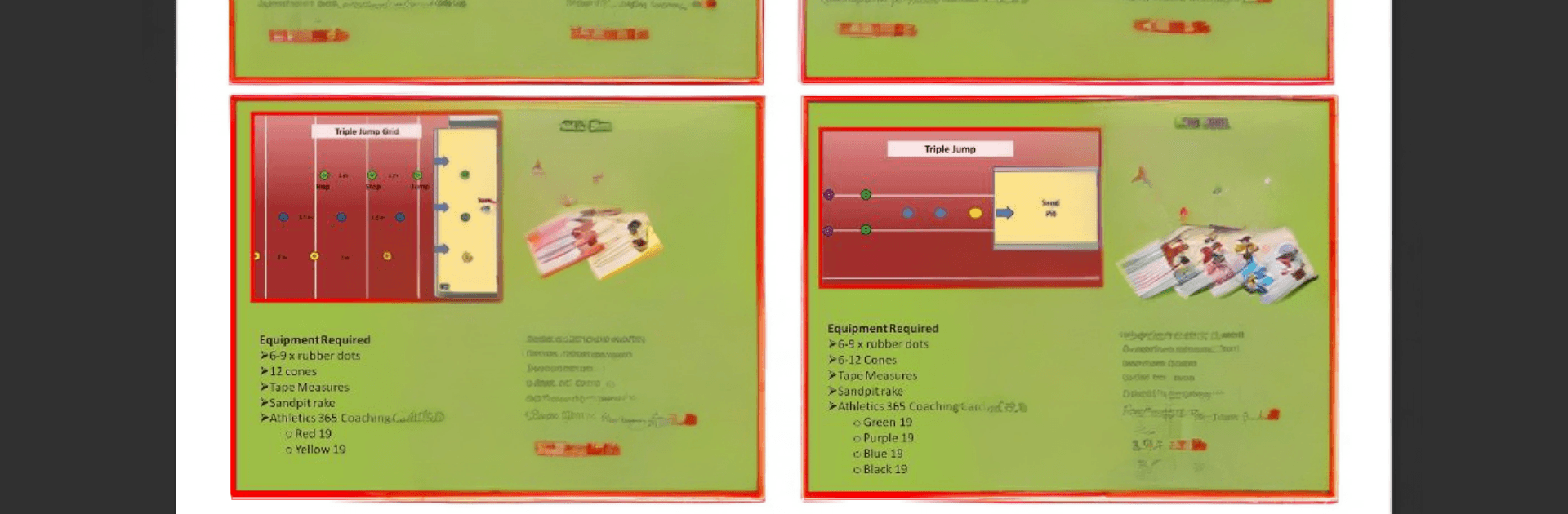
  • Coach Support Cards: Get quick, on-the-spot coaching prompts and event guides that make planning sessions easier and keeping kids engaged a breeze.

  • 50+ game ideas: Liven up practice with playful mini-games that teach real athletic skills while keeping everyone active and included.

  • Progress tracking: Record attempts, compare results, and watch improvements over time with simple tools designed for young athletes.

  • Athlete handbooks: Give players and parents easy-to-follow tips, challenges, and know-how to keep learning between sessions.

  • Club-friendly tools: Learn how to roll out the program in a club or community setting, plus guidance for running youth development competitions.

  • Fits many ages and stages: While built with 8–15-year-olds in mind, the resources adapt well for younger or more advanced athletes.

  • Optional add-ons: Some content is available via in-app purchases, so you can unlock extra resources when you’re ready.

Big screen. Bigger performance. Use BlueStacks on your PC or Mac to run your favorite apps.

How to Download and Run Athletics 365 on PC or Mac

  • Download and install BlueStacks on your PC or Mac

  • Complete Google sign-in to access the Play Store, or do it later

  • Look for Athletics 365 in the search bar at the top right corner

  • Click to install Athletics 365 from the search results

  • Complete Google sign-in (if you skipped step 2) to install Athletics 365

  • Click the Athletics 365 icon on the home screen to start playing

video
Watch Video

Minimum System Requirements

With BlueStacks 5, you can get started on a PC that fulfills the following requirements.

  • Operating System

    Microsoft Windows 7 or above, macOS 11 (Big Sur) or above

  • Processor

    Intel, AMD or Apple Silicon Processor

  • RAM

    at least 4GB

  • HDD

    10GB Free Disk Space

Note:

* You must be an Administrator on your PC. Up to date graphics drivers from Microsoft or the chipset vendor.

Athletics 365 - FAQs

  • How to Run Athletics 365 on Windows PC & Mac?

    Run Athletics 365 on your PC or Mac by following these simple steps.

    • Click on ‘Download Athletics 365 on PC’ to download BlueStacks
    • Install it and log-in to Google Play Store
    • Launch and run the app.
  • Why is BlueStacks the fastest and safest platform to play games on PC?

    BlueStacks respects your privacy and is always safe and secure to use. It does not carry any malware, spyware, or any sort of additional software that could harm your PC.

    It is engineered to optimize speed and performance for a seamless gaming experience.

  • What are Athletics 365 PC requirements?

    Minimum requirement to run Athletics 365 on your PC

    • OS: Microsoft Windows 7 and above:
    • Processor: Intel or AMD Processor:
    • RAM: Your PC must have at least 2GB of RAM. (Note that having 2GB or more disk space is not a substitute for RAM):
    • HDD: 5GB Free Disk Space.
    • You must be an Administrator on your PC.




