Baseball Legacy Manager 26

Baseball Legacy Manager 26

Sports

| Hockey Legacy Manager

Play on PC with BlueStacks or from our cloud

  • Overview
  • Game Features
  • How to Play

Page Modified On: August 03, 2026

Play Baseball Legacy Manager 26 on PC or Mac

Explore a whole new adventure with Baseball Legacy Manager 26, a Sports game created by Hockey Legacy Manager. Experience great gameplay with BlueStacks, the most popular gaming platform to play Android games on your PC or Mac.

About the Game

Baseball Legacy Manager 26 hands you the GM’s chair and lets you run a franchise your way. Scout prospects, swing trades, and shape a roster that can win now or dominate for years. It’s a deep, offline management sim that’s easy to hop into for a few minutes—or accidentally play all night. Prefer a bigger screen? It runs smoothly on BlueStacks.

Game Features

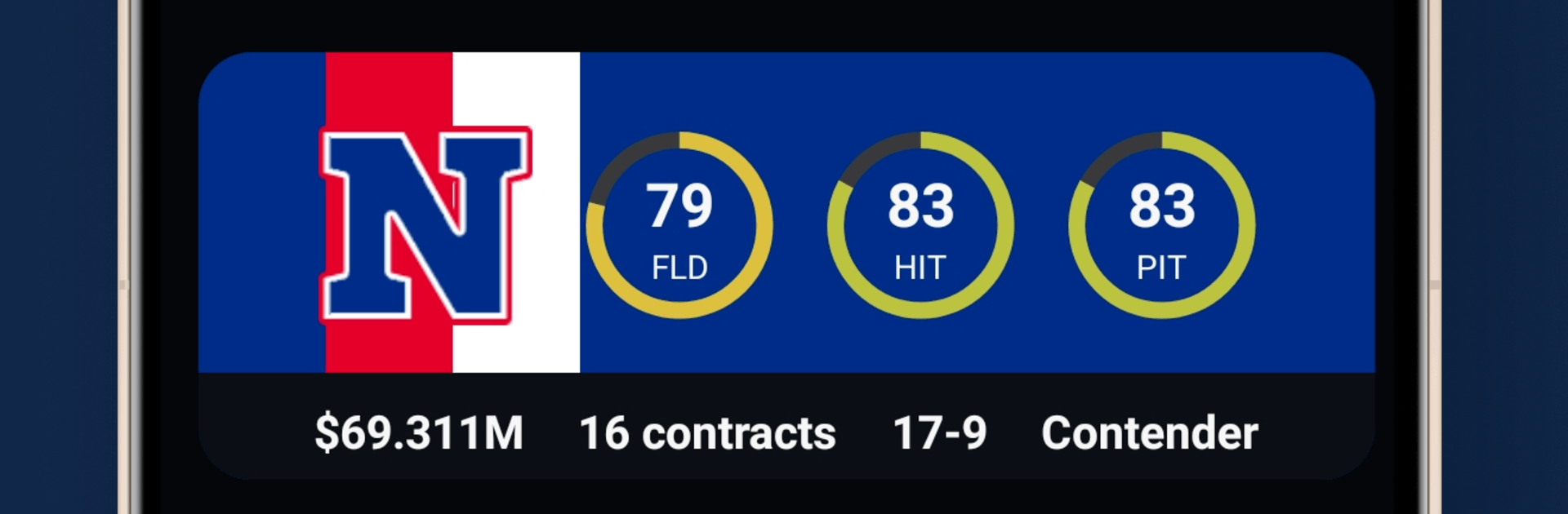
  • Total team control: Handle scouting, coaching hires, drafting, trading, and contract talks. Every decision nudges your club toward contention or a rebuild.
  • Always offline: No connection needed. Manage seasons on a commute, during breaks, or whenever the urge to tweak a lineup hits.
  • A living league history: Watch teams rise and fall, track records and draft classes, and follow the storylines that build over decades.
  • Build your own universe: Edit players, teams, coaches, and entire leagues. Create expansion drafts and steer the future of your baseball world.
  • League control tools: Tinker with rules, set trade and contract policies, plan expansions, or even switch which league you control mid-career.
  • Promotion and relegation: Design a multi-division ladder where performance actually moves clubs up or down.
  • Player specialties: Stars come with unique traits that change how you construct a roster and how games feel on the field.
  • Career Mode: Start as a rookie GM, earn your reputation, change teams when opportunity calls, and chase the challenges you care about.
  • Tryouts that matter: Invite hopefuls to camp, evaluate them up close, and decide who earns a deal before Opening Day.
  • Decades of play: Simulate far into the future—watch dynasties form, records fall, and the league evolve across generations.

Ready to top the leaderboard? We bet you do. Let precise controls and sharp visuals optimized on BlueStacks lead you to victory.


Game Features

Enhancements

  • Macros
  • Multi Instance
  • Multi Instance Sync
  • Script
  • Enhancements
Macros

Macros

Automate the predictable in Baseball Legacy Manager 26 and transform your gameplay with Macros. Get access to inventive Macros in the BlueStacks Macro Community
Multi Instance

Multi Instance

Play Baseball Legacy Manager 26 on one window. And chat with your friend on the other. Press CTRL + Shift + 8 to open the Multi-Instance Manager. And start creating fresh instances or clone an existing one.
Multi Instance Sync

Multi Instance Sync

Play Baseball Legacy Manager 26 with the power of Multi-Instance Sync. Replicate what you are doing on the main instance on all other instances. Level up faster, play more.
Script

Script

Script your way to gaming glory in Baseball Legacy Manager 26 with BlueStacks Script. Write and run a set of commands to automate repeated tasks. Trigger the command by assigning it to any key.
Read More

How to Download and Play Baseball Legacy Manager 26 on PC or Mac

  • Download and install BlueStacks on your PC or Mac

  • Complete Google sign-in to access the Play Store, or do it later

  • Look for Baseball Legacy Manager 26 in the search bar at the top right corner

  • Click to install Baseball Legacy Manager 26 from the search results

  • Complete Google sign-in (if you skipped step 2) to install Baseball Legacy Manager 26

  • Click the Baseball Legacy Manager 26 icon on the home screen to start playing

video
Watch Video

Minimum System Requirements

With BlueStacks 5, you can get started on a PC that fulfills the following requirements.

  • Operating System

    Microsoft Windows 7 or above, macOS 11 (Big Sur) or above

  • Processor

    Intel, AMD or Apple Silicon Processor

  • RAM

    at least 4GB

  • HDD

    10GB Free Disk Space

Note:

* You must be an Administrator on your PC. Up to date graphics drivers from Microsoft or the chipset vendor.

Baseball Legacy Manager 26 - FAQs

  • How to play Baseball Legacy Manager 26 on Windows PC & Mac?

    Play Baseball Legacy Manager 26 on your PC or Mac by following these simple steps.

    • Click on 'Play Baseball Legacy Manager 26 on PC’ to download BlueStacks
    • Install it and log-in to Google Play Store
    • Launch and play the game.
  • Why is BlueStacks the fastest and safest platform to play games on PC?

    BlueStacks respects your privacy and is always safe and secure to use. It does not carry any malware, spyware, or any sort of additional software that could harm your PC.

    It is engineered to optimize speed and performance for a seamless gaming experience.

  • What are Baseball Legacy Manager 26 PC requirements?

    Minimum requirement to run Baseball Legacy Manager 26 on your PC

    • OS: Microsoft Windows 7 or above MacOS 11 (Big Sur) or above
    • Processor: Intel, AMD or Apple Silicon Processor
    • RAM: Your PC must have at least 4GB of RAM. (Note that having 4GB or more disk space is not a substitute for RAM)
    • HDD: 10GB Free Disk Space.
    • You must be an Administrator on your PC.