
CricFy TV : Live Cricket TV

CricFy TV : Live Cricket TV

Sports

| MONDESIR GRAPHIQUE

Play on PC with BlueStacks or from our cloud

  • Overview
  • How to Download

Page Modified On: May 12, 2026

Run CricFy TV : Live Cricket TV on PC or Mac

Get freedom from your phone’s obvious limitations. Use CricFy TV : Live Cricket TV, made by MONDESIR GRAPHIQUE, a sports app on your PC or Mac with BlueStacks, and level up your experience.

About the App

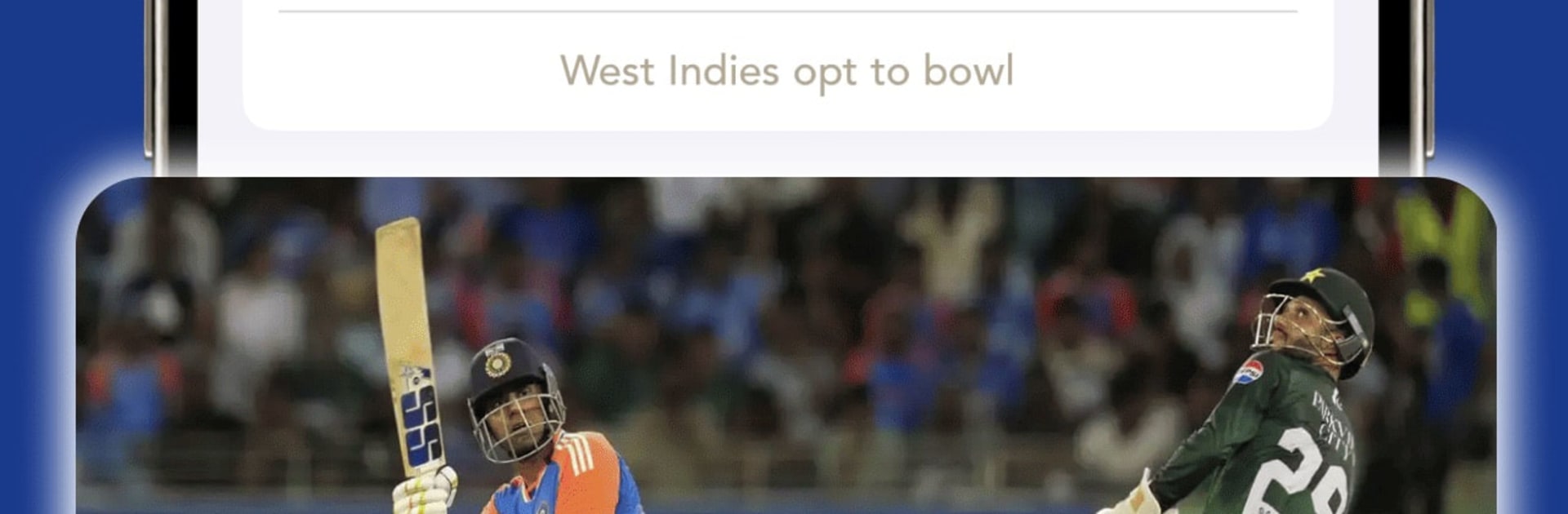
CricFy TV : Live Cricket TV keeps you locked into the action, whether you’re sneaking in a quick glance at work or following every delivery on the weekend. Built for fans who want the essentials fast, it brings real-time scores, crisp scorecards, and the latest headlines together in one place. Expect smooth updates across IPL, World Cup, T20s, ODIs, Tests, and international tours—no fluff, just the good stuff from MONDESIR GRAPHIQUE’s Sports title.

App Features

  • Live scores, fast – See the score change as it happens with quick, reliable updates you don’t have to babysit.
  • Ball-by-ball details – Track every delivery with runs, wickets, partnerships, and run rate for a clear picture of momentum.
  • Full scorecards & stats – Dive into batting and bowling numbers, player contributions, and match summaries when you want the deeper view.
  • Completed and upcoming matches – Catch up on results and check what’s next with handy fixtures across formats and tournaments.
  • Series and leagues hub – Browse all the big names in one spot: IPL, PSL, BBL, CPL, World Cup events, international tours, and more.
  • Cricket news & analysis – Read fresh stories, previews, post-match wrap-ups, breaking updates, and thoughtful takes that add context to the scoreboard.
  • ICC rankings, updated – Men’s and Women’s tables for batters, bowlers, all-rounders, and teams, organized and easy to scan.
  • Clean, quick interface – A clutter-free layout that gets you to scores, schedules, and rankings without the tap maze.
  • Desktop-friendly option – Prefer a bigger screen? Run it on BlueStacks to keep live scores and fixtures handy while you multitask.

BlueStacks brings your apps to life on a bigger screen—seamless and straightforward.

How to Download and Run CricFy TV : Live Cricket TV on PC or Mac

  • Download and install BlueStacks on your PC or Mac

  • Complete Google sign-in to access the Play Store, or do it later

  • Look for CricFy TV : Live Cricket TV in the search bar at the top right corner

  • Click to install CricFy TV : Live Cricket TV from the search results

  • Complete Google sign-in (if you skipped step 2) to install CricFy TV : Live Cricket TV

  • Click the CricFy TV : Live Cricket TV icon on the home screen to start playing

video
Watch Video

Minimum System Requirements

With BlueStacks 5, you can get started on a PC that fulfills the following requirements.

  • Operating System

    Microsoft Windows 7 or above, macOS 11 (Big Sur) or above

  • Processor

    Intel, AMD or Apple Silicon Processor

  • RAM

    at least 4GB

  • HDD

    10GB Free Disk Space

Note:

* You must be an Administrator on your PC. Up to date graphics drivers from Microsoft or the chipset vendor.

CricFy TV : Live Cricket TV - FAQs

  • How to Run CricFy TV : Live Cricket TV on Windows PC & Mac?

    Run CricFy TV : Live Cricket TV on your PC or Mac by following these simple steps.

    • Click on ‘Download CricFy TV : Live Cricket TV on PC’ to download BlueStacks
    • Install it and log-in to Google Play Store
    • Launch and run the app.
  • Why is BlueStacks the fastest and safest platform to play games on PC?

    BlueStacks respects your privacy and is always safe and secure to use. It does not carry any malware, spyware, or any sort of additional software that could harm your PC.

    It is engineered to optimize speed and performance for a seamless gaming experience.

  • What are CricFy TV : Live Cricket TV PC requirements?

    Minimum requirement to run CricFy TV : Live Cricket TV on your PC

    • OS: Microsoft Windows 7 and above:
    • Processor: Intel or AMD Processor:
    • RAM: Your PC must have at least 2GB of RAM. (Note that having 2GB or more disk space is not a substitute for RAM):
    • HDD: 5GB Free Disk Space.
    • You must be an Administrator on your PC.





