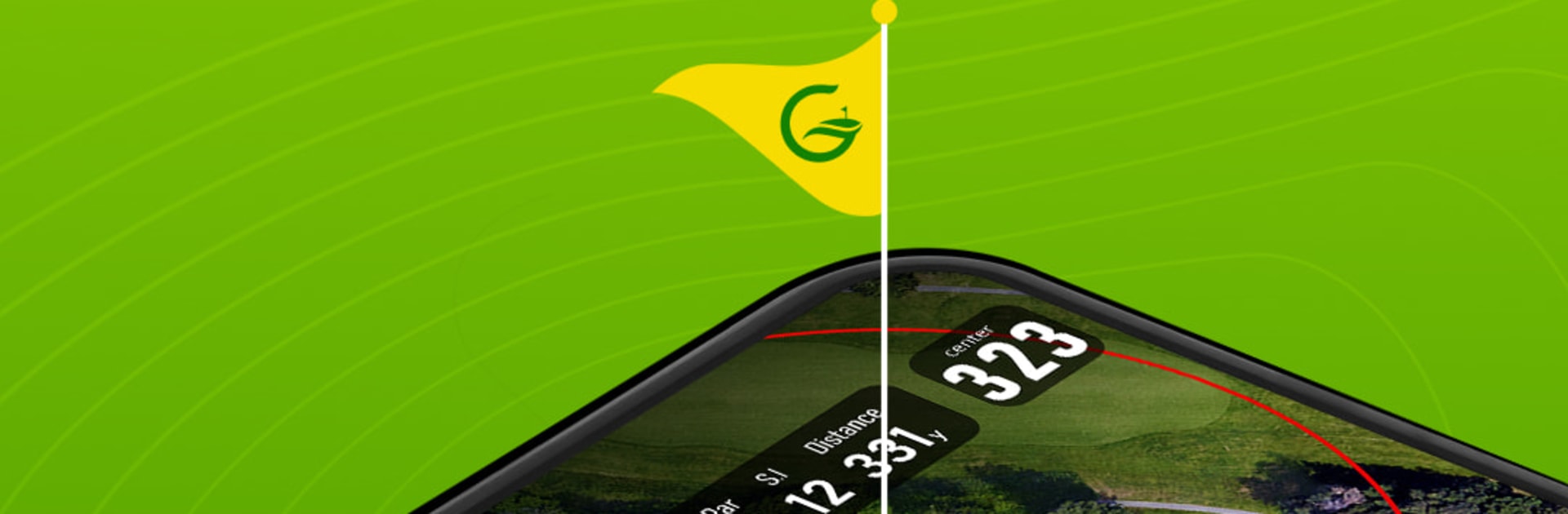
EasyGolf: Golf GPS & Scorecard

EasyGolf: Golf GPS & Scorecard

Sports

| MINH UNITED TECHNOLOGY INC

Play on PC with BlueStacks or from our cloud

  • Overview
  • Game Features
  • How to Play

Page Modified On: November 10, 2025

Play EasyGolf: Golf GPS & Scorecard on PC or Mac

Step into the World of EasyGolf: Golf GPS & Scorecard, a thrilling Sports game from the house of MINH UNITED TECHNOLOGY INC. Play this Android game on BlueStacks App Player and experience immersive gaming on PC or Mac.

EasyGolf is basically a smart caddie on the phone that does not get in the way. It shows clean, quick yardages to the front, back, and center of the green, plus hazards and layup spots, and it works on a huge list of courses worldwide. No fiddling with course downloads or extra gear, it pulls data from maps and GPS and lets players tap around to see distances to any point. Shot tracking is simple, so a player can see how far that last drive really went without guessing. It also has live leaderboards, which makes casual rounds with friends feel a little more organized and competitive.

The scorecard is digital and always there, so entering a number for any hole takes a second, and the round history sticks around forever for stats nerds who want trends. Handicap tools follow the modern rules, and there is a quick way to get course and playing handicaps for a group. There is a social side too, with a feed for swing clips and a chat that actually makes it easy to keep up with golf buddies. If someone wears a Wear OS watch, distances and score entry show up on the wrist and the phone can stay in the pocket. Running it on BlueStacks on PC is handy for planning a weekend round, checking stats, setting up groups, and typing in notes without pecking at a tiny keyboard. The whole thing feels straightforward, accurate, and way cheaper than buying another rangefinder or bulky GPS device.

Get ready for a buttery smooth, high-performance gaming action only on BlueStacks.

Game Features

Enhancements

  • Macros
  • Multi Instance
  • Multi Instance Sync
  • Script
  • Enhancements
Macros

Macros

Automate the predictable in EasyGolf: Golf GPS & Scorecard and transform your gameplay with Macros. Get access to inventive Macros in the BlueStacks Macro Community
Multi Instance

Multi Instance

Play EasyGolf: Golf GPS & Scorecard on one window. And chat with your friend on the other. Press CTRL + Shift + 8 to open the Multi-Instance Manager. And start creating fresh instances or clone an existing one.
Multi Instance Sync

Multi Instance Sync

Play EasyGolf: Golf GPS & Scorecard with the power of Multi-Instance Sync. Replicate what you are doing on the main instance on all other instances. Level up faster, play more.
Script

Script

Script your way to gaming glory in EasyGolf: Golf GPS & Scorecard with BlueStacks Script. Write and run a set of commands to automate repeated tasks. Trigger the command by assigning it to any key.
Read More

How to Download and Play EasyGolf: Golf GPS & Scorecard on PC or Mac

  • Download and install BlueStacks on your PC or Mac

  • Complete Google sign-in to access the Play Store, or do it later

  • Look for EasyGolf: Golf GPS & Scorecard in the search bar at the top right corner

  • Click to install EasyGolf: Golf GPS & Scorecard from the search results

  • Complete Google sign-in (if you skipped step 2) to install EasyGolf: Golf GPS & Scorecard

  • Click the EasyGolf: Golf GPS & Scorecard icon on the home screen to start playing

video
Watch Video

Minimum System Requirements

With BlueStacks 5, you can get started on a PC that fulfills the following requirements.

  • Operating System

    Microsoft Windows 7 or above, macOS 11 (Big Sur) or above

  • Processor

    Intel, AMD or Apple Silicon Processor

  • RAM

    at least 4GB

  • HDD

    10GB Free Disk Space

Note:

* You must be an Administrator on your PC. Up to date graphics drivers from Microsoft or the chipset vendor.

EasyGolf: Golf GPS & Scorecard - FAQs

  • How to play EasyGolf: Golf GPS & Scorecard on Windows PC & Mac?

    Play EasyGolf: Golf GPS & Scorecard on your PC or Mac by following these simple steps.

    • Click on 'Play EasyGolf: Golf GPS & Scorecard on PC’ to download BlueStacks
    • Install it and log-in to Google Play Store
    • Launch and play the game.
  • Why is BlueStacks the fastest and safest platform to play games on PC?

    BlueStacks respects your privacy and is always safe and secure to use. It does not carry any malware, spyware, or any sort of additional software that could harm your PC.

    It is engineered to optimize speed and performance for a seamless gaming experience.

  • What are EasyGolf: Golf GPS & Scorecard PC requirements?

    Minimum requirement to run EasyGolf: Golf GPS & Scorecard on your PC

    • OS: Microsoft Windows 7 or above MacOS 11 (Big Sur) or above
    • Processor: Intel, AMD or Apple Silicon Processor
    • RAM: Your PC must have at least 4GB of RAM. (Note that having 4GB or more disk space is not a substitute for RAM)
    • HDD: 10GB Free Disk Space.
    • You must be an Administrator on your PC.