FAZUA
FAZUA

FAZUA

Sports

| Porsche eBike Performance GmbH

Play on PC with BlueStacks or from our cloud

  • Overview
  • How to Download

Page Modified On: August 03, 2026

Run FAZUA on PC or Mac

Let BlueStacks turn your PC, Mac, or laptop into the perfect home for FAZUA, a fun Sports app from Porsche eBike Performance GmbH.

About the App
FAZUA is your e‑bike’s co-pilot, built for riders who want a clear view of what’s happening on the road or trail and the freedom to tune how the motor helps. It brings a clean, real‑time dashboard together with smart customization so every ride—quick commute or long climb—feels dialed in. It sits in the Sports category, but it’s really about making everyday rides smoother and more personal.

App Features
– Live Rider Dashboard: See what matters while you roll—motor output, your own power, battery level, speed, and cadence—all updating in real time.
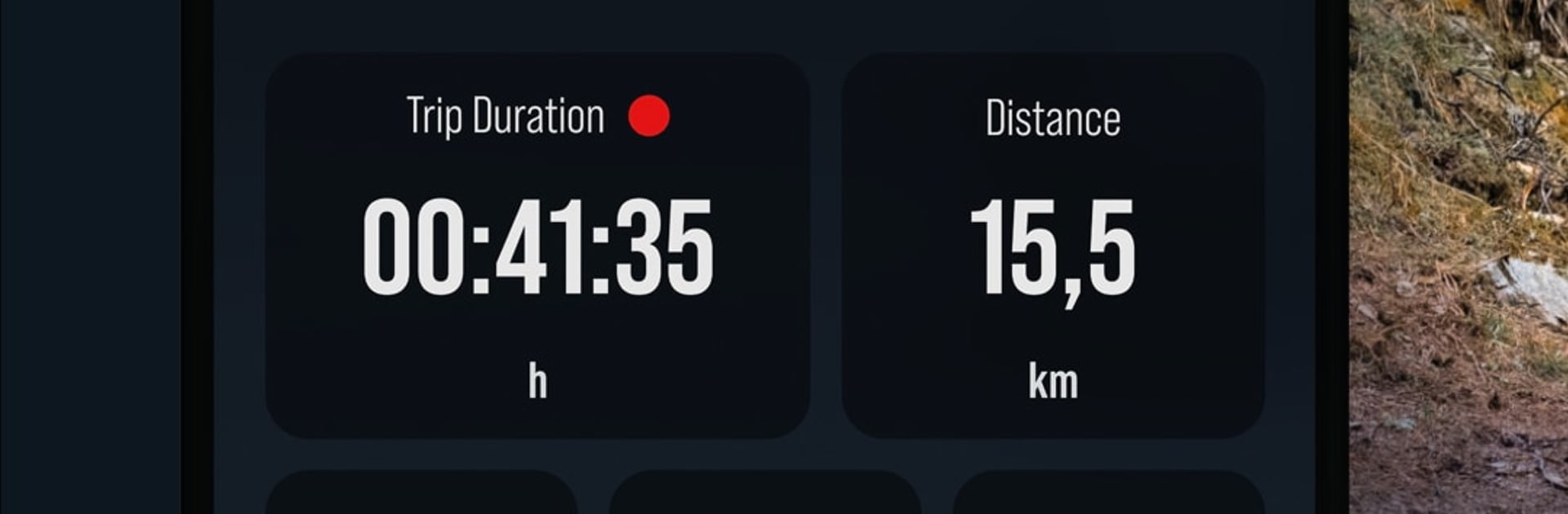
– Optional Ride Logging: Want the numbers? Choose to track distance, ride duration, calories, and average speed so you can review how it went afterward.
– Customizer Setup: Tell the app a bit about your fitness and where you ride, and it’ll shape the three assist modes—Breeze, River, and Rocket—to match your style.
– Multiple Profiles: Save as many assist profiles as you like, each with its own title, description, and photo, so switching between commute and trail setups is effortless.
– Precision Tuning: Know exactly how you like support to feel? Go in and fine‑tune each parameter anytime for a truly tailored setup.
– Profile Store: Explore public profiles for fresh ideas and grab curated options designed for different riding scenarios.
– Quick Access Anywhere: All your profiles live in the FAZUA app, ready to pick before your next ride.
– Bigger-Screen Planning: Prefer tweaking settings on your computer? You can run FAZUA with BlueStacks and manage profiles on a larger display.

BlueStacks brings your apps to life on a bigger screen—seamless and straightforward.

How to Download and Run FAZUA on PC or Mac

  • Download and install BlueStacks on your PC or Mac

  • Complete Google sign-in to access the Play Store, or do it later

  • Look for FAZUA in the search bar at the top right corner

  • Click to install FAZUA from the search results

  • Complete Google sign-in (if you skipped step 2) to install FAZUA

  • Click the FAZUA icon on the home screen to start playing

video
Watch Video

Minimum System Requirements

With BlueStacks 5, you can get started on a PC that fulfills the following requirements.

  • Operating System

    Microsoft Windows 7 or above, macOS 11 (Big Sur) or above

  • Processor

    Intel, AMD or Apple Silicon Processor

  • RAM

    at least 4GB

  • HDD

    10GB Free Disk Space

Note:

* You must be an Administrator on your PC. Up to date graphics drivers from Microsoft or the chipset vendor.

FAZUA - FAQs

  • How to Run FAZUA on Windows PC & Mac?

    Run FAZUA on your PC or Mac by following these simple steps.

    • Click on ‘Download FAZUA on PC’ to download BlueStacks
    • Install it and log-in to Google Play Store
    • Launch and run the app.
  • Why is BlueStacks the fastest and safest platform to play games on PC?

    BlueStacks respects your privacy and is always safe and secure to use. It does not carry any malware, spyware, or any sort of additional software that could harm your PC.

    It is engineered to optimize speed and performance for a seamless gaming experience.

  • What are FAZUA PC requirements?

    Minimum requirement to run FAZUA on your PC

    • OS: Microsoft Windows 7 and above:
    • Processor: Intel or AMD Processor:
    • RAM: Your PC must have at least 2GB of RAM. (Note that having 2GB or more disk space is not a substitute for RAM):
    • HDD: 5GB Free Disk Space.
    • You must be an Administrator on your PC.