
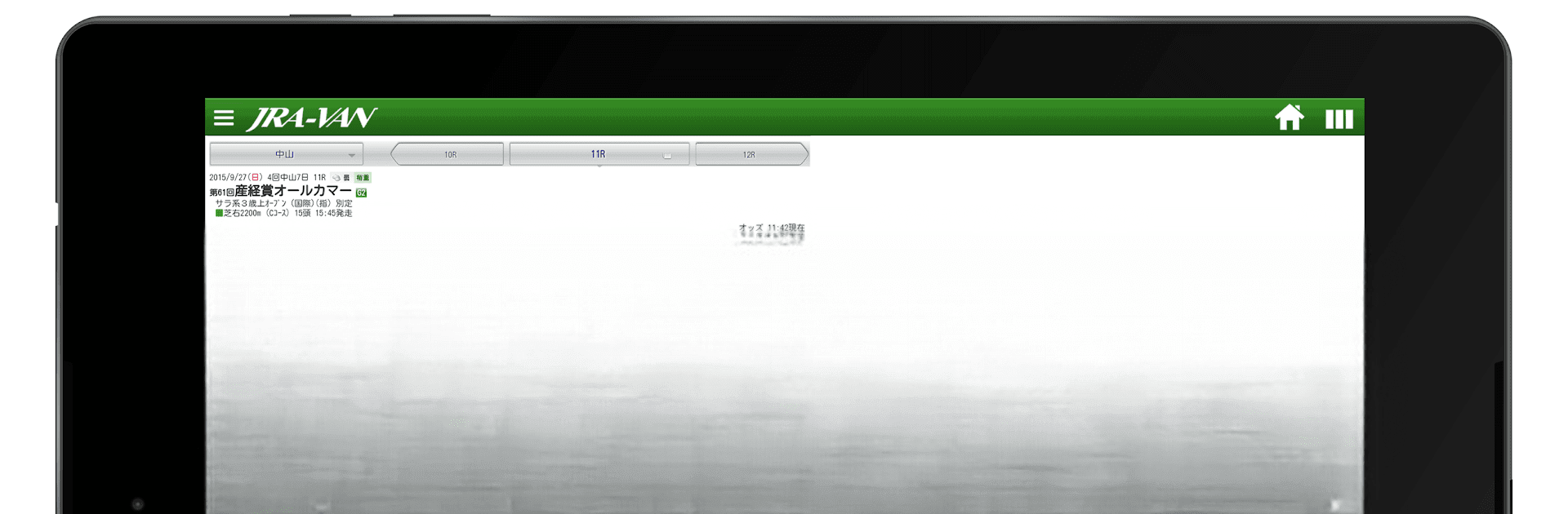
JRA-VAN競馬情報・競馬予想/競馬
JRA-VAN競馬情報・競馬予想/競馬

JRA-VAN競馬情報・競馬予想/競馬

Sports

| JRA SYSTEM SERVICE CO.,LTD.

Play on PC with BlueStacks or from our cloud

  • Overview
  • Game Features
  • How to Play

Page Modified On: January 10, 2026

Play JRA-VAN競馬情報・競馬予想/競馬 on PC or Mac

Bring your A-game to JRA-VAN競馬情報・競馬予想/競馬, the Sports game sensation from JRA SYSTEM SERVICE CO.,LTD.. Give your gameplay the much-needed boost with precise game controls, high FPS graphics, and top-tier features on your PC or Mac with BlueStacks.

About the Game

JRA-VAN競馬情報・競馬予想/競馬 brings the world of Japanese horse racing to your phone with the kind of detail serious fans crave. It blends official JRA data, sharp analytics, and rich video so you can research, predict, and follow races without hopping between apps. It’s a Sports title from JRA SYSTEM SERVICE CO.,LTD., built for people who like their picks backed by facts, not guesswork.

Game Features

  • Real-time board
  • Watch odds update live, catch breaking news via push notifications, and see results and times as soon as they’re posted on race day.

  • Official JRA data, all in one place

  • Explore trends by course, frame order, jockey, sire, previous race, running style, and even popularity to spot patterns others might miss.

  • AI-backed predictions

  • Get data-mining insights that surface likely contenders and supporting stats, perfect for sanity-checking your gut feeling.

  • Video you actually use

  • Stream race replays, paddock footage, training clips, and patrol videos, plus multi-camera views to study form from every angle.

  • Training and form checks

  • Compare training times across horses and sessions to see who’s sharp heading into the weekend.

  • Favorites and alerts

  • Follow your favorite horses and get notified when entries are confirmed, so you’re ready the moment markets move.

  • Ticket purchasing integrations

  • Link with JRA online voting (Immediate PAT/A-PAT) and UMACA Smart to place bets smoothly, including WIN5 when you’re feeling bold.

  • WIN5 tracking

  • Check results quickly and keep tabs on how your long shots and anchors performed.

  • PC collaboration

  • Sync with JRA-VAN Next on PC to carry over notes and track income and expenses without retyping a thing.

  • Central and local coverage

  • Keep an eye on both central and local racing calendars and odds in one unified hub.

  • Easy on PC with BlueStacks

  • Prefer a bigger screen? Run the app on your computer with BlueStacks for roomier charts and effortless video review.

Start your journey now. Download the game on BlueStacks, invite your friends, and march on a new adventure.


Game Features

Enhancements

  • Macros
  • Multi Instance
  • Multi Instance Sync
  • Script
  • Enhancements
Macros

Macros

Automate the predictable in JRA-VAN競馬情報・競馬予想/競馬 and transform your gameplay with Macros. Get access to inventive Macros in the BlueStacks Macro Community
Multi Instance

Multi Instance

Play JRA-VAN競馬情報・競馬予想/競馬 on one window. And chat with your friend on the other. Press CTRL + Shift + 8 to open the Multi-Instance Manager. And start creating fresh instances or clone an existing one.
Multi Instance Sync

Multi Instance Sync

Play JRA-VAN競馬情報・競馬予想/競馬 with the power of Multi-Instance Sync. Replicate what you are doing on the main instance on all other instances. Level up faster, play more.
Script

Script

Script your way to gaming glory in JRA-VAN競馬情報・競馬予想/競馬 with BlueStacks Script. Write and run a set of commands to automate repeated tasks. Trigger the command by assigning it to any key.
Read More

How to Download and Play JRA-VAN競馬情報・競馬予想/競馬 on PC or Mac

  • Download and install BlueStacks on your PC or Mac

  • Complete Google sign-in to access the Play Store, or do it later

  • Look for JRA-VAN競馬情報・競馬予想/競馬 in the search bar at the top right corner

  • Click to install JRA-VAN競馬情報・競馬予想/競馬 from the search results

  • Complete Google sign-in (if you skipped step 2) to install JRA-VAN競馬情報・競馬予想/競馬

  • Click the JRA-VAN競馬情報・競馬予想/競馬 icon on the home screen to start playing

video
Watch Video

Minimum System Requirements

With BlueStacks 5, you can get started on a PC that fulfills the following requirements.

  • Operating System

    Microsoft Windows 7 or above, macOS 11 (Big Sur) or above

  • Processor

    Intel, AMD or Apple Silicon Processor

  • RAM

    at least 4GB

  • HDD

    10GB Free Disk Space

Note:

* You must be an Administrator on your PC. Up to date graphics drivers from Microsoft or the chipset vendor.

JRA-VAN競馬情報・競馬予想/競馬 - FAQs

  • How to play JRA-VAN競馬情報・競馬予想/競馬 on Windows PC & Mac?

    Play JRA-VAN競馬情報・競馬予想/競馬 on your PC or Mac by following these simple steps.

    • Click on 'Play JRA-VAN競馬情報・競馬予想/競馬 on PC’ to download BlueStacks
    • Install it and log-in to Google Play Store
    • Launch and play the game.
  • Why is BlueStacks the fastest and safest platform to play games on PC?

    BlueStacks respects your privacy and is always safe and secure to use. It does not carry any malware, spyware, or any sort of additional software that could harm your PC.

    It is engineered to optimize speed and performance for a seamless gaming experience.

  • What are JRA-VAN競馬情報・競馬予想/競馬 PC requirements?

    Minimum requirement to run JRA-VAN競馬情報・競馬予想/競馬 on your PC

    • OS: Microsoft Windows 7 or above MacOS 11 (Big Sur) or above
    • Processor: Intel, AMD or Apple Silicon Processor
    • RAM: Your PC must have at least 4GB of RAM. (Note that having 4GB or more disk space is not a substitute for RAM)
    • HDD: 10GB Free Disk Space.
    • You must be an Administrator on your PC.







