



Get freedom from your phone’s obvious limitations. Use Krira TV : Live Sports, made by REGULEX LTD, a Sports app on your PC or Mac with BlueStacks, and level up your experience.
About the App
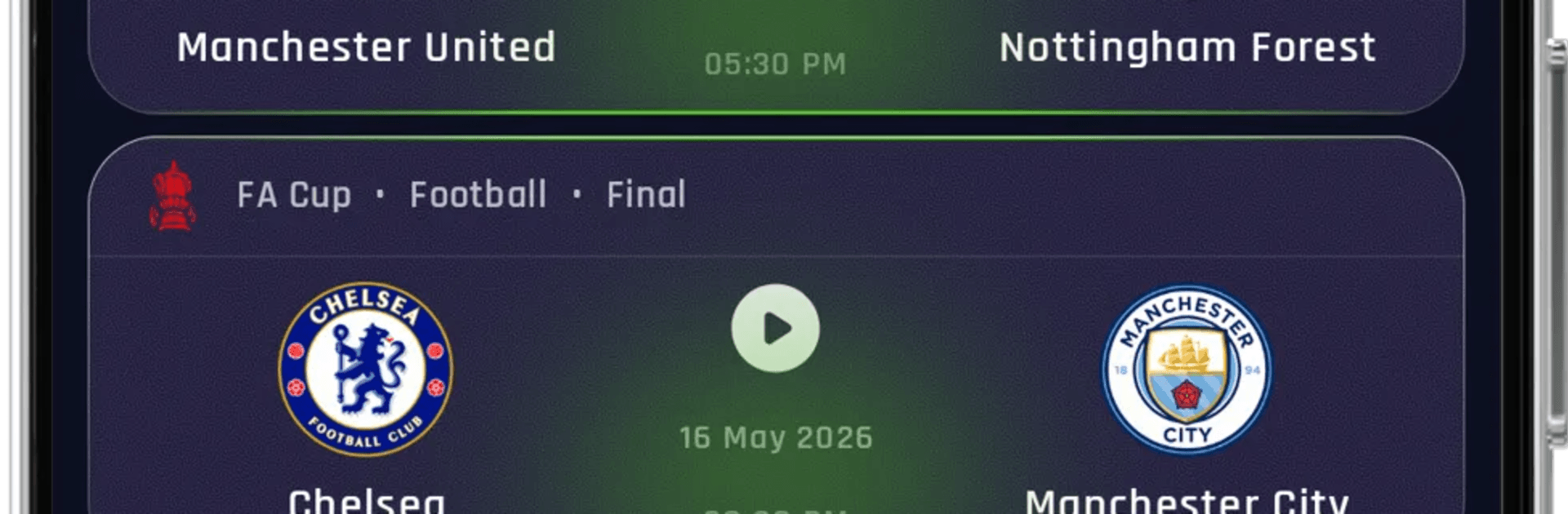
Krira TV : Live Sports keeps all your sports streams in one clean, easy-to-use place. Bring in your own sources, browse what’s on, and jump straight to the match without digging through a dozen menus. It’s built for the way fans really watch—quick, flexible, and always ready for the next kickoff or first ball.
Prefer a bigger screen? You can run Krira TV : Live Sports on your PC with BlueStacks for a comfy, desktop viewing setup.
App Features
- Central sports hub: Organize live cricket, football, and other sports streams in one spot so you’re not hunting for links.
- Multiple playlist options: Add M3U links, import local M3U files, or sign in with Xtream Codes to load your channels.
- Live TV, VOD, and series: Explore live channels, on-demand movies, and shows when your playlist includes them.
- Fast, universal search: Find channels, teams, matches, movies, or episodes with a single search bar.
- Favorites and continue watching: Save go-to channels and pick up unfinished videos without scrolling.
- EPG and catch-up: Check program guides and replay supported broadcasts when your source provides that data.
- Multiscreen viewing: Watch more than one stream at once on supported sessions—great for busy match days.
- Flexible player choice: Use the built-in player or switch to your preferred external player anytime.
- Playback controls: Tweak buffering, auto-reconnect, and custom headers to smooth out tricky streams.
- Parental controls: Lock channels or whole categories to keep viewing family-friendly.
- Content clarity: The app doesn’t host or broadcast media. Availability depends on your playlists and licensed sources.
Big screen. Bigger performance. Use BlueStacks on your PC or Mac to run your favorite apps.





