
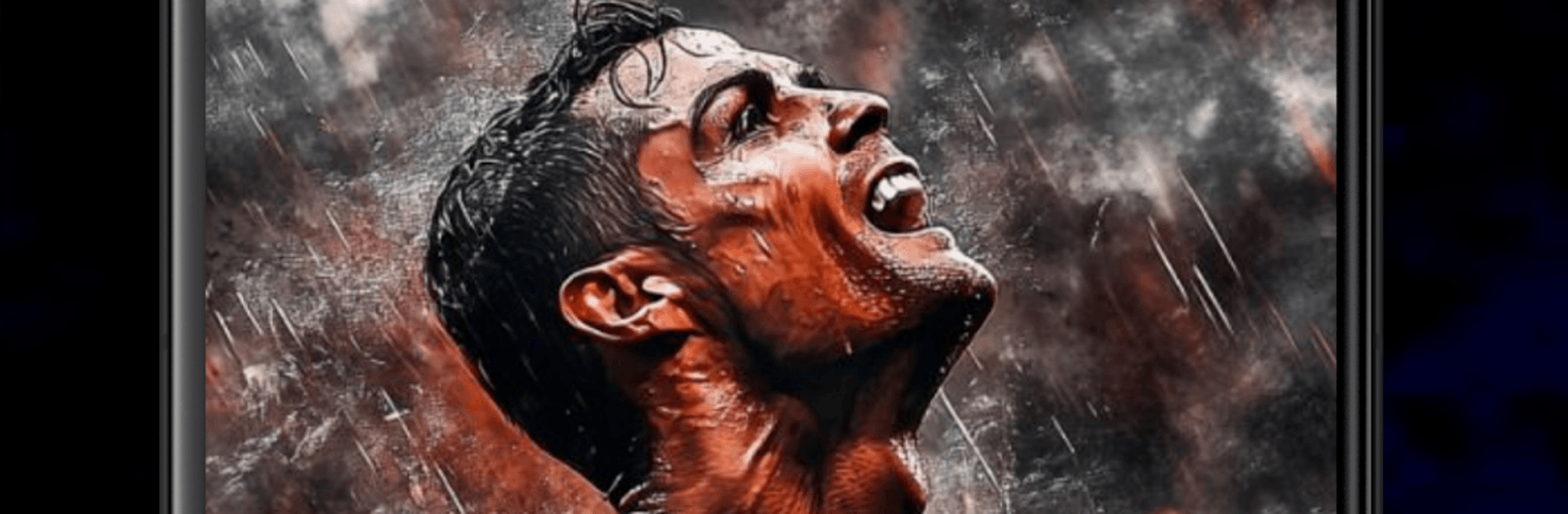
Live Football TV HD 2026

Live Football TV HD 2026

Sports

| Hashimi Apps Lab

Play on PC with BlueStacks or from our cloud

  • Overview
  • How to Download

Page Modified On: June 26, 2026

Run Live Football TV HD 2026 on PC or Mac

Multitask effortlessly on your PC or Mac as you try out Live Football TV HD Streaming, a Sports app by AppZonee on BlueStacks.

About the App

Live Football TV HD 2026 puts the matchday buzz right in your hands. Watch games live in HD, follow the score as it happens, and keep tabs on the world’s biggest soccer tournaments in one place. Whether you’re sneaking in a midweek fixture on your phone or kicking back at home, it’s built for quick, no-fuss viewing.

App Features

  • HD Live Matches: Catch the action in crisp, high‑definition streams so every pass, tackle, and goal looks sharp.
  • Real-Time Scores & Updates: Can’t watch at the moment? Track live scores and key moments so you always know what’s happening.
  • All the Big Competitions: Follow top leagues and tournaments throughout the season, including the English Premier League, LaLiga, Serie A, Ligue 1, Bundesliga, UEFA Champions League, UEFA Europa League, UEFA Europa Conference League, UEFA Nations League, FIFA World Cup, Saudi Pro League, and Primeira Liga.
  • Simple, Snappy Interface: Jump into a live game or score feed fast. The layout stays clean, so you spend less time tapping and more time watching.
  • Built for Fans on the Move: Stream from wherever you are and switch seamlessly between live matches and score tracking when you’re short on time.
  • Bigger Screen Option: Prefer the big view? Run the app on your PC with BlueStacks and keep the match front and center while you multitask.

Switch to BlueStacks and make the most of your apps on your PC or Mac.

How to Download and Run Live Football TV HD 2026 on PC or Mac

  • Download and install BlueStacks on your PC or Mac

  • Complete Google sign-in to access the Play Store, or do it later

  • Look for Live Football TV HD 2026 in the search bar at the top right corner

  • Click to install Live Football TV HD 2026 from the search results

  • Complete Google sign-in (if you skipped step 2) to install Live Football TV HD 2026

  • Click the Live Football TV HD 2026 icon on the home screen to start playing

video
Watch Video

Minimum System Requirements

With BlueStacks 5, you can get started on a PC that fulfills the following requirements.

  • Operating System

    Microsoft Windows 7 or above, macOS 11 (Big Sur) or above

  • Processor

    Intel, AMD or Apple Silicon Processor

  • RAM

    at least 4GB

  • HDD

    10GB Free Disk Space

Note:

* You must be an Administrator on your PC. Up to date graphics drivers from Microsoft or the chipset vendor.

Live Football TV HD 2026 - FAQs

  • How to Run Live Football TV HD 2026 on Windows PC & Mac?

    Run Live Football TV HD 2026 on your PC or Mac by following these simple steps.

    • Click on ‘Download Live Football TV HD 2026 on PC’ to download BlueStacks
    • Install it and log-in to Google Play Store
    • Launch and run the app.
  • Why is BlueStacks the fastest and safest platform to play games on PC?

    BlueStacks respects your privacy and is always safe and secure to use. It does not carry any malware, spyware, or any sort of additional software that could harm your PC.

    It is engineered to optimize speed and performance for a seamless gaming experience.

  • What are Live Football TV HD 2026 PC requirements?

    Minimum requirement to run Live Football TV HD 2026 on your PC

    • OS: Microsoft Windows 7 and above:
    • Processor: Intel or AMD Processor:
    • RAM: Your PC must have at least 2GB of RAM. (Note that having 2GB or more disk space is not a substitute for RAM):
    • HDD: 5GB Free Disk Space.
    • You must be an Administrator on your PC.




