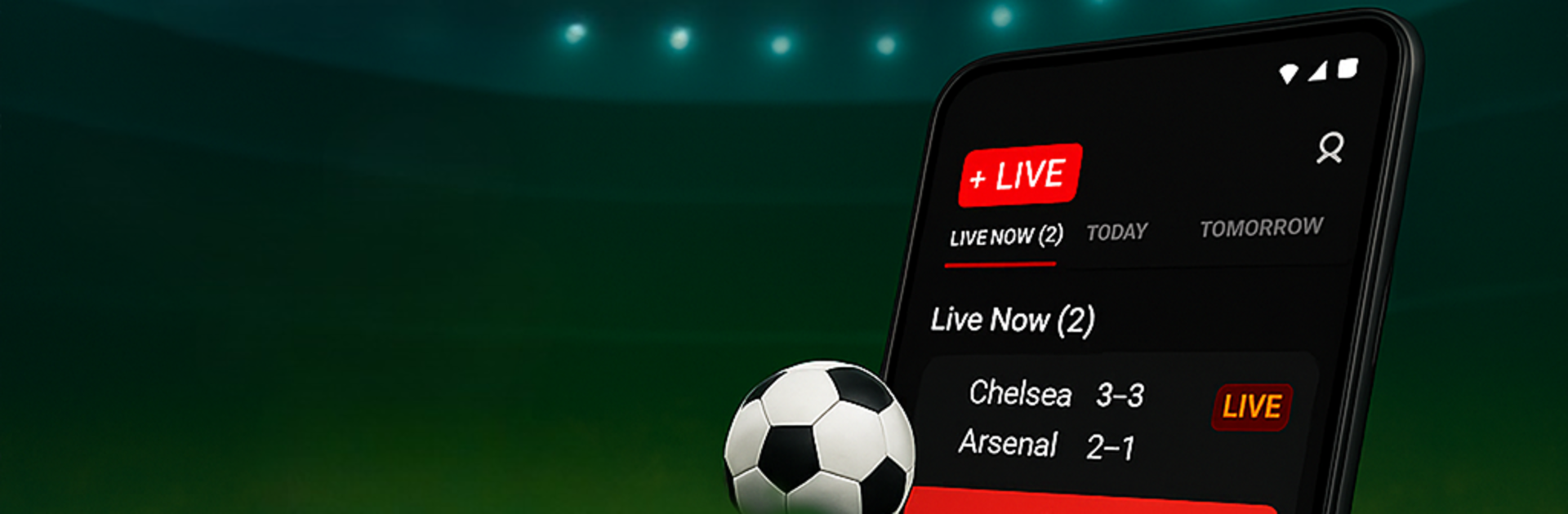
Live Soccer Scores
Live Soccer Scores

Live Soccer Scores

Sports

| Media Tech Studioz

Play on PC with BlueStacks or from our cloud

  • Overview
  • Game Features
  • How to Play

Page Modified On: August 29, 2025

Play Live Soccer Scores on PC or Mac

Live Soccer Scores brings the Sports genre to life, and throws up exciting challenges for gamers. Developed by Media Tech Studioz, this Android game is best experienced on BlueStacks, the World’s #1 app player for PC and Mac users.

Live Soccer Scores feels less like a game and more like a match-day command center. A fan opens it and gets live goals, cards, subs, and a clean timeline that keeps the whole flow of the match straight without digging around. It covers a lot, from MLS and the U.S. Open Cup to the big European leagues, Champions League, Euro 2025, World Cup 2026 qualifiers, even USMNT and USWNT friendlies. One minute it is Inter Miami vs LA Galaxy, next it is USA vs Mexico or Barcelona vs Real Madrid, and it just keeps up. Star names are easy to follow too, so anyone tracking Messi, Haaland, Mbappe, Ronaldo, Pulisic, Reyna, or Bellingham can set alerts and not miss a kick.

What stands out is how detailed the numbers are without getting messy. Lineups with player ratings, head to head history, pressure index, team ratings, top scorers, league tables, and future fixtures sit a tap away. It loads quick, really quick when switching matches. There is even match predictions if someone likes a hint before kickoff. On PC with BlueStacks it works great as a side window during work or study, since the big screen shows more stats at once and notifications pop up neatly, so no need to squint at a phone. It suits the late-night Champions League grind or a full MLS weekend, and it does not feel heavy or complicated, just fast and practical.

Ready to top the leaderboard? We bet you do. Let precise controls and sharp visuals optimized on BlueStacks lead you to victory.


Game Features

Enhancements

  • Macros
  • Multi Instance
  • Multi Instance Sync
  • Script
  • Enhancements
Macros

Macros

Automate the predictable in Live Soccer Scores and transform your gameplay with Macros. Get access to inventive Macros in the BlueStacks Macro Community
Multi Instance

Multi Instance

Play Live Soccer Scores on one window. And chat with your friend on the other. Press CTRL + Shift + 8 to open the Multi-Instance Manager. And start creating fresh instances or clone an existing one.
Multi Instance Sync

Multi Instance Sync

Play Live Soccer Scores with the power of Multi-Instance Sync. Replicate what you are doing on the main instance on all other instances. Level up faster, play more.
Script

Script

Script your way to gaming glory in Live Soccer Scores with BlueStacks Script. Write and run a set of commands to automate repeated tasks. Trigger the command by assigning it to any key.
Read More

How to Download and Play Live Soccer Scores on PC or Mac

  • Download and install BlueStacks on your PC or Mac

  • Complete Google sign-in to access the Play Store, or do it later

  • Look for Live Soccer Scores in the search bar at the top right corner

  • Click to install Live Soccer Scores from the search results

  • Complete Google sign-in (if you skipped step 2) to install Live Soccer Scores

  • Click the Live Soccer Scores icon on the home screen to start playing

video
Watch Video

Minimum System Requirements

With BlueStacks 5, you can get started on a PC that fulfills the following requirements.

  • Operating System

    Microsoft Windows 7 or above, macOS 11 (Big Sur) or above

  • Processor

    Intel, AMD or Apple Silicon Processor

  • RAM

    at least 4GB

  • HDD

    10GB Free Disk Space

Note:

* You must be an Administrator on your PC. Up to date graphics drivers from Microsoft or the chipset vendor.

Live Soccer Scores - FAQs

  • How to play Live Soccer Scores on Windows PC & Mac?

    Play Live Soccer Scores on your PC or Mac by following these simple steps.

    • Click on 'Play Live Soccer Scores on PC’ to download BlueStacks
    • Install it and log-in to Google Play Store
    • Launch and play the game.
  • Why is BlueStacks the fastest and safest platform to play games on PC?

    BlueStacks respects your privacy and is always safe and secure to use. It does not carry any malware, spyware, or any sort of additional software that could harm your PC.

    It is engineered to optimize speed and performance for a seamless gaming experience.

  • What are Live Soccer Scores PC requirements?

    Minimum requirement to run Live Soccer Scores on your PC

    • OS: Microsoft Windows 7 or above MacOS 11 (Big Sur) or above
    • Processor: Intel, AMD or Apple Silicon Processor
    • RAM: Your PC must have at least 4GB of RAM. (Note that having 4GB or more disk space is not a substitute for RAM)
    • HDD: 10GB Free Disk Space.
    • You must be an Administrator on your PC.