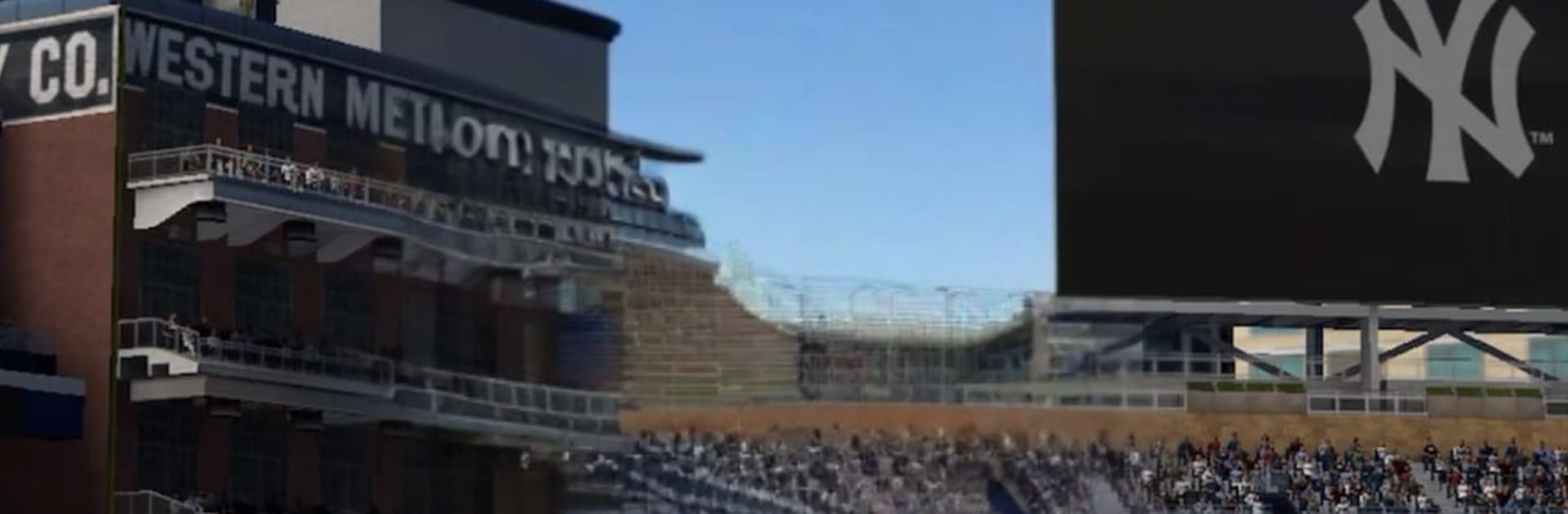
MLB® The Show™ Mobile Baseball

MLB® The Show™ Mobile Baseball

Sports

| PlayStation Mobile Inc.

Play on PC with BlueStacks or from our cloud

  • Overview
  • Game Features
  • How to Play

Page Modified On: March 31, 2026

Play MLB® The Show™ Mobile Baseball on PC or Mac

Step into the World of MLB® The Show™ Mobile Baseball, a thrilling Sports game from the house of PlayStation Mobile Inc.. Play this Android game on BlueStacks App Player and experience immersive gaming on PC or Mac.

About the Game

MLB® The Show™ Mobile Baseball brings the crack of the bat and the chess match of every pitch right to your phone. Build a roster packed with present-day stars and legends, then make split-second calls that actually decide what happens on the field. Want a bigger screen? It also runs smoothly on PC with BlueStacks.

Game Features

  • Pure Baseball Control: Swing, paint corners, and field with timing- and aim-based inputs that reward skill. Every steal, cutoff, and throw is in your hands.
  • Risk It Baserunning: Take command of runners in real time and choose when to push for that extra 90 feet—or hold and live to score later.
  • Momentum Strategy System: Start each inning with 10 Momentum, spend it to deploy the right hitters and arms, then keep performing to maintain your edge. Run low and you’ll feel the power drop, so plan every move.
  • Build Your Dream Roster: Collect more than 1,100 player cards, from today’s aces to icons like Mickey Mantle, Hank Aaron, and Ken Griffey Jr. Earn XP, upgrade, and craft attribute boosts to fine-tune your squad.
  • Marketplace Trading: Buy and sell cards directly with other players to complete collections or chase that perfect lineup piece.
  • Big-League Presentation: Play in all 30 MLB ballparks and see plays come alive with thousands of unique animations and sharp visuals that make every inning pop.
  • Fast, Competitive Modes: Jump into quick best-of-3 PvP sets, tackle bite-size mobile-first modes, and relive memorable MLB Moments. Rack up wins to unlock rewards through daily challenges, limited-time events, and the Show Pass.
  • Built for Mobile, Made to Master: Easy to learn with plenty of depth to grow into—a perfect fit for short sessions or marathon streaks.

A Sports game from PlayStation Mobile Inc.

Get ready for a buttery smooth, high-performance gaming action only on BlueStacks.

Game Features

Enhancements

  • Macros
  • Multi Instance
  • Multi Instance Sync
  • Script
  • Enhancements
Macros

Macros

Automate the predictable in MLB® The Show™ Mobile Baseball and transform your gameplay with Macros. Get access to inventive Macros in the BlueStacks Macro Community
Multi Instance

Multi Instance

Play MLB® The Show™ Mobile Baseball on one window. And chat with your friend on the other. Press CTRL + Shift + 8 to open the Multi-Instance Manager. And start creating fresh instances or clone an existing one.
Multi Instance Sync

Multi Instance Sync

Play MLB® The Show™ Mobile Baseball with the power of Multi-Instance Sync. Replicate what you are doing on the main instance on all other instances. Level up faster, play more.
Script

Script

Script your way to gaming glory in MLB® The Show™ Mobile Baseball with BlueStacks Script. Write and run a set of commands to automate repeated tasks. Trigger the command by assigning it to any key.
Read More

How to Download and Play MLB® The Show™ Mobile Baseball on PC or Mac

  • Download and install BlueStacks on your PC or Mac

  • Complete Google sign-in to access the Play Store, or do it later

  • Look for MLB® The Show™ Mobile Baseball in the search bar at the top right corner

  • Click to install MLB® The Show™ Mobile Baseball from the search results

  • Complete Google sign-in (if you skipped step 2) to install MLB® The Show™ Mobile Baseball

  • Click the MLB® The Show™ Mobile Baseball icon on the home screen to start playing

video
Watch Video

Minimum System Requirements

With BlueStacks 5, you can get started on a PC that fulfills the following requirements.

  • Operating System

    Microsoft Windows 7 or above, macOS 11 (Big Sur) or above

  • Processor

    Intel, AMD or Apple Silicon Processor

  • RAM

    at least 4GB

  • HDD

    10GB Free Disk Space

Note:

* You must be an Administrator on your PC. Up to date graphics drivers from Microsoft or the chipset vendor.

MLB® The Show™ Mobile Baseball - FAQs

  • How to play MLB® The Show™ Mobile Baseball on Windows PC & Mac?

    Play MLB® The Show™ Mobile Baseball on your PC or Mac by following these simple steps.

    • Click on 'Play MLB® The Show™ Mobile Baseball on PC’ to download BlueStacks
    • Install it and log-in to Google Play Store
    • Launch and play the game.
  • Why is BlueStacks the fastest and safest platform to play games on PC?

    BlueStacks respects your privacy and is always safe and secure to use. It does not carry any malware, spyware, or any sort of additional software that could harm your PC.

    It is engineered to optimize speed and performance for a seamless gaming experience.

  • What are MLB® The Show™ Mobile Baseball PC requirements?

    Minimum requirement to run MLB® The Show™ Mobile Baseball on your PC

    • OS: Microsoft Windows 7 or above MacOS 11 (Big Sur) or above
    • Processor: Intel, AMD or Apple Silicon Processor
    • RAM: Your PC must have at least 4GB of RAM. (Note that having 4GB or more disk space is not a substitute for RAM)
    • HDD: 10GB Free Disk Space.
    • You must be an Administrator on your PC.