NBA Top Shot
NBA Top Shot

NBA Top Shot

Sports

| Dapper Labs Inc.

Play on PC with BlueStacks or from our cloud

  • Overview
  • Game Features
  • How to Play

Page Modified On: August 03, 2026

Play NBA Top Shot on PC or Mac

NBA Top Shot brings the Sports genre to life, and throws up exciting challenges for gamers. Developed by Dapper Labs Inc., this Android game is best experienced on BlueStacks, the World’s #1 app player for PC and Mac users.

About the Game

NBA Top Shot turns the most unforgettable NBA and WNBA plays into digital collectibles you can actually own. Build a collection that reflects your hoops taste—iconic buzzer-beaters, jaw-dropping blocks, no-look dimes—and trade them on a live marketplace with fans around the world. It’s part collecting, part scouting, and totally Sports fan energy.

Game Features

  • Official highlights you can own: Collect authentic, officially licensed NBA and WNBA Moments as digital collectibles—real plays from real games.
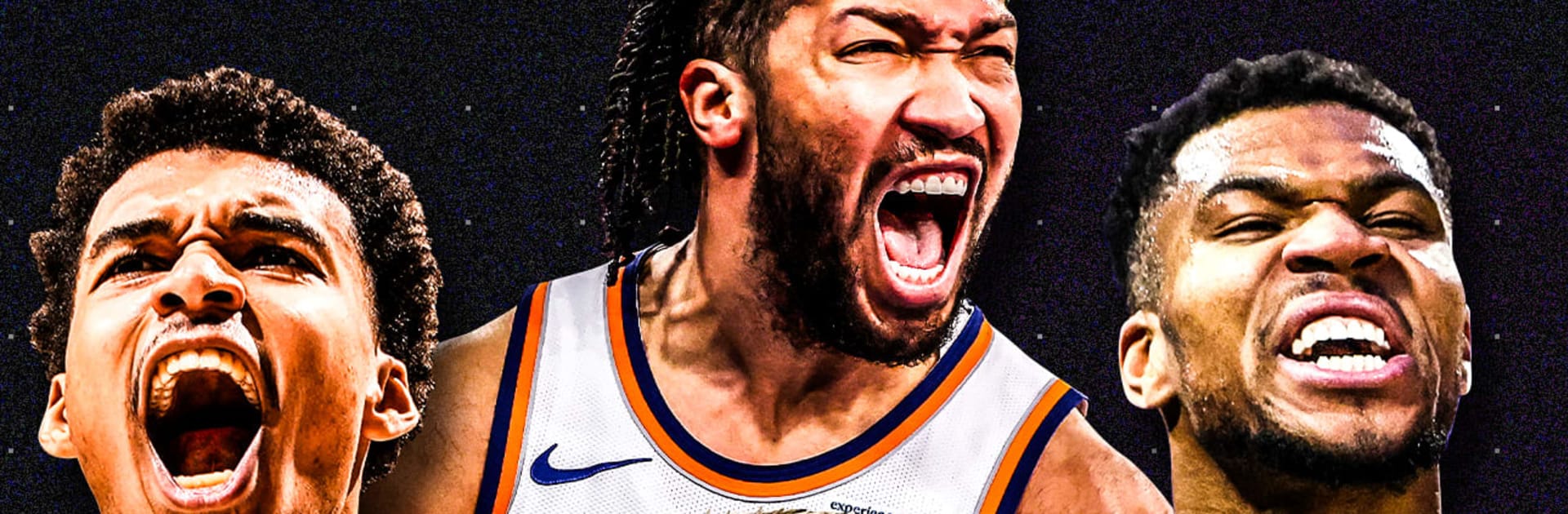
  • Stars and rising talent: Grab clips from Stephen Curry, Luka Dončić, Victor Wembanyama, Giannis Antetokounmpo, Anthony Edwards, Jayson Tatum, and plenty more across eras and teams.
  • Build your dream gallery: Handpick the plays that speak to you, organize your favorites, and shape a collection that tells your basketball story.
  • Buy, sell, and trade: Use a bustling marketplace to hunt for grails, make savvy moves, and find that missing piece you’ve been eyeing.
  • Scout the future: Keep tabs on up-and-comers and collect their standout Moments before everyone else catches on.
  • Community and real-world perks: Connect with a global community of collectors, with opportunities for special experiences like tickets, meet-and-greets, or game-used memorabilia through in-app programs.
  • Proven platform: Join a collector scene that’s already seen massive marketplace activity—built for fans who love stats, stories, and the thrill of the chase.
  • Smooth on PC with BlueStacks: Prefer a bigger screen for browsing your collection or checking the market? Run the app on BlueStacks for a clean, comfortable view.

Start your journey now. Download the game on BlueStacks, invite your friends, and march on a new adventure.


Game Features

Enhancements

  • Macros
  • Multi Instance
  • Multi Instance Sync
  • Script
  • Enhancements
Macros

Macros

Automate the predictable in NBA Top Shot and transform your gameplay with Macros. Get access to inventive Macros in the BlueStacks Macro Community
Multi Instance

Multi Instance

Play NBA Top Shot on one window. And chat with your friend on the other. Press CTRL + Shift + 8 to open the Multi-Instance Manager. And start creating fresh instances or clone an existing one.
Multi Instance Sync

Multi Instance Sync

Play NBA Top Shot with the power of Multi-Instance Sync. Replicate what you are doing on the main instance on all other instances. Level up faster, play more.
Script

Script

Script your way to gaming glory in NBA Top Shot with BlueStacks Script. Write and run a set of commands to automate repeated tasks. Trigger the command by assigning it to any key.
Read More

How to Download and Play NBA Top Shot on PC or Mac

  • Download and install BlueStacks on your PC or Mac

  • Complete Google sign-in to access the Play Store, or do it later

  • Look for NBA Top Shot in the search bar at the top right corner

  • Click to install NBA Top Shot from the search results

  • Complete Google sign-in (if you skipped step 2) to install NBA Top Shot

  • Click the NBA Top Shot icon on the home screen to start playing

video
Watch Video

Minimum System Requirements

With BlueStacks 5, you can get started on a PC that fulfills the following requirements.

  • Operating System

    Microsoft Windows 7 or above, macOS 11 (Big Sur) or above

  • Processor

    Intel, AMD or Apple Silicon Processor

  • RAM

    at least 4GB

  • HDD

    10GB Free Disk Space

Note:

* You must be an Administrator on your PC. Up to date graphics drivers from Microsoft or the chipset vendor.

NBA Top Shot - FAQs

  • How to play NBA Top Shot on Windows PC & Mac?

    Play NBA Top Shot on your PC or Mac by following these simple steps.

    • Click on 'Play NBA Top Shot on PC’ to download BlueStacks
    • Install it and log-in to Google Play Store
    • Launch and play the game.
  • Why is BlueStacks the fastest and safest platform to play games on PC?

    BlueStacks respects your privacy and is always safe and secure to use. It does not carry any malware, spyware, or any sort of additional software that could harm your PC.

    It is engineered to optimize speed and performance for a seamless gaming experience.

  • What are NBA Top Shot PC requirements?

    Minimum requirement to run NBA Top Shot on your PC

    • OS: Microsoft Windows 7 or above MacOS 11 (Big Sur) or above
    • Processor: Intel, AMD or Apple Silicon Processor
    • RAM: Your PC must have at least 4GB of RAM. (Note that having 4GB or more disk space is not a substitute for RAM)
    • HDD: 10GB Free Disk Space.
    • You must be an Administrator on your PC.