PLAYERTEK
PLAYERTEK

PLAYERTEK

Sports

| Playertek

Play on PC with BlueStacks or from our cloud

  • Overview
  • Game Features
  • How to Play

Page Modified On: September 05, 2025

Play PLAYERTEK on PC or Mac

Explore a whole new adventure with PLAYERTEK, a Sports game created by Playertek. Experience great gameplay with BlueStacks, the most popular gaming platform to play Android games on your PC or Mac.

About the Game

PLAYERTEK turns your soccer (football) sessions into clear, easy-to-read performance insights. Slip on the pod, play your match or run your drills, then check the numbers that actually tell you how you did. It’s a Sports experience from Playertek built for competitive players who want real feedback, not guesswork.

Game Features

  • Wear it like the pros: Place the lightweight PLAYERTEK pod in the upper-back pocket of the fitted garment and head out for training or game day. You’ll forget it’s there until you see the results.
  • Fast, wireless sync: After the final whistle, open the app and pull in your session in seconds. No cables, no waiting around—just your data, ready to review.
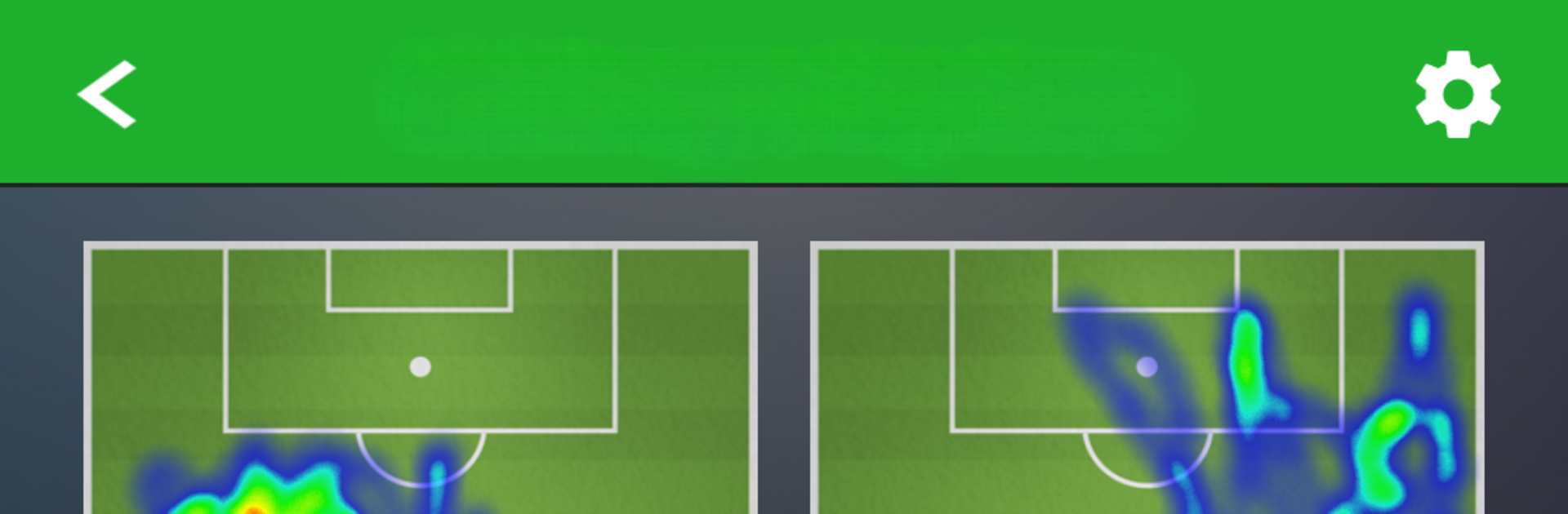
  • Clear performance snapshots: See how each session stacks up, spot trends, and understand where you’re improving. It’s about turning effort into insight.
  • Chase your personal bests: Keep an eye on your top numbers and push to beat them. Small gains add up—this makes them visible.
  • Compete with friends and elites: Compare your stats with teammates, friends, and elite footballers to see where you stand and what to work on next.
  • Built for individual users: Designed for individual PLAYERTEK accounts and not compatible with PLAYERTEK Team users.
  • Handy on a bigger screen: Prefer reviewing your sessions on desktop? You can run PLAYERTEK with BlueStacks to check your data more comfortably.

Start your journey now. Download the game on BlueStacks, invite your friends, and march on a new adventure.


Game Features

Enhancements

  • Macros
  • Multi Instance
  • Multi Instance Sync
  • Script
  • Enhancements
Macros

Macros

Automate the predictable in PLAYERTEK and transform your gameplay with Macros. Get access to inventive Macros in the BlueStacks Macro Community
Multi Instance

Multi Instance

Play PLAYERTEK on one window. And chat with your friend on the other. Press CTRL + Shift + 8 to open the Multi-Instance Manager. And start creating fresh instances or clone an existing one.
Multi Instance Sync

Multi Instance Sync

Play PLAYERTEK with the power of Multi-Instance Sync. Replicate what you are doing on the main instance on all other instances. Level up faster, play more.
Script

Script

Script your way to gaming glory in PLAYERTEK with BlueStacks Script. Write and run a set of commands to automate repeated tasks. Trigger the command by assigning it to any key.
Read More

How to Download and Play PLAYERTEK on PC or Mac

  • Download and install BlueStacks on your PC or Mac

  • Complete Google sign-in to access the Play Store, or do it later

  • Look for PLAYERTEK in the search bar at the top right corner

  • Click to install PLAYERTEK from the search results

  • Complete Google sign-in (if you skipped step 2) to install PLAYERTEK

  • Click the PLAYERTEK icon on the home screen to start playing

video
Watch Video

Minimum System Requirements

With BlueStacks 5, you can get started on a PC that fulfills the following requirements.

  • Operating System

    Microsoft Windows 7 or above, macOS 11 (Big Sur) or above

  • Processor

    Intel, AMD or Apple Silicon Processor

  • RAM

    at least 4GB

  • HDD

    10GB Free Disk Space

Note:

* You must be an Administrator on your PC. Up to date graphics drivers from Microsoft or the chipset vendor.

PLAYERTEK - FAQs

  • How to play PLAYERTEK on Windows PC & Mac?

    Play PLAYERTEK on your PC or Mac by following these simple steps.

    • Click on 'Play PLAYERTEK on PC’ to download BlueStacks
    • Install it and log-in to Google Play Store
    • Launch and play the game.
  • Why is BlueStacks the fastest and safest platform to play games on PC?

    BlueStacks respects your privacy and is always safe and secure to use. It does not carry any malware, spyware, or any sort of additional software that could harm your PC.

    It is engineered to optimize speed and performance for a seamless gaming experience.

  • What are PLAYERTEK PC requirements?

    Minimum requirement to run PLAYERTEK on your PC

    • OS: Microsoft Windows 7 or above MacOS 11 (Big Sur) or above
    • Processor: Intel, AMD or Apple Silicon Processor
    • RAM: Your PC must have at least 4GB of RAM. (Note that having 4GB or more disk space is not a substitute for RAM)
    • HDD: 10GB Free Disk Space.
    • You must be an Administrator on your PC.