
Retro Football 3D 2 : TD Glory

Retro Football 3D 2 : TD Glory

Sports

| Samurai Dog Software

Play on PC with BlueStacks or from our cloud

  • Overview
  • Game Features
  • How to Play

Page Modified On: November 28, 2025

Play Retro Football 3D 2 : TD Glory on PC or Mac

Bring your A-game to Retro Football 3D 2 : TD Glory, the Sports game sensation from Samurai Dog Software. Give your gameplay the much-needed boost with precise game controls, high FPS graphics, and top-tier features on your PC or Mac with BlueStacks.

About the Game

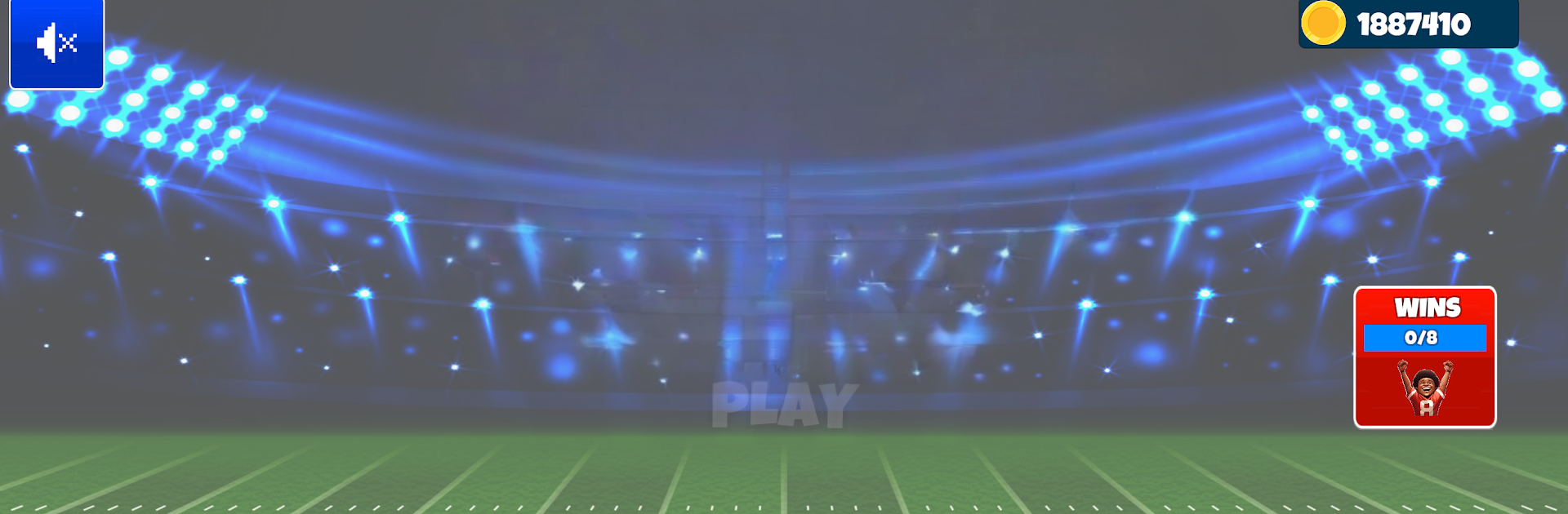
Retro Football 3D 2 : TD Glory from Samurai Dog Software is a fast, punchy Sports game that blends old-school charm with smart football decisions. Snap the ball, read the coverage, and make the right call—quick slants, power runs, or a clutch field goal when it counts. Got a few minutes or a whole evening? It fits both. Prefer a bigger screen and smoother controls? It plays nicely on PC with BlueStacks.

Game Features

  • Pick-up games or full seasons: Jump into quick matchups or guide a team through a complete campaign.
  • Easy controls, real depth: Passing, rushing, and kicking feel intuitive, yet your play-calling still matters.
  • Retro style, modern 3D: Crisp players and fields with a nostalgic vibe, all rendered smoothly.
  • Adaptive AI and difficulty: Choose your challenge, from casual to sweat-it-out competitive.
  • Team growth that sticks: Earn wins, upgrade your squad, and feel the improvement week after week.
  • Momentum you can feel: Drives swing on big plays—ride the hot hand or steady things after a setback.
  • Clean, fast interface: Snappy menus and quick transitions keep you focused on the action.
  • Precision on every snap: Lead receivers into windows, bounce runs outside, and split the uprights with satisfying kicks.

Slay your opponents with your epic moves. Play it your way on BlueStacks and dominate the battlefield.


Game Features

Enhancements

  • Macros
  • Multi Instance
  • Multi Instance Sync
  • Script
  • Enhancements
Macros

Macros

Automate the predictable in Retro Football 3D 2 : TD Glory and transform your gameplay with Macros. Get access to inventive Macros in the BlueStacks Macro Community
Multi Instance

Multi Instance

Play Retro Football 3D 2 : TD Glory on one window. And chat with your friend on the other. Press CTRL + Shift + 8 to open the Multi-Instance Manager. And start creating fresh instances or clone an existing one.
Multi Instance Sync

Multi Instance Sync

Play Retro Football 3D 2 : TD Glory with the power of Multi-Instance Sync. Replicate what you are doing on the main instance on all other instances. Level up faster, play more.
Script

Script

Script your way to gaming glory in Retro Football 3D 2 : TD Glory with BlueStacks Script. Write and run a set of commands to automate repeated tasks. Trigger the command by assigning it to any key.
Read More

How to Download and Play Retro Football 3D 2 : TD Glory on PC or Mac

  • Download and install BlueStacks on your PC or Mac

  • Complete Google sign-in to access the Play Store, or do it later

  • Look for Retro Football 3D 2 : TD Glory in the search bar at the top right corner

  • Click to install Retro Football 3D 2 : TD Glory from the search results

  • Complete Google sign-in (if you skipped step 2) to install Retro Football 3D 2 : TD Glory

  • Click the Retro Football 3D 2 : TD Glory icon on the home screen to start playing

video
Watch Video

Minimum System Requirements

With BlueStacks 5, you can get started on a PC that fulfills the following requirements.

  • Operating System

    Microsoft Windows 7 or above, macOS 11 (Big Sur) or above

  • Processor

    Intel, AMD or Apple Silicon Processor

  • RAM

    at least 4GB

  • HDD

    10GB Free Disk Space

Note:

* You must be an Administrator on your PC. Up to date graphics drivers from Microsoft or the chipset vendor.

Retro Football 3D 2 : TD Glory - FAQs

  • How to play Retro Football 3D 2 : TD Glory on Windows PC & Mac?

    Play Retro Football 3D 2 : TD Glory on your PC or Mac by following these simple steps.

    • Click on 'Play Retro Football 3D 2 : TD Glory on PC’ to download BlueStacks
    • Install it and log-in to Google Play Store
    • Launch and play the game.
  • Why is BlueStacks the fastest and safest platform to play games on PC?

    BlueStacks respects your privacy and is always safe and secure to use. It does not carry any malware, spyware, or any sort of additional software that could harm your PC.

    It is engineered to optimize speed and performance for a seamless gaming experience.

  • What are Retro Football 3D 2 : TD Glory PC requirements?

    Minimum requirement to run Retro Football 3D 2 : TD Glory on your PC

    • OS: Microsoft Windows 7 or above MacOS 11 (Big Sur) or above
    • Processor: Intel, AMD or Apple Silicon Processor
    • RAM: Your PC must have at least 4GB of RAM. (Note that having 4GB or more disk space is not a substitute for RAM)
    • HDD: 10GB Free Disk Space.
    • You must be an Administrator on your PC.







