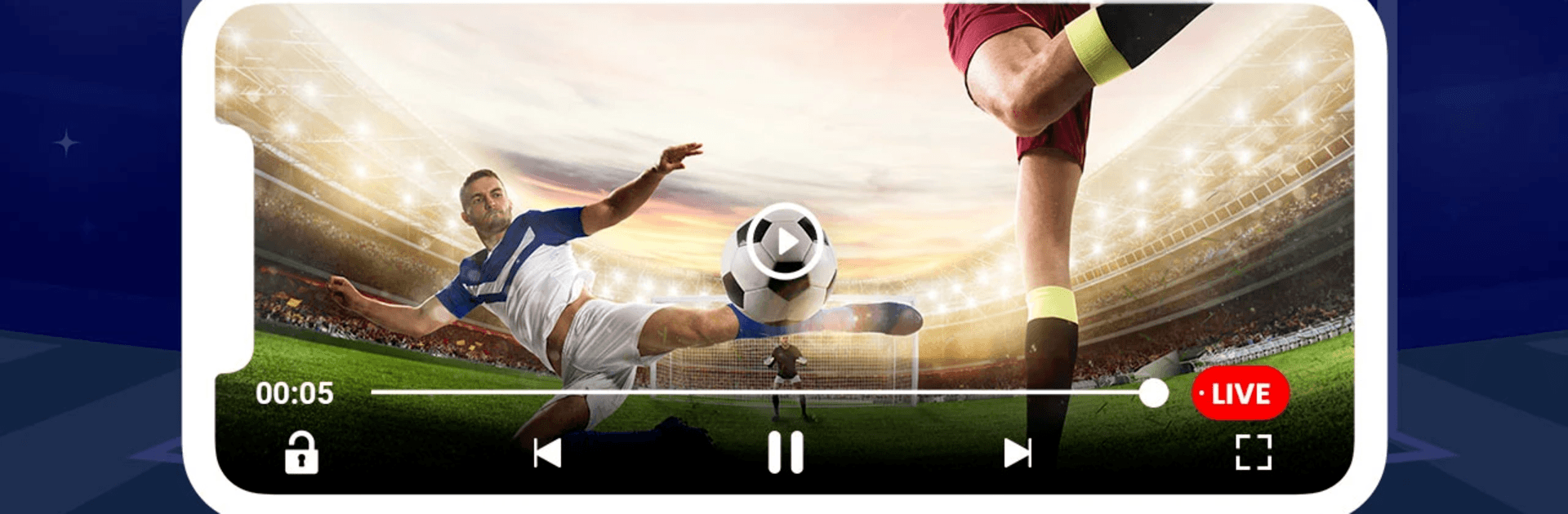
SportzFy TV - Live Football TV

SportzFy TV - Live Football TV

Sports

| AshwalPro

Play on PC with BlueStacks or from our cloud

  • Overview
  • How to Download

Page Modified On: June 26, 2026

Run SportzFy TV - Live Football TV on PC or Mac

Why limit yourself to your small screen on the phone? Run SportzFy TV – Live Football TV, an app by AshwalPro, best experienced on your PC or Mac with BlueStacks, the world’s #1 Android emulator.

About the App

SportzFy TV – Live Football TV puts the world’s biggest matches, scores, and stories right in your pocket. It’s built for fans who want quick updates, clean layouts, and the thrill of knowing what’s happening as it happens. Check fixtures, catch highlights, and follow your teams without digging through clutter. Prefer a bigger screen? You can run it on BlueStacks and keep everything neatly organized on your PC.

App Features

  • Live Match Updates: Track real-time scores, key moments, and lineups so you never miss a turning point.
  • Smart Schedules: Browse upcoming fixtures and kick-off times by league, team, or date—plan your watchlist in seconds.
  • Highlights & Recaps: Short on time? Jump into curated highlights and post-match summaries to stay in the loop fast.
  • Wide League Coverage: From Champions League and Euros to Liga MX, FA Cup, Eredivisie, FA Women’s Super League, UEFA Nations League, Championship, EFL, and the Scottish Premier League—follow it all in one place.
  • News You Can Use: Get bite-sized football news and tournament updates without the noise.
  • Smooth Viewing Support: Helpful guidance for streaming sources and HD-friendly playback support when available.
  • Recent Results & Fixtures: Glance through final scores and detailed fixtures to keep track of form and momentum.
  • Team & Match Details: Dive into match info, probable lineups, stats, and handy insights that add context to every game.
  • Stadium Explorer: Browse venue details and learn more about iconic grounds around the world.
  • Clean, Fast Interface: A simple, snappy design that gets you from scores to highlights in a couple of taps, with regular content refreshes to keep things current.

BlueStacks gives you the much-needed freedom to experience your favorite apps on a bigger screen. Get it now.


How to Download and Run SportzFy TV - Live Football TV on PC or Mac

  • Download and install BlueStacks on your PC or Mac

  • Complete Google sign-in to access the Play Store, or do it later

  • Look for SportzFy TV - Live Football TV in the search bar at the top right corner

  • Click to install SportzFy TV - Live Football TV from the search results

  • Complete Google sign-in (if you skipped step 2) to install SportzFy TV - Live Football TV

  • Click the SportzFy TV - Live Football TV icon on the home screen to start playing

video
Watch Video

Minimum System Requirements

With BlueStacks 5, you can get started on a PC that fulfills the following requirements.

  • Operating System

    Microsoft Windows 7 or above, macOS 11 (Big Sur) or above

  • Processor

    Intel, AMD or Apple Silicon Processor

  • RAM

    at least 4GB

  • HDD

    10GB Free Disk Space

Note:

* You must be an Administrator on your PC. Up to date graphics drivers from Microsoft or the chipset vendor.

SportzFy TV - Live Football TV - FAQs

  • How to Run SportzFy TV - Live Football TV on Windows PC & Mac?

    Run SportzFy TV - Live Football TV on your PC or Mac by following these simple steps.

    • Click on ‘Download SportzFy TV - Live Football TV on PC’ to download BlueStacks
    • Install it and log-in to Google Play Store
    • Launch and run the app.
  • Why is BlueStacks the fastest and safest platform to play games on PC?

    BlueStacks respects your privacy and is always safe and secure to use. It does not carry any malware, spyware, or any sort of additional software that could harm your PC.

    It is engineered to optimize speed and performance for a seamless gaming experience.

  • What are SportzFy TV - Live Football TV PC requirements?

    Minimum requirement to run SportzFy TV - Live Football TV on your PC

    • OS: Microsoft Windows 7 and above:
    • Processor: Intel or AMD Processor:
    • RAM: Your PC must have at least 2GB of RAM. (Note that having 2GB or more disk space is not a substitute for RAM):
    • HDD: 5GB Free Disk Space.
    • You must be an Administrator on your PC.