
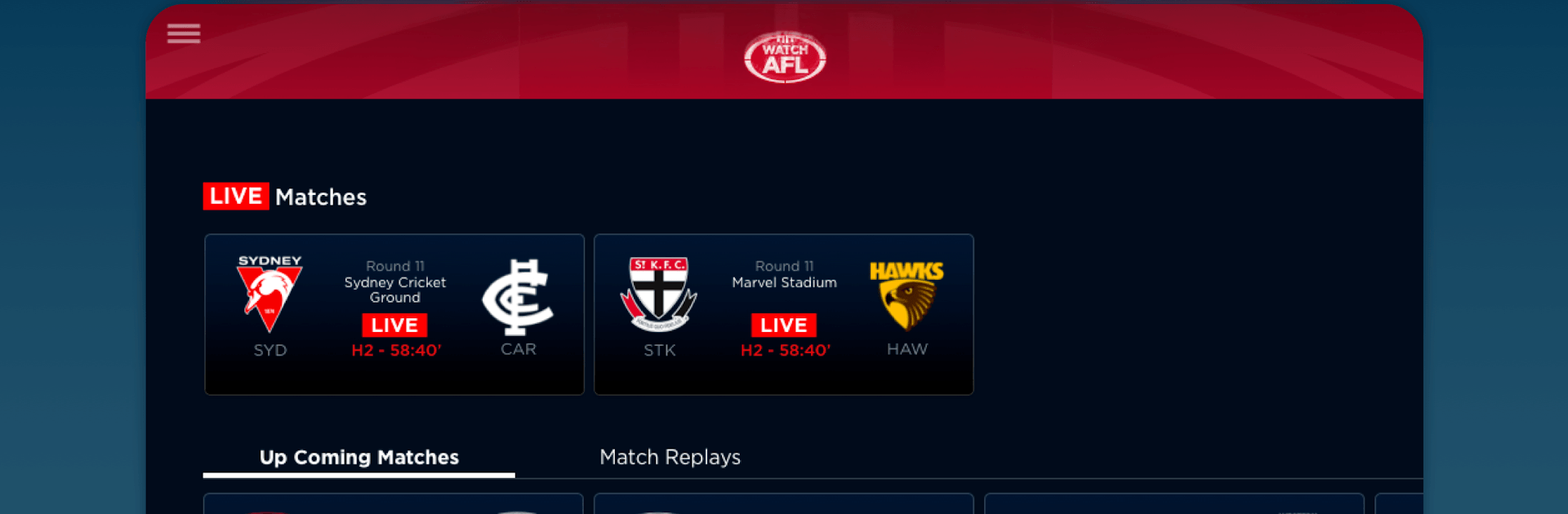
Watch AFL
Watch AFL

Watch AFL

Sports

| Fox Sports Australia

Play on PC with BlueStacks or from our cloud

  • Overview
  • How to Download

Page Modified On: August 03, 2026

Run Watch AFL on PC or Mac

Upgrade your experience. Try Watch AFL, the fantastic Sports app from Fox Sports Australia, from the comfort of your laptop, PC, or Mac, only on BlueStacks.

About the App

Watch AFL is the official way to stream Australia’s favorite footy from abroad. If you’re living or traveling outside Australia, this Sports app lets you catch every kick, mark, and tackle live or on your own time—without ads cutting into the on-field action. It’s built for fans who don’t want to miss a single moment, from pre-season warm-ups to the biggest matches of the year.

App Features

  • Live and on-demand: Stream every AFL match live, then replay it whenever you want. Missed the first bounce? Start from the top or jump to the moment you care about.
  • Full season coverage: Follow the Premiership Season, Finals, pre-season action, and the AFL Women’s competition in one place.
  • FOX FOOTY expertise: Get top-tier FOX FOOTY commentary, news, analysis, and studio shows that keep you in the loop all season.
  • Play it your way: Pause and rewind live games, or choose your starting point so you’re never stuck waiting.
  • Instant full replays: The full match is available straight after the final siren—no delay.
  • Download to go: Save games for offline viewing and watch later when you’re on a plane, subway, or somewhere with spotty service.
  • Big-screen ready: Cast to your TV with AirPlay or Chromecast for that couch-sideline vibe.
  • Spoiler control: Turn scores off to keep results hidden until you’re ready to watch.
  • Multi-device flexibility: Stream on your phone or tablet—and if you like watching on a computer, you can run Watch AFL with BlueStacks too.

Switch to BlueStacks and make the most of your apps on your PC or Mac.

How to Download and Run Watch AFL on PC or Mac

  • Download and install BlueStacks on your PC or Mac

  • Complete Google sign-in to access the Play Store, or do it later

  • Look for Watch AFL in the search bar at the top right corner

  • Click to install Watch AFL from the search results

  • Complete Google sign-in (if you skipped step 2) to install Watch AFL

  • Click the Watch AFL icon on the home screen to start playing

video
Watch Video

Minimum System Requirements

With BlueStacks 5, you can get started on a PC that fulfills the following requirements.

  • Operating System

    Microsoft Windows 7 or above, macOS 11 (Big Sur) or above

  • Processor

    Intel, AMD or Apple Silicon Processor

  • RAM

    at least 4GB

  • HDD

    10GB Free Disk Space

Note:

* You must be an Administrator on your PC. Up to date graphics drivers from Microsoft or the chipset vendor.

Watch AFL - FAQs

  • How to Run Watch AFL on Windows PC & Mac?

    Run Watch AFL on your PC or Mac by following these simple steps.

    • Click on ‘Download Watch AFL on PC’ to download BlueStacks
    • Install it and log-in to Google Play Store
    • Launch and run the app.
  • Why is BlueStacks the fastest and safest platform to play games on PC?

    BlueStacks respects your privacy and is always safe and secure to use. It does not carry any malware, spyware, or any sort of additional software that could harm your PC.

    It is engineered to optimize speed and performance for a seamless gaming experience.

  • What are Watch AFL PC requirements?

    Minimum requirement to run Watch AFL on your PC

    • OS: Microsoft Windows 7 and above:
    • Processor: Intel or AMD Processor:
    • RAM: Your PC must have at least 2GB of RAM. (Note that having 2GB or more disk space is not a substitute for RAM):
    • HDD: 5GB Free Disk Space.
    • You must be an Administrator on your PC.




