Command of Europe
Command of Europe

Command of Europe

Strategy

| SHN Games

Play on PC with BlueStacks or from our cloud

  • Overview
  • Game Features
  • How to Play

Page Modified On: May 05, 2026

Play Command of Europe on PC or Mac

Bring your A-game to Command of Europe, the Strategy game sensation from SHN Games. Give your gameplay the much-needed boost with precise game controls, high FPS graphics, and top-tier features on your PC or Mac with BlueStacks.

About the Game

Command of Europe puts you in charge of a nation at the edge of an early-20th-century showdown. This Strategy title from SHN Games blends real-time maneuvering on a giant hex map with nation-building, research, and some very sharp diplomacy. Prefer a bigger screen and a mouse? You can play it on PC with BlueStacks, too.

Game Features

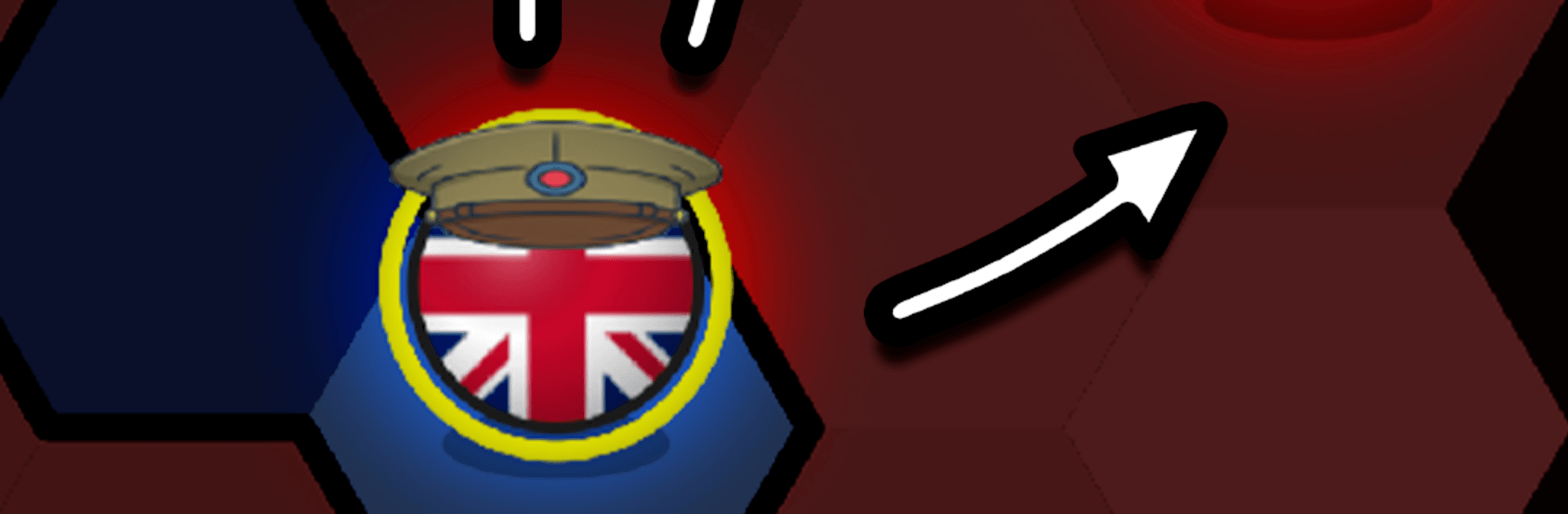
  • Continental real-time warfare: Move armies across a sprawling hex map, seize key cities, and push front lines while the clock keeps ticking.
  • Nation-building that matters: Balance gold and energy, upgrade your capital, and lay down infrastructure so your factories and barracks can keep pace with your ambitions.
  • Research with real impact: Unlock techs that boost mobility, increase tax income, trim upkeep, and evolve your forces into tougher, more specialized units.
  • Diplomacy with bite: Forge alliances, agree to non-aggression pacts, negotiate peace—or flip the table when the moment favors you.
  • Tactics beyond brute force: Work supply lines, encircle enemy stacks, manage morale, and apply pressure along the front. Fast units scout and grab ground; heavies crack fortified lines.
  • Campaign, skirmish, or watch: Tackle history-inspired campaigns, set up custom skirmishes with different map rules, or kick back in spectator mode and study AI strategies.
  • Unlock new countries: Win battles and complete objectives to expand your roster of playable nations and show off your strategic range.
  • Scalable challenge: Multiple difficulty levels let you learn the ropes, then turn up the heat when you’re ready.
  • Built for 4X fans: A single-player 4X experience that’s deep without being fussy, designed for smooth play on mobile and just as comfy on BlueStacks.

Slay your opponents with your epic moves. Play it your way on BlueStacks and dominate the battlefield.


Game Features

Enhancements

  • Macros
  • Multi Instance
  • Multi Instance Sync
  • Eco Mode
  • Enhancements
Macros

Macros

Skip the boring parts of a game. Play Command of Europe with Macros and get the edge. Simply record a sequence of commands and execute them at any moment.
Multi Instance

Multi Instance

Why limit to one game on your phone when you can play many on your PC? Open multiple instances of Command of Europe at once with Multi-Instance. Leverage the power of different accounts by doing more.
Multi Instance Sync

Multi Instance Sync

Get the best out of Command of Europe with Multi-Instance Sync. Play the game from different accounts and build your own empire. Use Multi-instance sync to repeat the action in the main BlueStacks instance on all other instances.
Eco Mode

Eco Mode

Find the rarest heroes by making multiple summons in Command of Europe. And while you are at it, reduce your PC’s resource consumption with the Eco Mode. Farm efficiently. Get the best results.
Read More

How to Download and Play Command of Europe on PC or Mac

  • Download and install BlueStacks on your PC or Mac

  • Complete Google sign-in to access the Play Store, or do it later

  • Look for Command of Europe in the search bar at the top right corner

  • Click to install Command of Europe from the search results

  • Complete Google sign-in (if you skipped step 2) to install Command of Europe

  • Click the Command of Europe icon on the home screen to start playing

video
Watch Video

Minimum System Requirements

With BlueStacks 5, you can get started on a PC that fulfills the following requirements.

  • Operating System

    Microsoft Windows 7 or above, macOS 11 (Big Sur) or above

  • Processor

    Intel, AMD or Apple Silicon Processor

  • RAM

    at least 4GB

  • HDD

    10GB Free Disk Space

Note:

* You must be an Administrator on your PC. Up to date graphics drivers from Microsoft or the chipset vendor.

Command of Europe - FAQs

  • How to play Command of Europe on Windows PC & Mac?

    Play Command of Europe on your PC or Mac by following these simple steps.

    • Click on 'Play Command of Europe on PC’ to download BlueStacks
    • Install it and log-in to Google Play Store
    • Launch and play the game.
  • Why is BlueStacks the fastest and safest platform to play games on PC?

    BlueStacks respects your privacy and is always safe and secure to use. It does not carry any malware, spyware, or any sort of additional software that could harm your PC.

    It is engineered to optimize speed and performance for a seamless gaming experience.

  • What are Command of Europe PC requirements?

    Minimum requirement to run Command of Europe on your PC

    • OS: Microsoft Windows 7 or above MacOS 11 (Big Sur) or above
    • Processor: Intel, AMD or Apple Silicon Processor
    • RAM: Your PC must have at least 4GB of RAM. (Note that having 4GB or more disk space is not a substitute for RAM)
    • HDD: 10GB Free Disk Space.
    • You must be an Administrator on your PC.