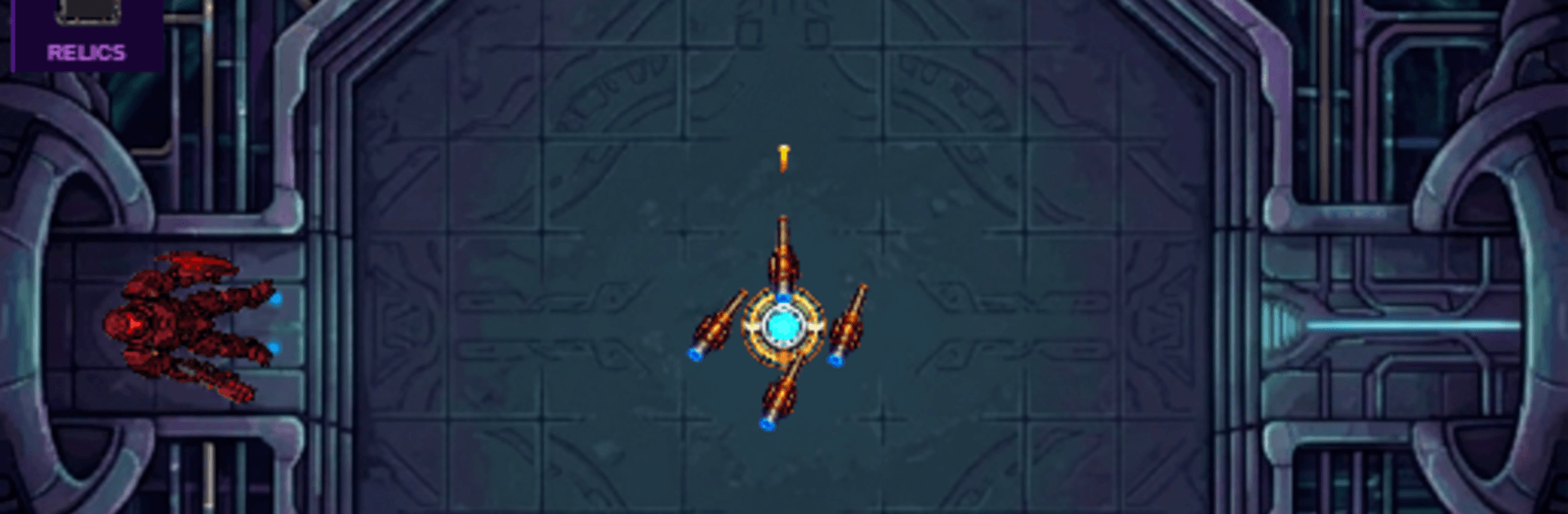
Core Bastion: Roguelite TD

Core Bastion: Roguelite TD

Strategy

| Plazma Games

Play on PC with BlueStacks or from our cloud

  • Overview
  • Game Features
  • How to Play

Page Modified On: September 25, 2026

Play Core Bastion: Roguelite TD on PC or Mac

Core Bastion: Roguelite TD by Plazma Games has plenty to keep you busy. BlueStacks lets you play it on PC or Mac with more screen space, better control, and fewer mobile limits.

About the Game

Core Bastion: Roguelite TD is a Strategy blend of tower defense and survival where you’re the last line between a fragile reactor and an army of relentless machines. Every run tosses you a fresh mix of upgrades, forcing quick decisions and smart layouts that change from minute to minute. Want it on a bigger screen with crisp controls? It plays smoothly on BlueStacks.

Game Features

  • Build the Bastion: Drop turrets, plug in support modules, and design overlapping kill zones to keep the core intact.
  • Pick a Path Each Run: Choose from randomized upgrades that nudge you toward heavy cannons, rapid-fire rigs, energy beams, or slow-and-control setups.
  • Synergies That Snowball: Chain effects together—freeze or goo them, arc lightning through clusters, then let boosted drones finish the job.
  • Bosses Keep You Honest: Face escalating waves capped by chunky bosses whose patterns demand tweaks to placement and timing.
  • Tech to Discover: Unlock goo traps, orbital drones, beefed-up cannon parts, chain lightning emitters, and more experimental gear.
  • Progress That Sticks: Earn cores after each attempt to invest in permanent boosts, then return tougher and a bit wiser.
  • Hands-Off When It Counts: Your machines auto-fire so you can focus on pathing, positioning, and clutch rerolls when the pressure rises.
  • Looks Sharp, Runs Light: Clean sci-fi pixel art keeps chaos readable, and offline-friendly sessions make it easy to jump in whenever.

Get ready for a buttery smooth, high-performance gaming action only on BlueStacks.

Game Features

Enhancements

  • Macros
  • Multi Instance
  • Multi Instance Sync
  • Eco Mode
  • Enhancements
Macros

Macros

Skip the boring parts of a game. Play Core Bastion: Roguelite TD with Macros and get the edge. Simply record a sequence of commands and execute them at any moment.
Multi Instance

Multi Instance

Why limit to one game on your phone when you can play many on your PC? Open multiple instances of Core Bastion: Roguelite TD at once with Multi-Instance. Leverage the power of different accounts by doing more.
Multi Instance Sync

Multi Instance Sync

Get the best out of Core Bastion: Roguelite TD with Multi-Instance Sync. Play the game from different accounts and build your own empire. Use Multi-instance sync to repeat the action in the main BlueStacks instance on all other instances.
Eco Mode

Eco Mode

Find the rarest heroes by making multiple summons in Core Bastion: Roguelite TD. And while you are at it, reduce your PC’s resource consumption with the Eco Mode. Farm efficiently. Get the best results.
Read More

How to Download and Play Core Bastion: Roguelite TD on PC or Mac

  • Download and install BlueStacks on your PC or Mac

  • Complete Google sign-in to access the Play Store, or do it later

  • Look for Core Bastion: Roguelite TD in the search bar at the top right corner

  • Click to install Core Bastion: Roguelite TD from the search results

  • Complete Google sign-in (if you skipped step 2) to install Core Bastion: Roguelite TD

  • Click the Core Bastion: Roguelite TD icon on the home screen to start playing

video
Watch Video

Minimum System Requirements

With BlueStacks 5, you can get started on a PC that fulfills the following requirements.

  • Operating System

    Microsoft Windows 7 or above, macOS 11 (Big Sur) or above

  • Processor

    Intel, AMD or Apple Silicon Processor

  • RAM

    at least 4GB

  • HDD

    10GB Free Disk Space

Note:

* You must be an Administrator on your PC. Up to date graphics drivers from Microsoft or the chipset vendor.

Core Bastion: Roguelite TD - FAQs

  • How to play Core Bastion: Roguelite TD on Windows PC & Mac?

    Play Core Bastion: Roguelite TD on your PC or Mac by following these simple steps.

    • Click on 'Play Core Bastion: Roguelite TD on PC’ to download BlueStacks
    • Install it and log-in to Google Play Store
    • Launch and play the game.
  • Why is BlueStacks the fastest and safest platform to play games on PC?

    BlueStacks respects your privacy and is always safe and secure to use. It does not carry any malware, spyware, or any sort of additional software that could harm your PC.

    It is engineered to optimize speed and performance for a seamless gaming experience.

  • What are Core Bastion: Roguelite TD PC requirements?

    Minimum requirement to run Core Bastion: Roguelite TD on your PC

    • OS: Microsoft Windows 7 or above MacOS 11 (Big Sur) or above
    • Processor: Intel, AMD or Apple Silicon Processor
    • RAM: Your PC must have at least 4GB of RAM. (Note that having 4GB or more disk space is not a substitute for RAM)
    • HDD: 10GB Free Disk Space.
    • You must be an Administrator on your PC.