Dice Mage TD
Dice Mage TD

Dice Mage TD

Strategy

| NLABSOFT Co., Ltd.

Play on PC with BlueStacks or from our cloud

  • Overview
  • Game Features
  • How to Play

Page Modified On: August 10, 2026

Play Dice Mage TD on PC or Mac

Bring your A-game to Dice Mage TD, the Strategy game sensation from NLABSOFT Co., Ltd.. Give your gameplay the much-needed boost with precise game controls, high FPS graphics, and top-tier features on your PC or Mac with BlueStacks.

About the Game

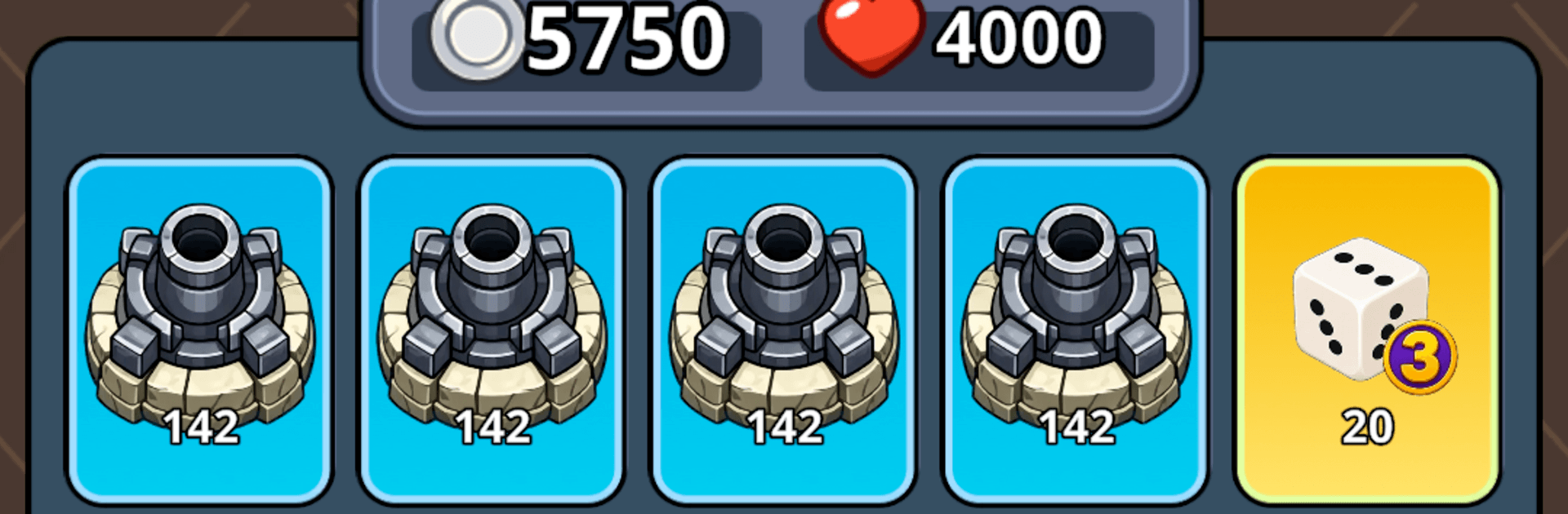
Dice Mage TD is a Strategy mash-up where your dice roll decides your next step and your towers do the heavy lifting. You circle a compact board, spend hard-earned Silver, and plant the right defenses before waves of undead crash into your castle. It’s easy to pick up but full of “wait, one more try” moments—and it plays comfortably on a bigger screen with BlueStacks.

Game Features

  • Dice-led movement: Tap to roll, move your hero around the board, and make the best of wherever you land. Luck nudges you, strategy carries you.
  • Build the battlefield: Shop for towers and dice upgrades, then fill key tiles with ranged, shock, and spell-powered defenses before the enemy snowballs.
  • Smart Silver spending: Cash and space are tight, so every purchase and placement has weight. Buy now or save for the perfect tile? Your call.
  • Stack upgrades: Grab duplicates of a tower to power it up. Fewer, stronger structures can outshine a crowded board if you plan it right.
  • Pick-a-perk cards: Between waves, choose one of three cards to tweak your dice, boost your hero, or enhance towers—each run takes a different shape.
  • Hold the line: Towers auto-fire while zombies and armored brutes march for your gates. Keep the castle’s health above zero and outlast the swarm.
  • Quick, colorful clashes: Snappy battles with plenty of visual pop—and enough randomness to make every session feel fresh.
  • Simple to play, deep to master: One-tap rolls and clean rules hide a surprising amount of decision-making.

Ready to top the leaderboard? We bet you do. Let precise controls and sharp visuals optimized on BlueStacks lead you to victory.


Game Features

Enhancements

  • Macros
  • Multi Instance
  • Multi Instance Sync
  • Eco Mode
  • Enhancements
Macros

Macros

Skip the boring parts of a game. Play Dice Mage TD with Macros and get the edge. Simply record a sequence of commands and execute them at any moment.
Multi Instance

Multi Instance

Why limit to one game on your phone when you can play many on your PC? Open multiple instances of Dice Mage TD at once with Multi-Instance. Leverage the power of different accounts by doing more.
Multi Instance Sync

Multi Instance Sync

Get the best out of Dice Mage TD with Multi-Instance Sync. Play the game from different accounts and build your own empire. Use Multi-instance sync to repeat the action in the main BlueStacks instance on all other instances.
Eco Mode

Eco Mode

Find the rarest heroes by making multiple summons in Dice Mage TD. And while you are at it, reduce your PC’s resource consumption with the Eco Mode. Farm efficiently. Get the best results.
Read More

How to Download and Play Dice Mage TD on PC or Mac

  • Download and install BlueStacks on your PC or Mac

  • Complete Google sign-in to access the Play Store, or do it later

  • Look for Dice Mage TD in the search bar at the top right corner

  • Click to install Dice Mage TD from the search results

  • Complete Google sign-in (if you skipped step 2) to install Dice Mage TD

  • Click the Dice Mage TD icon on the home screen to start playing

video
Watch Video

Minimum System Requirements

With BlueStacks 5, you can get started on a PC that fulfills the following requirements.

  • Operating System

    Microsoft Windows 7 or above, macOS 11 (Big Sur) or above

  • Processor

    Intel, AMD or Apple Silicon Processor

  • RAM

    at least 4GB

  • HDD

    10GB Free Disk Space

Note:

* You must be an Administrator on your PC. Up to date graphics drivers from Microsoft or the chipset vendor.

Dice Mage TD - FAQs

  • How to play Dice Mage TD on Windows PC & Mac?

    Play Dice Mage TD on your PC or Mac by following these simple steps.

    • Click on 'Play Dice Mage TD on PC’ to download BlueStacks
    • Install it and log-in to Google Play Store
    • Launch and play the game.
  • Why is BlueStacks the fastest and safest platform to play games on PC?

    BlueStacks respects your privacy and is always safe and secure to use. It does not carry any malware, spyware, or any sort of additional software that could harm your PC.

    It is engineered to optimize speed and performance for a seamless gaming experience.

  • What are Dice Mage TD PC requirements?

    Minimum requirement to run Dice Mage TD on your PC

    • OS: Microsoft Windows 7 or above MacOS 11 (Big Sur) or above
    • Processor: Intel, AMD or Apple Silicon Processor
    • RAM: Your PC must have at least 4GB of RAM. (Note that having 4GB or more disk space is not a substitute for RAM)
    • HDD: 10GB Free Disk Space.
    • You must be an Administrator on your PC.