Hill Jeep Driving: Jeep Games

Hill Jeep Driving: Jeep Games

Strategy

| Games Coder

Play on PC with BlueStacks or from our cloud

  • Overview
  • Game Features
  • How to Play

Page Modified On: September 25, 2026

Play Hill Jeep Driving: Jeep Games on PC or Mac

Bring your A-game to Hill Jeep Driving: Jeep Games, the Strategy game sensation from Games Coder. Give your gameplay the much-needed boost with precise game controls, high FPS graphics, and top-tier features on your PC or Mac with BlueStacks.

About the Game

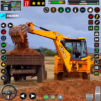
Hill Jeep Driving: Jeep Games puts you in the driver’s seat of rugged 4x4s built for rough country—think steep hills, muddy tracks, and sandy desert trails. It’s a Strategy take on off-road driving, where picking the right line, keeping momentum, and managing traction matter just as much as raw speed. Prefer a bigger view of the action? It runs smoothly on BlueStacks if you like playing on a larger display.

Game Features

  • Realistic Off-Road Handling: Feel the pull of gravity on climbs, lose grip in mud, and fight for traction on rocky turns—every surface changes how your jeep behaves.
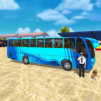
  • Three Distinct Modes: Swap between hill-climb challenges, precision parking trials, and full-on off-road racing to keep things fresh and test different skills.
  • Precision Parking Tasks: Thread tight gaps, balance on narrow ridges, and nail clean park-ins without tapping barriers or rolling a wheel off the edge.
  • Off-Road Racing Bursts: Sprint across winding tracks with checkpoints and time pressure, balancing throttle and brakes so you don’t slide out on the next bend.
  • Cargo Runs with Consequences: Haul loads through mountain paths and muddy ruts where careful driving beats speed—drop it, and you’re rethinking your route.
  • Varied Terrains to Conquer: Tackle desert dunes, forest dirt, slippery mud, and high mountain climbs, each with their own quirks and hazards.
  • A Garage of Capable 4x4s: Jump between sturdy SUVs, classic jeeps, and heavier rigs tuned for offroad jeep driving, each offering a different feel and grip.
  • Clean 3D Visuals and Audio: Crisp environments and punchy engine sounds make every skid, splash, and gear change feel satisfying.
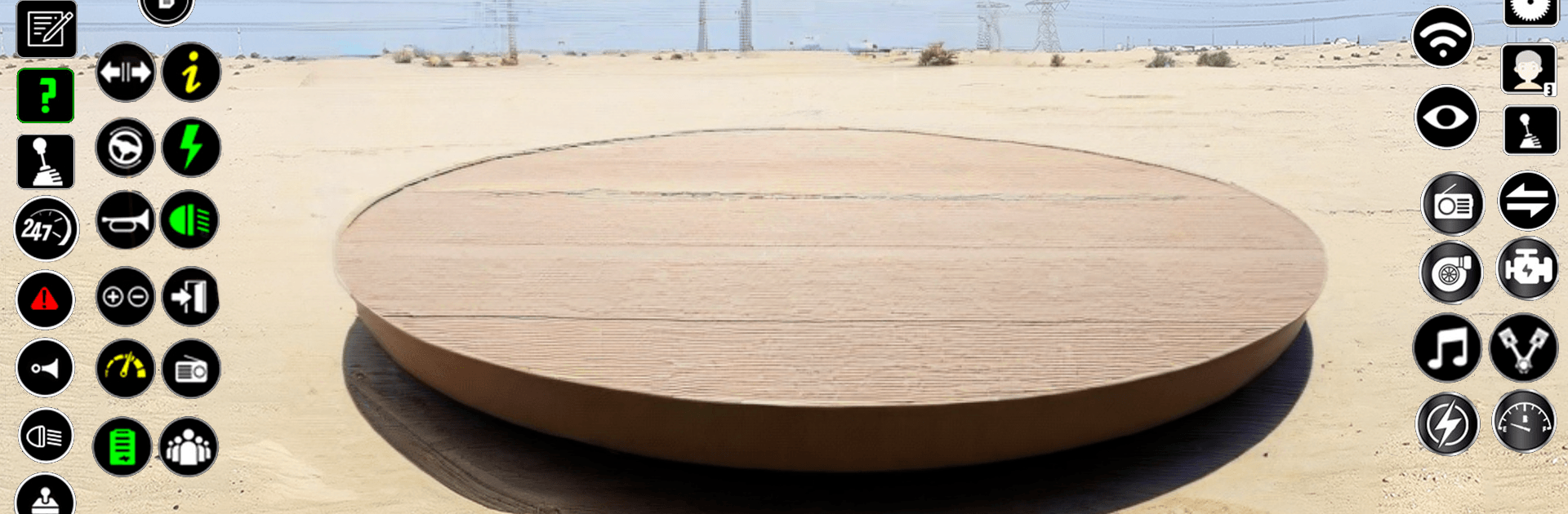
  • Multiple Camera Views: Switch from a cockpit view for immersion to chase cams for better cornering awareness or lining up tricky parking spots.

Ready to top the leaderboard? We bet you do. Let precise controls and sharp visuals optimized on BlueStacks lead you to victory.


Game Features

Enhancements

  • Macros
  • Multi Instance
  • Multi Instance Sync
  • Eco Mode
  • Enhancements
Macros

Macros

Skip the boring parts of a game. Play Hill Jeep Driving: Jeep Games with Macros and get the edge. Simply record a sequence of commands and execute them at any moment.
Multi Instance

Multi Instance

Why limit to one game on your phone when you can play many on your PC? Open multiple instances of Hill Jeep Driving: Jeep Games at once with Multi-Instance. Leverage the power of different accounts by doing more.
Multi Instance Sync

Multi Instance Sync

Get the best out of Hill Jeep Driving: Jeep Games with Multi-Instance Sync. Play the game from different accounts and build your own empire. Use Multi-instance sync to repeat the action in the main BlueStacks instance on all other instances.
Eco Mode

Eco Mode

Find the rarest heroes by making multiple summons in Hill Jeep Driving: Jeep Games. And while you are at it, reduce your PC’s resource consumption with the Eco Mode. Farm efficiently. Get the best results.
Read More

How to Download and Play Hill Jeep Driving: Jeep Games on PC or Mac

  • Download and install BlueStacks on your PC or Mac

  • Complete Google sign-in to access the Play Store, or do it later

  • Look for Hill Jeep Driving: Jeep Games in the search bar at the top right corner

  • Click to install Hill Jeep Driving: Jeep Games from the search results

  • Complete Google sign-in (if you skipped step 2) to install Hill Jeep Driving: Jeep Games

  • Click the Hill Jeep Driving: Jeep Games icon on the home screen to start playing

video
Watch Video

Minimum System Requirements

With BlueStacks 5, you can get started on a PC that fulfills the following requirements.

  • Operating System

    Microsoft Windows 7 or above, macOS 11 (Big Sur) or above

  • Processor

    Intel, AMD or Apple Silicon Processor

  • RAM

    at least 4GB

  • HDD

    10GB Free Disk Space

Note:

* You must be an Administrator on your PC. Up to date graphics drivers from Microsoft or the chipset vendor.

Hill Jeep Driving: Jeep Games - FAQs

  • How to play Hill Jeep Driving: Jeep Games on Windows PC & Mac?

    Play Hill Jeep Driving: Jeep Games on your PC or Mac by following these simple steps.

    • Click on 'Play Hill Jeep Driving: Jeep Games on PC’ to download BlueStacks
    • Install it and log-in to Google Play Store
    • Launch and play the game.
  • Why is BlueStacks the fastest and safest platform to play games on PC?

    BlueStacks respects your privacy and is always safe and secure to use. It does not carry any malware, spyware, or any sort of additional software that could harm your PC.

    It is engineered to optimize speed and performance for a seamless gaming experience.

  • What are Hill Jeep Driving: Jeep Games PC requirements?

    Minimum requirement to run Hill Jeep Driving: Jeep Games on your PC

    • OS: Microsoft Windows 7 or above MacOS 11 (Big Sur) or above
    • Processor: Intel, AMD or Apple Silicon Processor
    • RAM: Your PC must have at least 4GB of RAM. (Note that having 4GB or more disk space is not a substitute for RAM)
    • HDD: 10GB Free Disk Space.
    • You must be an Administrator on your PC.