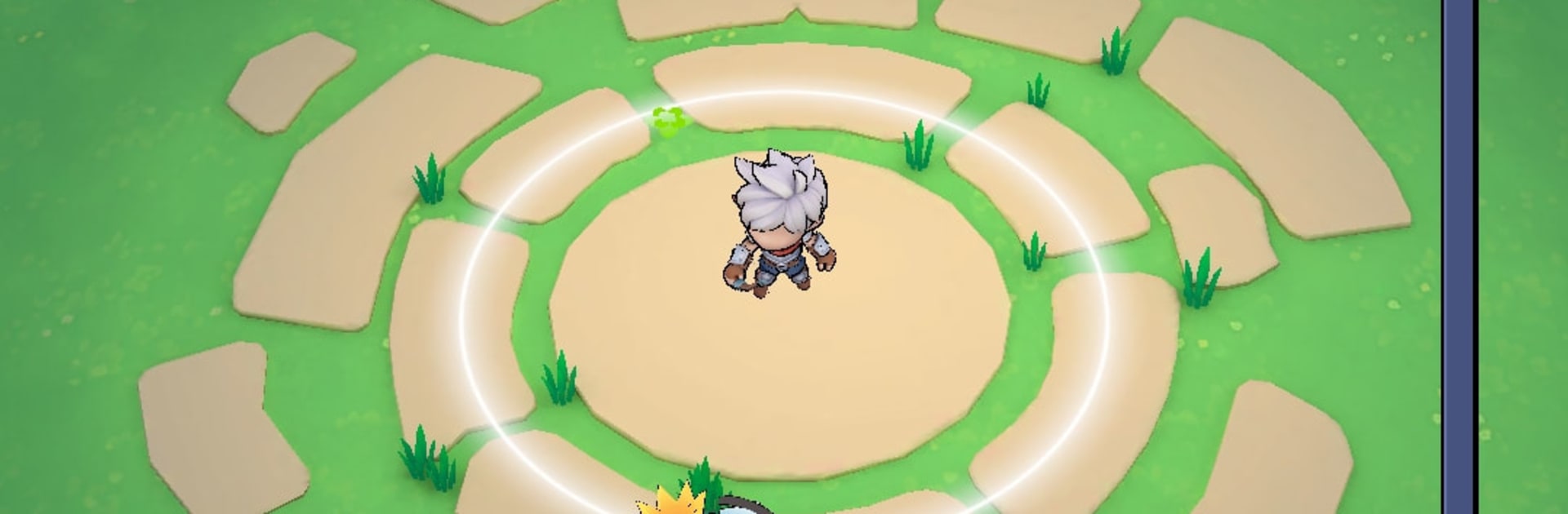
Infinite Defense: Idle TD Game

Infinite Defense: Idle TD Game

Strategy

| Horusent Sing

Play on PC with BlueStacks or from our cloud

  • Overview
  • Game Features
  • How to Play

Page Modified On: August 31, 2026

Play Infinite Defense: Idle TD Game on PC or Mac

Explore a whole new adventure with Infinite Defense: Idle TD Game, a Strategy game created by Horusent Sing. Experience great gameplay with BlueStacks, the most popular gaming platform to play Android games on your PC or Mac.

About the Game

Sometimes you just want to set your defenses, hit start, and watch a monster parade fall apart. Infinite Defense: Idle TD Game nails that feel with classic tower setups plus steady idle progress, so your run keeps improving even when you’re off doing something else. It’s a Genre: Strategy experience that’s easy to learn, surprisingly deep once you start optimizing paths and synergies, and comfy to play on BlueStacks if you prefer a bigger view and smooth controls.

Game Features

  • Thoughtful Tower Building: Place complementary towers, chain effects, and shape enemy paths to cover choke points and shore up weak lanes.
  • Idle Rewards That Stack Up: Your setup keeps battling and banking resources while you’re away, letting you come back stronger and push farther.
  • Heroes With Real Impact: Recruit heroes that patrol the map, trigger unique abilities, and boost nearby towers with handy buffs and synergies.
  • Endless Waves and Boss Checks: Face an ever-tougher horde with boss encounters that punish sloppy layouts and reward sharp planning, then chase bragging rights on leaderboards.
  • Upgrades For Every Playstyle: Unlock towers and heroes, boost key stats, and invest in enhancements that support splash damage, single-target bursts, control effects, or economy-focused builds.
  • Pick-Up-and-Play Flow: Jump in for a quick round or settle in for a longer push—progress always moves forward and never feels wasted.
  • Clear, Playful Visuals: Light, cartoon-style art keeps the action readable at a glance and friendly for all ages.
  • Steady New Stuff: Fresh challenges and additions roll in over time, giving you new ways to tweak builds and stretch your defenses.

BlueStacks gives you more room to focus on the game and less time adjusting around mobile limitations.


Game Features

Enhancements

  • Macros
  • Multi Instance
  • Multi Instance Sync
  • Eco Mode
  • Enhancements
Macros

Macros

Skip the boring parts of a game. Play Infinite Defense: Idle TD Game with Macros and get the edge. Simply record a sequence of commands and execute them at any moment.
Multi Instance

Multi Instance

Why limit to one game on your phone when you can play many on your PC? Open multiple instances of Infinite Defense: Idle TD Game at once with Multi-Instance. Leverage the power of different accounts by doing more.
Multi Instance Sync

Multi Instance Sync

Get the best out of Infinite Defense: Idle TD Game with Multi-Instance Sync. Play the game from different accounts and build your own empire. Use Multi-instance sync to repeat the action in the main BlueStacks instance on all other instances.
Eco Mode

Eco Mode

Find the rarest heroes by making multiple summons in Infinite Defense: Idle TD Game. And while you are at it, reduce your PC’s resource consumption with the Eco Mode. Farm efficiently. Get the best results.
Read More

How to Download and Play Infinite Defense: Idle TD Game on PC or Mac

  • Download and install BlueStacks on your PC or Mac

  • Complete Google sign-in to access the Play Store, or do it later

  • Look for Infinite Defense: Idle TD Game in the search bar at the top right corner

  • Click to install Infinite Defense: Idle TD Game from the search results

  • Complete Google sign-in (if you skipped step 2) to install Infinite Defense: Idle TD Game

  • Click the Infinite Defense: Idle TD Game icon on the home screen to start playing

video
Watch Video

Minimum System Requirements

With BlueStacks 5, you can get started on a PC that fulfills the following requirements.

  • Operating System

    Microsoft Windows 7 or above, macOS 11 (Big Sur) or above

  • Processor

    Intel, AMD or Apple Silicon Processor

  • RAM

    at least 4GB

  • HDD

    10GB Free Disk Space

Note:

* You must be an Administrator on your PC. Up to date graphics drivers from Microsoft or the chipset vendor.

Infinite Defense: Idle TD Game - FAQs

  • How to play Infinite Defense: Idle TD Game on Windows PC & Mac?

    Play Infinite Defense: Idle TD Game on your PC or Mac by following these simple steps.

    • Click on 'Play Infinite Defense: Idle TD Game on PC’ to download BlueStacks
    • Install it and log-in to Google Play Store
    • Launch and play the game.
  • Why is BlueStacks the fastest and safest platform to play games on PC?

    BlueStacks respects your privacy and is always safe and secure to use. It does not carry any malware, spyware, or any sort of additional software that could harm your PC.

    It is engineered to optimize speed and performance for a seamless gaming experience.

  • What are Infinite Defense: Idle TD Game PC requirements?

    Minimum requirement to run Infinite Defense: Idle TD Game on your PC

    • OS: Microsoft Windows 7 or above MacOS 11 (Big Sur) or above
    • Processor: Intel, AMD or Apple Silicon Processor
    • RAM: Your PC must have at least 4GB of RAM. (Note that having 4GB or more disk space is not a substitute for RAM)
    • HDD: 10GB Free Disk Space.
    • You must be an Administrator on your PC.