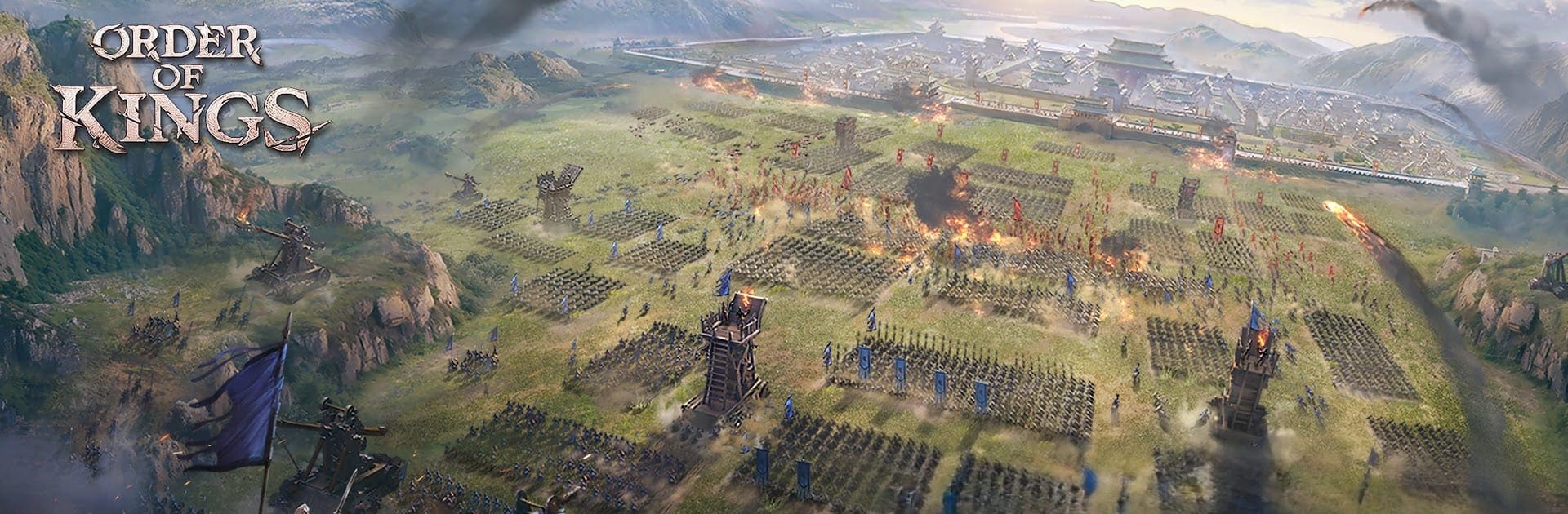


Step into the World of Order of Kings-True RTS Combat, a thrilling Strategy game from the house of DEQU. Play this Android game on BlueStacks App Player and experience immersive gaming on PC or Mac.
About the Game
Order of Kings is a hands-on Strategy battlefield where the map itself fights back. Every ridge, forest, and city wall matters, and you’re constantly juggling unit orders and commander skills to outthink rival lords. Built by DEQU for quick, tactical skirmishes and sprawling wars alike—it’s just as comfy on your phone as it is on a bigger screen with BlueStacks.
Game Features
- Real-time command: No turns, no waiting—issue orders on the fly. Split squads, kite with cavalry, pin with shields, rain arrows from afar, then collapse for the finish.
- Terrain with teeth: High ground means cleaner lines and safer shots; woods hide your approach; narrow passes become ambush zones. Grab the right position and the whole fight tilts your way.
- Formations that actually collide: Units have weight and shape, so bodies block lanes, rams clog gates, and sloppy spacing hurts. Encircle, funnel, or punch through—positioning wins battles.
- Flexible Strategists: Each Commander brings unique tools—bursts of speed, sturdier lines, healing sustain, harder hits, faster rage gain, and more. Slot the right Strategist and pop their effects exactly when the moment calls for it.
- Alliances that matter: Team up with other rulers to coordinate marches, share rally points, and hold regions together. Solo is fun; coordinated ops are how realms are taken.
- Fair fights, no VIP edges: No stat-padding VIP walls. Smart planning, crisp execution, and reliable teammates beat deep pockets here.
- No timers, no grind walls: City upgrades finish instantly, so your time goes into battles, not bars filling up. Troops roam freely and clash the second paths cross.
Start your journey now. Download the game on BlueStacks, invite your friends, and march on a new adventure.