Orpheus Story : The Shifters

Orpheus Story : The Shifters

Strategy

| 리라소프트

Play on PC with BlueStacks or from our cloud

  • Overview
  • Game Features
  • How to Play

Page Modified On: September 12, 2025

Play Orpheus Story : The Shifters on PC or Mac

Join millions to experience Orpheus Story : The Shifters, an exciting Strategy game from 리라소프트. With BlueStacks App Player, you are always a step ahead of your opponent, ready to outplay them with faster gameplay and better control with the mouse and keyboard on your PC or Mac.

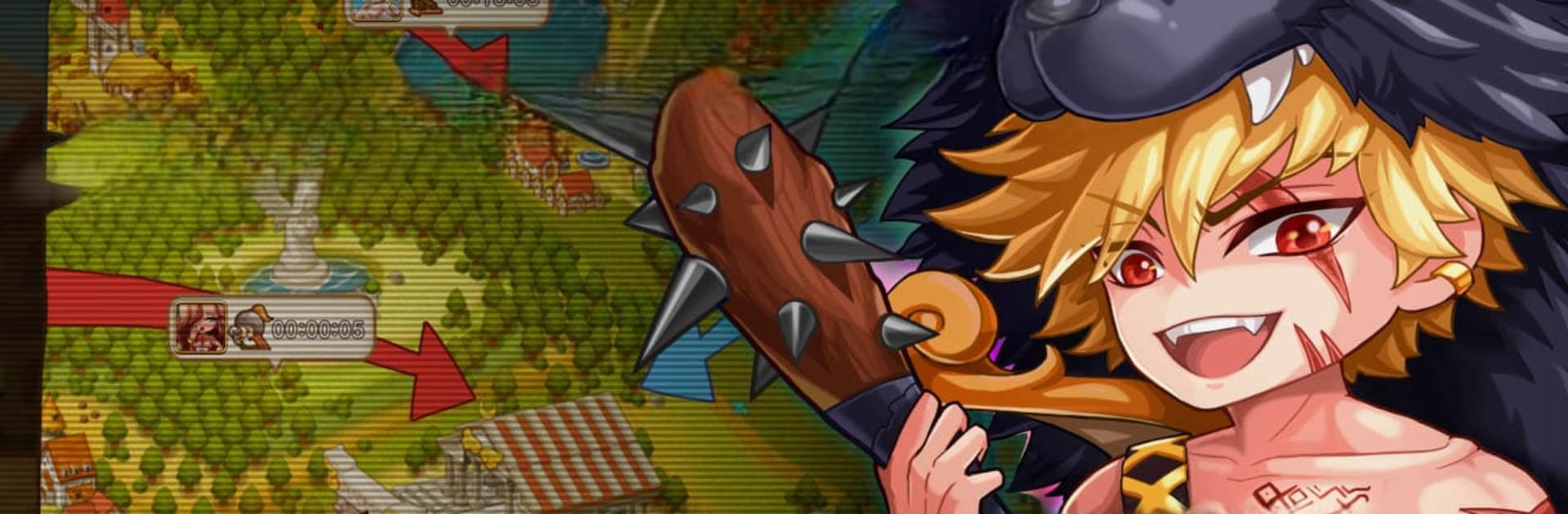
Orpheus Story: The Shifters plays like someone fused a myth-flavored visual novel with a kingdom builder. The player slips into Orpheus’s shoes, hops between dimensions, and chats with gods, mortals, and a cast that leans playful and dramatic. The story is broken into lots of bite-size episodes, spread across four bigger chapters, with hundreds of scenes that branch based on what lines the player picks. Replies swing from sarcasm to noble to flirty, and the choices actually matter. Pick a joke, defend a lover, take the high road, and new threads pop up, sometimes unlocking hidden episodes tied to the pantheon that later feed back into the war side.

It is not just reading. There is a full strategy layer where cities grow, armies march, and neighbors test borders. War horns signal battles, alliances help with big pushes, trading keeps the economy moving, and the world map gets busy when guilds coordinate. There are ruler perks like taxing, internal management, and even a slavery system that sits on the harsher edge of its mythic theme. Combat is about timing, formations, and making sure growth does not stall while chasing skirmishes. Over time, heroines join the story, each with their own personality, and relationships become another system to manage, romance included, with marriage options baked in.

Controls are straightforward, lots of reading and tapping, and it feels easy to learn. On PC with BlueStacks, mouse clicks make the dialogue quick to navigate and setting hotkeys for building queues or army commands helps a lot during busier moments. The tone lands between cheeky humor and classic epic, and the constant flip between story scenes and map strategy keeps it moving without long dead spots.

Slay your opponents with your epic moves. Play it your way on BlueStacks and dominate the battlefield.


Game Features

Enhancements

  • Macros
  • Multi Instance
  • Multi Instance Sync
  • Eco Mode
  • Enhancements
Macros

Macros

Skip the boring parts of a game. Play Orpheus Story : The Shifters with Macros and get the edge. Simply record a sequence of commands and execute them at any moment.
Multi Instance

Multi Instance

Why limit to one game on your phone when you can play many on your PC? Open multiple instances of Orpheus Story : The Shifters at once with Multi-Instance. Leverage the power of different accounts by doing more.
Multi Instance Sync

Multi Instance Sync

Get the best out of Orpheus Story : The Shifters with Multi-Instance Sync. Play the game from different accounts and build your own empire. Use Multi-instance sync to repeat the action in the main BlueStacks instance on all other instances.
Eco Mode

Eco Mode

Find the rarest heroes by making multiple summons in Orpheus Story : The Shifters. And while you are at it, reduce your PC’s resource consumption with the Eco Mode. Farm efficiently. Get the best results.
Read More

How to Download and Play Orpheus Story : The Shifters on PC or Mac

  • Download and install BlueStacks on your PC or Mac

  • Complete Google sign-in to access the Play Store, or do it later

  • Look for Orpheus Story : The Shifters in the search bar at the top right corner

  • Click to install Orpheus Story : The Shifters from the search results

  • Complete Google sign-in (if you skipped step 2) to install Orpheus Story : The Shifters

  • Click the Orpheus Story : The Shifters icon on the home screen to start playing

video
Watch Video

Minimum System Requirements

With BlueStacks 5, you can get started on a PC that fulfills the following requirements.

  • Operating System

    Microsoft Windows 7 or above, macOS 11 (Big Sur) or above

  • Processor

    Intel, AMD or Apple Silicon Processor

  • RAM

    at least 4GB

  • HDD

    10GB Free Disk Space

Note:

* You must be an Administrator on your PC. Up to date graphics drivers from Microsoft or the chipset vendor.

Orpheus Story : The Shifters - FAQs

  • How to play Orpheus Story : The Shifters on Windows PC & Mac?

    Play Orpheus Story : The Shifters on your PC or Mac by following these simple steps.

    • Click on 'Play Orpheus Story : The Shifters on PC’ to download BlueStacks
    • Install it and log-in to Google Play Store
    • Launch and play the game.
  • Why is BlueStacks the fastest and safest platform to play games on PC?

    BlueStacks respects your privacy and is always safe and secure to use. It does not carry any malware, spyware, or any sort of additional software that could harm your PC.

    It is engineered to optimize speed and performance for a seamless gaming experience.

  • What are Orpheus Story : The Shifters PC requirements?

    Minimum requirement to run Orpheus Story : The Shifters on your PC

    • OS: Microsoft Windows 7 or above MacOS 11 (Big Sur) or above
    • Processor: Intel, AMD or Apple Silicon Processor
    • RAM: Your PC must have at least 4GB of RAM. (Note that having 4GB or more disk space is not a substitute for RAM)
    • HDD: 10GB Free Disk Space.
    • You must be an Administrator on your PC.