
Hơi Thở Hải Tặc
Hơi Thở Hải Tặc

Hơi Thở Hải Tặc

Strategy

| TRAN DUY QUANG

Play on PC with BlueStacks or from our cloud

  • Overview
  • Game Features
  • How to Play

Page Modified On: June 29, 2026

Play Hơi Thở Hải Tặc on PC or Mac

Play Hơi Thở Hải Tặc by TRAN DUY QUANG on PC or Mac with BlueStacks. Use a bigger screen, mouse and keyboard controls, and smoother performance while you play.

About the Game

Hơi Thở Hải Tặc is a Strategy game where you captain a bold pirate crew and fight your way across stormy seas. It blends team-building, card growth, and flashy skill chains, so every battle feels like a puzzle you can solve your way. Want to micromanage every move or lean on smart setups? You’ve got options.

Game Features

  • Crew-Building Freedom: Mix and match sailors with different roles and quirks, then fine-tune your lineup to handle bosses, swarm fights, and tricky counters.
  • Combo-Driven Battles: Queue skills, chain effects, and watch your squad pop off with satisfying combos that reward good timing and smart sequencing.
  • Deep Card Upgrades: Push heroes and cards through breakthrough tiers to reach UR quality, unlocking stronger stats, new traits, and room for wild builds.
  • Tactics That Matter: Formations, turn order, and targeted control all make a difference. Shift your front line, bait big hits, and punish weaknesses.
  • A Grand Pirate Saga: Sail through a story that charts the rise of a fearsome crew, meet rival captains, and clash across heated battlefields.
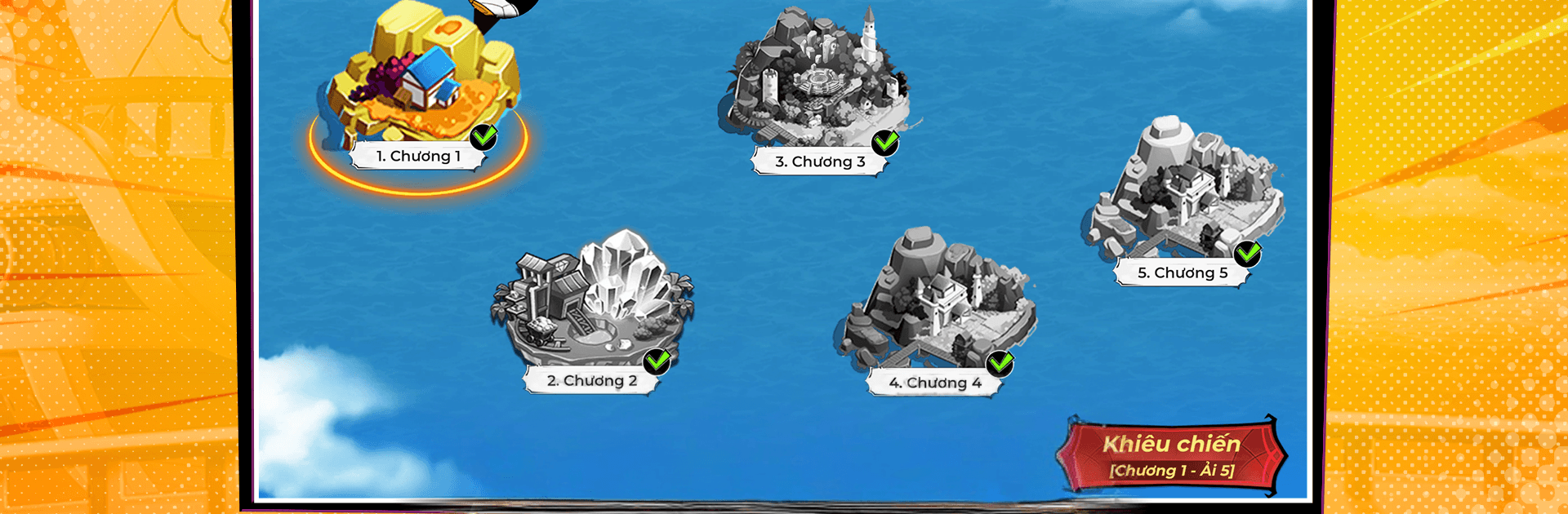
  • Modes for Every Mood: Tackle campaign stages, tough challenge nodes, and competitive matchups that test both your roster and your strategy.
  • Play Your Pace: Go hands-on for clutch fights, or let auto-battle handle routine grinds while you focus on theorycrafting the next upgrade path.
  • Smooth on PC: Prefer a bigger screen and crisp controls? Hơi Thở Hải Tặc runs nicely on BlueStacks for a clean, stable experience.

Start your journey now. Download the game on BlueStacks, invite your friends, and march on a new adventure.


Game Features

Enhancements

  • Macros
  • Multi Instance
  • Multi Instance Sync
  • Eco Mode
  • Enhancements
Macros

Macros

Skip the boring parts of a game. Play Hơi Thở Hải Tặc with Macros and get the edge. Simply record a sequence of commands and execute them at any moment.
Multi Instance

Multi Instance

Why limit to one game on your phone when you can play many on your PC? Open multiple instances of Hơi Thở Hải Tặc at once with Multi-Instance. Leverage the power of different accounts by doing more.
Multi Instance Sync

Multi Instance Sync

Get the best out of Hơi Thở Hải Tặc with Multi-Instance Sync. Play the game from different accounts and build your own empire. Use Multi-instance sync to repeat the action in the main BlueStacks instance on all other instances.
Eco Mode

Eco Mode

Find the rarest heroes by making multiple summons in Hơi Thở Hải Tặc. And while you are at it, reduce your PC’s resource consumption with the Eco Mode. Farm efficiently. Get the best results.
Read More

How to Download and Play Hơi Thở Hải Tặc on PC or Mac

  • Download and install BlueStacks on your PC or Mac

  • Complete Google sign-in to access the Play Store, or do it later

  • Look for Hơi Thở Hải Tặc in the search bar at the top right corner

  • Click to install Hơi Thở Hải Tặc from the search results

  • Complete Google sign-in (if you skipped step 2) to install Hơi Thở Hải Tặc

  • Click the Hơi Thở Hải Tặc icon on the home screen to start playing

video
Watch Video

Minimum System Requirements

With BlueStacks 5, you can get started on a PC that fulfills the following requirements.

  • Operating System

    Microsoft Windows 7 or above, macOS 11 (Big Sur) or above

  • Processor

    Intel, AMD or Apple Silicon Processor

  • RAM

    at least 4GB

  • HDD

    10GB Free Disk Space

Note:

* You must be an Administrator on your PC. Up to date graphics drivers from Microsoft or the chipset vendor.

Hơi Thở Hải Tặc - FAQs

  • How to play Hơi Thở Hải Tặc on Windows PC & Mac?

    Play Hơi Thở Hải Tặc on your PC or Mac by following these simple steps.

    • Click on 'Play Hơi Thở Hải Tặc on PC’ to download BlueStacks
    • Install it and log-in to Google Play Store
    • Launch and play the game.
  • Why is BlueStacks the fastest and safest platform to play games on PC?

    BlueStacks respects your privacy and is always safe and secure to use. It does not carry any malware, spyware, or any sort of additional software that could harm your PC.

    It is engineered to optimize speed and performance for a seamless gaming experience.

  • What are Hơi Thở Hải Tặc PC requirements?

    Minimum requirement to run Hơi Thở Hải Tặc on your PC

    • OS: Microsoft Windows 7 or above MacOS 11 (Big Sur) or above
    • Processor: Intel, AMD or Apple Silicon Processor
    • RAM: Your PC must have at least 4GB of RAM. (Note that having 4GB or more disk space is not a substitute for RAM)
    • HDD: 10GB Free Disk Space.
    • You must be an Administrator on your PC.







