Plants vs zombies goty

Plants vs zombies goty

Strategy

| ISLAMABAD PRIME STEEL PVT LTD

Play on PC with BlueStacks or from our cloud

  • Overview
  • Game Features
  • How to Play

Page Modified On: August 10, 2026

Play Plants vs zombies goty on PC or Mac

Step into the World of Plants vs zombies goty, a thrilling Strategy game from the house of ISLAMABAD PRIME STEEL PVT LTD. Play this Android game on BlueStacks App Player and experience immersive gaming on PC or Mac.

About the Game

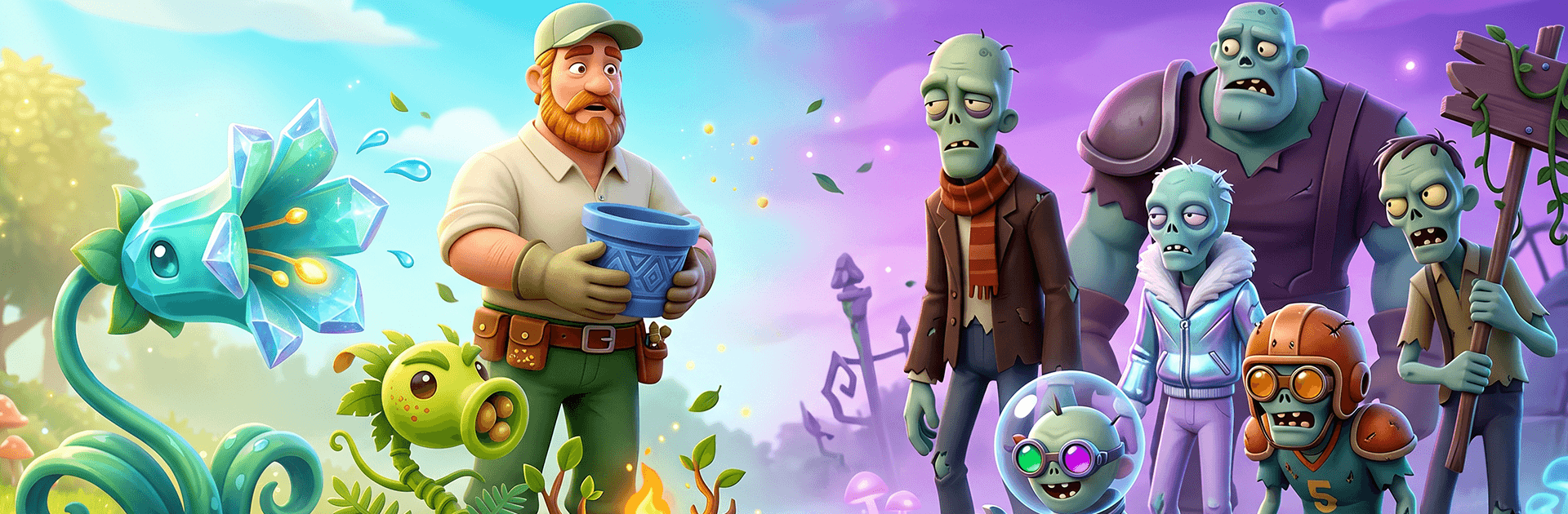
Plants vs zombies goty is a Strategy favorite where gardening turns into a clever, chaotic standoff. Zombies shuffle in with goofy surprises, and your plant squad is the only line of defense. You’ll juggle timing, placement, and sun income while each level throws new twists at your lawn. Prefer a big screen? It runs smoothly on PC with BlueStacks too.

Game Features

  • Tactical Planting: Build a smart lineup of shooters, blockers, bombs, and sun-makers, then place them in the right lanes to keep the undead at bay.
  • Dynamic Battlefields: Day, night, fog, and rooftop stages change how you plan—visibility shifts, space gets tight, and your favorite setups might need a rethink.
  • Quirky Enemies: From bucket-head brutes to pole-vaulters and dance-happy troublemakers, every zombie type pushes you to adjust your strategy on the fly.
  • Modes to Master: Tackle a lengthy Adventure campaign, then jump into Puzzle, Survival, and special GOTY mini-games for fresh rules and new challenges.
  • Grow Your Arsenal: Unlock new plant types and refine your go-to builds as the difficulty climbs and enemy combos get trickier.
  • Create-a-Zombie: Use the Zombatar to design a personal zombie avatar and bring a little weirdness to your profile.
  • Polished Presentation: Crisp animations, colorful effects, and those instantly recognizable sounds make every wave feel punchy and satisfying.
  • PC-Friendly Play: On BlueStacks, enjoy comfortable controls and a clear view of the whole lawn—great for tight timing and quick swaps.

Get ready for a buttery smooth, high-performance gaming action only on BlueStacks.

Game Features

Enhancements

  • Macros
  • Multi Instance
  • Multi Instance Sync
  • Eco Mode
  • Enhancements
Macros

Macros

Skip the boring parts of a game. Play Plants vs zombies goty with Macros and get the edge. Simply record a sequence of commands and execute them at any moment.
Multi Instance

Multi Instance

Why limit to one game on your phone when you can play many on your PC? Open multiple instances of Plants vs zombies goty at once with Multi-Instance. Leverage the power of different accounts by doing more.
Multi Instance Sync

Multi Instance Sync

Get the best out of Plants vs zombies goty with Multi-Instance Sync. Play the game from different accounts and build your own empire. Use Multi-instance sync to repeat the action in the main BlueStacks instance on all other instances.
Eco Mode

Eco Mode

Find the rarest heroes by making multiple summons in Plants vs zombies goty. And while you are at it, reduce your PC’s resource consumption with the Eco Mode. Farm efficiently. Get the best results.
Read More

How to Download and Play Plants vs zombies goty on PC or Mac

  • Download and install BlueStacks on your PC or Mac

  • Complete Google sign-in to access the Play Store, or do it later

  • Look for Plants vs zombies goty in the search bar at the top right corner

  • Click to install Plants vs zombies goty from the search results

  • Complete Google sign-in (if you skipped step 2) to install Plants vs zombies goty

  • Click the Plants vs zombies goty icon on the home screen to start playing

video
Watch Video

Minimum System Requirements

With BlueStacks 5, you can get started on a PC that fulfills the following requirements.

  • Operating System

    Microsoft Windows 7 or above, macOS 11 (Big Sur) or above

  • Processor

    Intel, AMD or Apple Silicon Processor

  • RAM

    at least 4GB

  • HDD

    10GB Free Disk Space

Note:

* You must be an Administrator on your PC. Up to date graphics drivers from Microsoft or the chipset vendor.

Plants vs zombies goty - FAQs

  • How to play Plants vs zombies goty on Windows PC & Mac?

    Play Plants vs zombies goty on your PC or Mac by following these simple steps.

    • Click on 'Play Plants vs zombies goty on PC’ to download BlueStacks
    • Install it and log-in to Google Play Store
    • Launch and play the game.
  • Why is BlueStacks the fastest and safest platform to play games on PC?

    BlueStacks respects your privacy and is always safe and secure to use. It does not carry any malware, spyware, or any sort of additional software that could harm your PC.

    It is engineered to optimize speed and performance for a seamless gaming experience.

  • What are Plants vs zombies goty PC requirements?

    Minimum requirement to run Plants vs zombies goty on your PC

    • OS: Microsoft Windows 7 or above MacOS 11 (Big Sur) or above
    • Processor: Intel, AMD or Apple Silicon Processor
    • RAM: Your PC must have at least 4GB of RAM. (Note that having 4GB or more disk space is not a substitute for RAM)
    • HDD: 10GB Free Disk Space.
    • You must be an Administrator on your PC.