Shambles: Sons of Apocalypse

Shambles: Sons of Apocalypse

Strategy

| GRAVITY Co., Ltd.

Play on PC with BlueStacks or from our cloud

  • Overview
  • Game Features
  • How to Play

Page Modified On: August 11, 2026

Play Shambles: Sons of Apocalypse on PC or Mac

Explore a whole new adventure with Shambles: Sons of Apocalypse, a Strategy game created by GRAVITY Co., Ltd.. Experience great gameplay with BlueStacks, the most popular gaming platform to play Android games on your PC or Mac.

About the Game

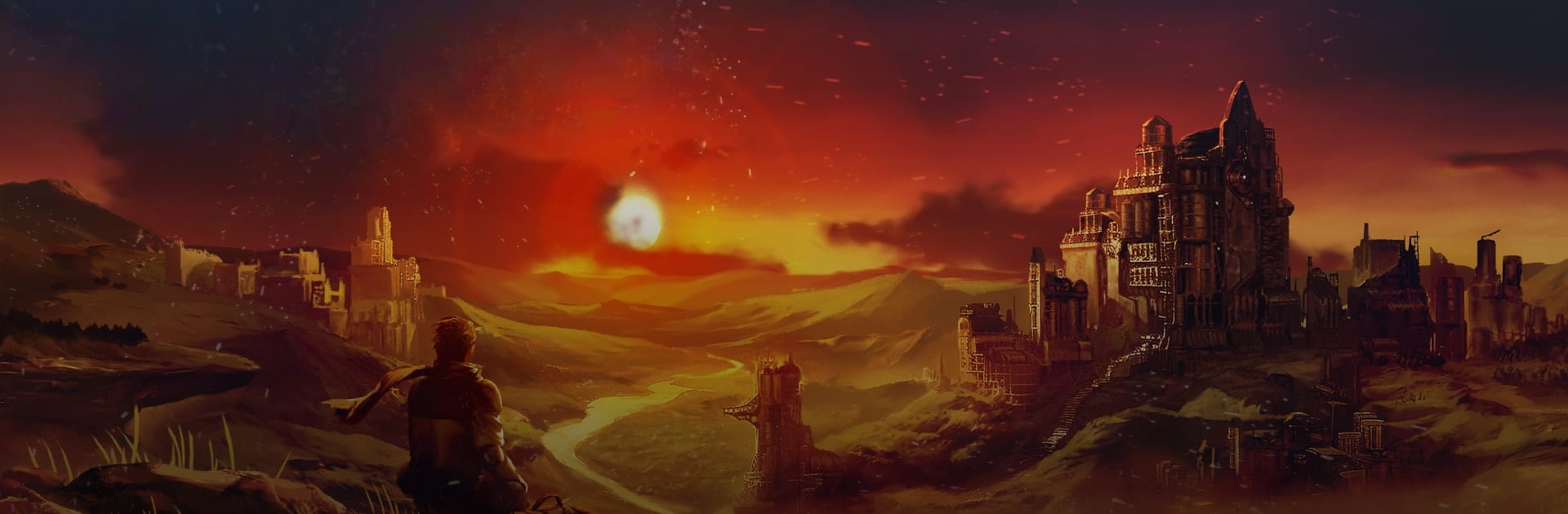
Shambles: Sons of Apocalypse is a Strategy game about stepping out of a sealed bunker and into a world that’s had five centuries to change without you. You’re an explorer charting a ruined continent, juggling hard choices, tactical card battles, and story events that can nudge humanity toward peace—or push it over the edge. Expect tense runs, strange factions, and decisions that won’t always feel comfortable.

Game Features

  • Choice-driven journeys: Every expedition branches through story events where your calls actually matter. Small favors snowball, betrayals come back around, and multiple endings reflect the path you carved.

  • Text RPG meets deckbuilding roguelike: Read situations, pick your approach, and tackle missions through event choices and card-driven encounters. Each run feels fresh, with new routes, risks, and rewards.

  • Build your own combat style: Craft a deck that fits your role—modern soldier, ironclad knight, eccentric wizard, or something in-between. Mix hundreds of cards, gear, and skills to create nasty synergies and clutch saves.

  • A vast, fractured continent: Roam Eustea’s 100+ zones filled with warring factions, lost tech, and odd new civilizations. Unearth relics of the old world and piece together what really happened.

  • Field guide of the unknown: Log creatures, survivors, books, and journals into your pictorial record. It’s part encyclopedia, part travel diary of a world trying to start over.

  • Constant forks in the road: Routes, supplies, health, equipment—everything’s a decision point. One detour can reshape your build, your allies, and the ending you’ll get.

  • Tactical card battles: Snappy, readable fights where timing, resource management, and smart combos matter more than brute force.

  • Plays great on a bigger screen: Prefer a desk setup? It feels right at home on BlueStacks.

BlueStacks gives you more room to focus on the game and less time adjusting around mobile limitations.


Game Features

Enhancements

  • Macros
  • Multi Instance
  • Multi Instance Sync
  • Eco Mode
  • Enhancements
Macros

Macros

Skip the boring parts of a game. Play Shambles: Sons of Apocalypse with Macros and get the edge. Simply record a sequence of commands and execute them at any moment.
Multi Instance

Multi Instance

Why limit to one game on your phone when you can play many on your PC? Open multiple instances of Shambles: Sons of Apocalypse at once with Multi-Instance. Leverage the power of different accounts by doing more.
Multi Instance Sync

Multi Instance Sync

Get the best out of Shambles: Sons of Apocalypse with Multi-Instance Sync. Play the game from different accounts and build your own empire. Use Multi-instance sync to repeat the action in the main BlueStacks instance on all other instances.
Eco Mode

Eco Mode

Find the rarest heroes by making multiple summons in Shambles: Sons of Apocalypse. And while you are at it, reduce your PC’s resource consumption with the Eco Mode. Farm efficiently. Get the best results.
Read More

How to Download and Play Shambles: Sons of Apocalypse on PC or Mac

  • Download and install BlueStacks on your PC or Mac

  • Complete Google sign-in to access the Play Store, or do it later

  • Look for Shambles: Sons of Apocalypse in the search bar at the top right corner

  • Click to install Shambles: Sons of Apocalypse from the search results

  • Complete Google sign-in (if you skipped step 2) to install Shambles: Sons of Apocalypse

  • Click the Shambles: Sons of Apocalypse icon on the home screen to start playing

video
Watch Video

Minimum System Requirements

With BlueStacks 5, you can get started on a PC that fulfills the following requirements.

  • Operating System

    Microsoft Windows 7 or above, macOS 11 (Big Sur) or above

  • Processor

    Intel, AMD or Apple Silicon Processor

  • RAM

    at least 4GB

  • HDD

    10GB Free Disk Space

Note:

* You must be an Administrator on your PC. Up to date graphics drivers from Microsoft or the chipset vendor.

Shambles: Sons of Apocalypse - FAQs

  • How to play Shambles: Sons of Apocalypse on Windows PC & Mac?

    Play Shambles: Sons of Apocalypse on your PC or Mac by following these simple steps.

    • Click on 'Play Shambles: Sons of Apocalypse on PC’ to download BlueStacks
    • Install it and log-in to Google Play Store
    • Launch and play the game.
  • Why is BlueStacks the fastest and safest platform to play games on PC?

    BlueStacks respects your privacy and is always safe and secure to use. It does not carry any malware, spyware, or any sort of additional software that could harm your PC.

    It is engineered to optimize speed and performance for a seamless gaming experience.

  • What are Shambles: Sons of Apocalypse PC requirements?

    Minimum requirement to run Shambles: Sons of Apocalypse on your PC

    • OS: Microsoft Windows 7 or above MacOS 11 (Big Sur) or above
    • Processor: Intel, AMD or Apple Silicon Processor
    • RAM: Your PC must have at least 4GB of RAM. (Note that having 4GB or more disk space is not a substitute for RAM)
    • HDD: 10GB Free Disk Space.
    • You must be an Administrator on your PC.