Survival: Monster Battle

Survival: Monster Battle

Strategy

| Brocker Bus Studio

Play on PC with BlueStacks or from our cloud

  • Overview
  • Game Features
  • How to Play

Page Modified On: May 25, 2026

Play Survival: Monster Battle on PC or Mac

Survival: Monster Battle brings the Strategy genre to life, and throws up exciting challenges for gamers. Developed by Brocker Bus Studio, this Android game is best experienced on BlueStacks, the World’s #1 app player for PC and Mac users.

About the Game

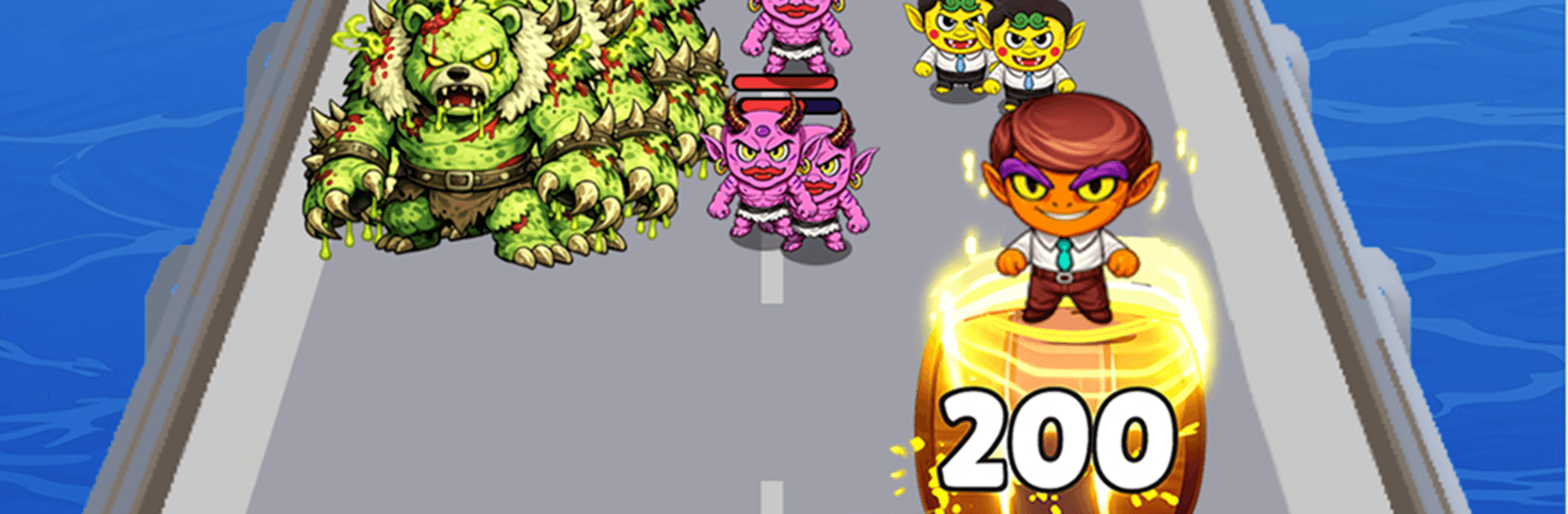
When civilization went quiet, the monsters turned up the volume. Survival: Monster Battle is a Strategy game that blends base-building with rhythm-charged combat and a splash of post‑apocalyptic flair. You’ll grow a scrappy settlement, recruit flashy monster idols, and outsmart rivals in battles where timing and tactics really matter. Prefer a bigger screen? It plays smoothly on PC with BlueStacks, too.

Game Features

  • Build and Fortify: Design a sturdy base, upgrade key structures, and manage vital resources so your people don’t just hang on—they thrive in monster-controlled territory.
  • Monster Idols with Style: Collect distinctive monster heroes, each rocking signature skills and personalities that change how your squad performs.
  • Rhythm-Infused Battles: Combat flows to a pulse—trigger abilities with smart timing, chain powerful effects, and watch the show turn into a strategic brawl.
  • Tactical Formations: Position units, balance roles, and craft lineups that counter enemy squads; small tweaks can flip a fight on its head.
  • Alliance Play: Team up with players around the world to trade tips, share support, and coordinate strategies that hit harder together.
  • Colossal Boss Fights: Rally allies and take on towering monsters with mechanics that reward planning, teamwork, and well-timed bursts.
  • Real-Time PvP: Put your builds to the test in fast, competitive matches against real opponents and earn some bragging rights.
  • Meaningful Progression: Research tech, train units, and enhance heroes to unlock fresh tactics and new ways to keep the lights on—and your stage shining.

BlueStacks gives you more room to focus on the game and less time adjusting around mobile limitations.


Game Features

Enhancements

  • Macros
  • Multi Instance
  • Multi Instance Sync
  • Eco Mode
  • Enhancements
Macros

Macros

Skip the boring parts of a game. Play Survival: Monster Battle with Macros and get the edge. Simply record a sequence of commands and execute them at any moment.
Multi Instance

Multi Instance

Why limit to one game on your phone when you can play many on your PC? Open multiple instances of Survival: Monster Battle at once with Multi-Instance. Leverage the power of different accounts by doing more.
Multi Instance Sync

Multi Instance Sync

Get the best out of Survival: Monster Battle with Multi-Instance Sync. Play the game from different accounts and build your own empire. Use Multi-instance sync to repeat the action in the main BlueStacks instance on all other instances.
Eco Mode

Eco Mode

Find the rarest heroes by making multiple summons in Survival: Monster Battle. And while you are at it, reduce your PC’s resource consumption with the Eco Mode. Farm efficiently. Get the best results.
Read More

How to Download and Play Survival: Monster Battle on PC or Mac

  • Download and install BlueStacks on your PC or Mac

  • Complete Google sign-in to access the Play Store, or do it later

  • Look for Survival: Monster Battle in the search bar at the top right corner

  • Click to install Survival: Monster Battle from the search results

  • Complete Google sign-in (if you skipped step 2) to install Survival: Monster Battle

  • Click the Survival: Monster Battle icon on the home screen to start playing

video
Watch Video

Minimum System Requirements

With BlueStacks 5, you can get started on a PC that fulfills the following requirements.

  • Operating System

    Microsoft Windows 7 or above, macOS 11 (Big Sur) or above

  • Processor

    Intel, AMD or Apple Silicon Processor

  • RAM

    at least 4GB

  • HDD

    10GB Free Disk Space

Note:

* You must be an Administrator on your PC. Up to date graphics drivers from Microsoft or the chipset vendor.

Survival: Monster Battle - FAQs

  • How to play Survival: Monster Battle on Windows PC & Mac?

    Play Survival: Monster Battle on your PC or Mac by following these simple steps.

    • Click on 'Play Survival: Monster Battle on PC’ to download BlueStacks
    • Install it and log-in to Google Play Store
    • Launch and play the game.
  • Why is BlueStacks the fastest and safest platform to play games on PC?

    BlueStacks respects your privacy and is always safe and secure to use. It does not carry any malware, spyware, or any sort of additional software that could harm your PC.

    It is engineered to optimize speed and performance for a seamless gaming experience.

  • What are Survival: Monster Battle PC requirements?

    Minimum requirement to run Survival: Monster Battle on your PC

    • OS: Microsoft Windows 7 or above MacOS 11 (Big Sur) or above
    • Processor: Intel, AMD or Apple Silicon Processor
    • RAM: Your PC must have at least 4GB of RAM. (Note that having 4GB or more disk space is not a substitute for RAM)
    • HDD: 10GB Free Disk Space.
    • You must be an Administrator on your PC.