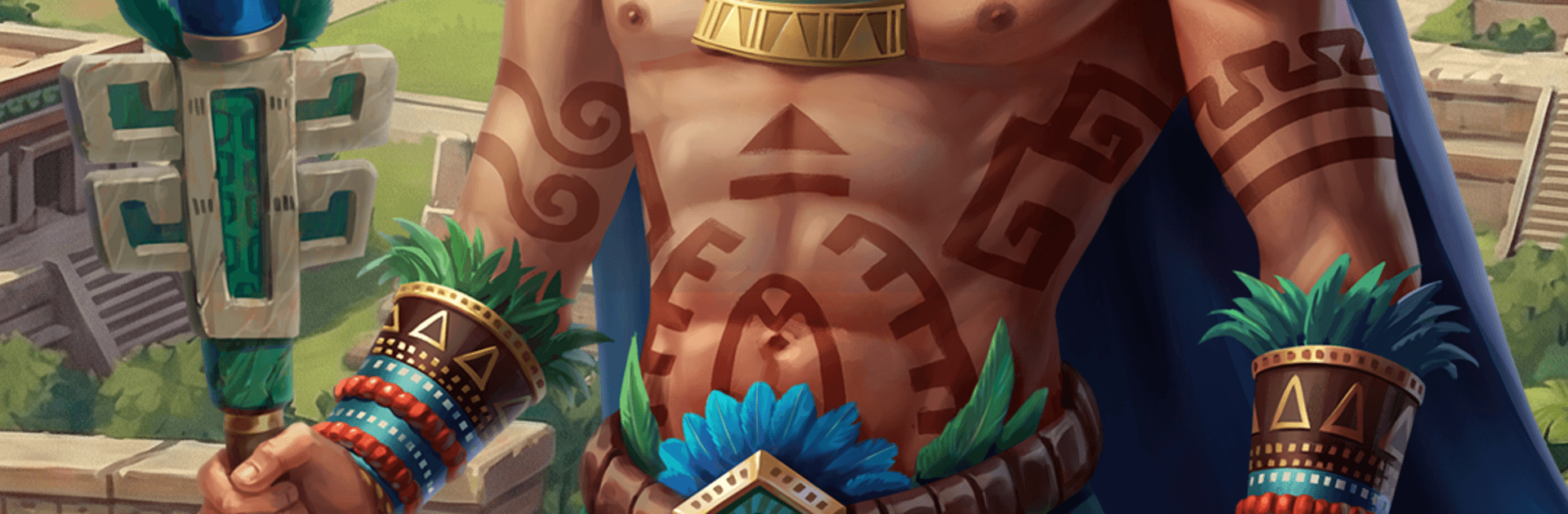
Tentlan: Mesoamerican Strategy

Tentlan: Mesoamerican Strategy

Strategy

| Lionmoon

Play on PC with BlueStacks or from our cloud

  • Overview
  • Game Features
  • How to Play

Page Modified On: September 25, 2026

Play Tentlan: Mesoamerican Strategy on PC or Mac

Tentlan: Mesoamerican Strategy brings the Strategy genre to life, and throws up exciting challenges for gamers. Developed by Lionmoon, this Android game is best experienced on BlueStacks, the World’s #1 app player for PC and Mac users.

About the Game

Tentlan: Mesoamerican Strategy drops you into a lush, ancient world where you build a city under the jungle canopy and guide it into a thriving Maya metropolis. It’s all about careful planning—juggling growth, rituals, and troop movements to outthink rivals and guard your borders. Prefer quick check-ins or long plotting sessions? Either way works, and if you like playing on PC, BlueStacks makes it easy to keep an eye on your empire.

Game Features

  • Grow a Jungle Capital: Start small and expand into a grand city with pyramids, observatories, and ceremonial plazas that shape your culture and power.
  • Resource Mastery: Manage cocoa, maize, and other essentials, balancing production and storage so your city never stalls when it matters.
  • Research Forgotten Knowledge: Unlock technologies that open new buildings, improvements, and military options to sharpen your edge.
  • Rituals and Seasons: Perform ceremonies to shift the seasons and trigger temporary boosts that can swing the economy, defense, or battlefield your way.
  • Armies with Purpose: Train varied units, mix roles, and time your movements to harass, defend, or strike when opponents least expect it.
  • PvP and PvE Combat: Raid barbarian villages for loot or test your tactics against real players, choosing when to jab, feint, or push for a decisive hit.
  • Tribes and Diplomacy: Form or join a tribe, trade resources, coordinate operations, broker alliances—or bluff and outmaneuver rivals when talks get tense.
  • Living World Map: Scout neighbors, watch borders, and read the shifting balance of power on a persistent map where every action leaves a mark.
  • Win with Brains, Not Bulk: Outsmart heavier forces with timing, scouting, decoys, and clever routes instead of relying on sheer numbers.
  • Authentic Atmosphere: Soak in evocative music and art inspired by Maya culture, with quests and rituals that make every expansion feel earned.
  • Play Your Way: Hop in for quick decisions or settle in for longer planning; on PC, BlueStacks offers a comfortable way to manage your city.

Start playing Tentlan: Mesoamerican Strategy on BlueStacks and get a smoother, more comfortable PC or Mac setup.


Game Features

Enhancements

  • Macros
  • Multi Instance
  • Multi Instance Sync
  • Eco Mode
  • Enhancements
Macros

Macros

Skip the boring parts of a game. Play Tentlan: Mesoamerican Strategy with Macros and get the edge. Simply record a sequence of commands and execute them at any moment.
Multi Instance

Multi Instance

Why limit to one game on your phone when you can play many on your PC? Open multiple instances of Tentlan: Mesoamerican Strategy at once with Multi-Instance. Leverage the power of different accounts by doing more.
Multi Instance Sync

Multi Instance Sync

Get the best out of Tentlan: Mesoamerican Strategy with Multi-Instance Sync. Play the game from different accounts and build your own empire. Use Multi-instance sync to repeat the action in the main BlueStacks instance on all other instances.
Eco Mode

Eco Mode

Find the rarest heroes by making multiple summons in Tentlan: Mesoamerican Strategy. And while you are at it, reduce your PC’s resource consumption with the Eco Mode. Farm efficiently. Get the best results.
Read More

How to Download and Play Tentlan: Mesoamerican Strategy on PC or Mac

  • Download and install BlueStacks on your PC or Mac

  • Complete Google sign-in to access the Play Store, or do it later

  • Look for Tentlan: Mesoamerican Strategy in the search bar at the top right corner

  • Click to install Tentlan: Mesoamerican Strategy from the search results

  • Complete Google sign-in (if you skipped step 2) to install Tentlan: Mesoamerican Strategy

  • Click the Tentlan: Mesoamerican Strategy icon on the home screen to start playing

video
Watch Video

Minimum System Requirements

With BlueStacks 5, you can get started on a PC that fulfills the following requirements.

  • Operating System

    Microsoft Windows 7 or above, macOS 11 (Big Sur) or above

  • Processor

    Intel, AMD or Apple Silicon Processor

  • RAM

    at least 4GB

  • HDD

    10GB Free Disk Space

Note:

* You must be an Administrator on your PC. Up to date graphics drivers from Microsoft or the chipset vendor.

Tentlan: Mesoamerican Strategy - FAQs

  • How to play Tentlan: Mesoamerican Strategy on Windows PC & Mac?

    Play Tentlan: Mesoamerican Strategy on your PC or Mac by following these simple steps.

    • Click on 'Play Tentlan: Mesoamerican Strategy on PC’ to download BlueStacks
    • Install it and log-in to Google Play Store
    • Launch and play the game.
  • Why is BlueStacks the fastest and safest platform to play games on PC?

    BlueStacks respects your privacy and is always safe and secure to use. It does not carry any malware, spyware, or any sort of additional software that could harm your PC.

    It is engineered to optimize speed and performance for a seamless gaming experience.

  • What are Tentlan: Mesoamerican Strategy PC requirements?

    Minimum requirement to run Tentlan: Mesoamerican Strategy on your PC

    • OS: Microsoft Windows 7 or above MacOS 11 (Big Sur) or above
    • Processor: Intel, AMD or Apple Silicon Processor
    • RAM: Your PC must have at least 4GB of RAM. (Note that having 4GB or more disk space is not a substitute for RAM)
    • HDD: 10GB Free Disk Space.
    • You must be an Administrator on your PC.