Last Fiefdom
Last Fiefdom

Last Fiefdom

Strategy

| Bravo Games Limited

BlueStacks Verified

Play on PC with BlueStacks or from our cloud

  • Overview
  • Game Features
  • How to Play

Page Modified On: March 05, 2026

Play Last Fiefdom on PC or Mac

Explore a whole new adventure with Last Fiefdom, a Strategy game created by Bravo Games Limited. Experience great gameplay with BlueStacks, the most popular gaming platform to play Android games on your PC or Mac.

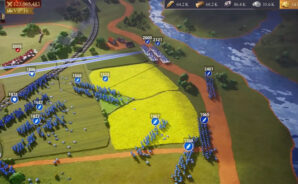
Last Fiefdom is a war strategy game where the whole map feels on edge and everyone is chasing the same crown. It leans hard into fortress building and siege warfare. Players put up layered walls, tower lines, traps, and oddities like fire-slinging ballistas and hot oil to slow big pushes. Defenses are not just set-and-forget either, because enemies will scout, poke at weak spots, and try to starve a city before they storm it. Running it on BlueStacks helps a lot with all the dragging and rotating of pieces on a bigger screen, and the mouse makes pathing cleaner when laying out walls.

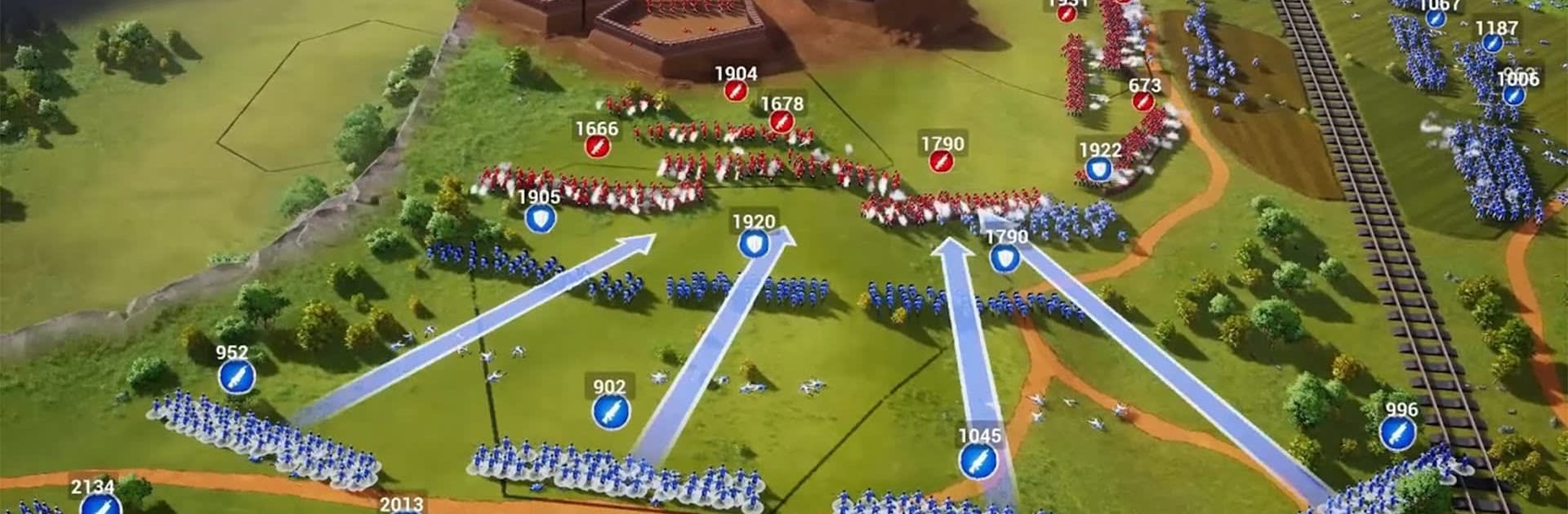
The star of the show is the dragon stuff. Eggs get hatched, little wyrms grow into terrifying beasts, and then the game turns into planning when to send them to torch enemy gates or roast siege lines. There is alliance play with very large fights, full on 100 versus 100 brawls where groups time dragon flights with trebuchet volleys to crack a hole, then shove armored infantry through the breach. Spy work matters too. Players can sneak agents into rival keeps to mess with resource lines or slow down dragon feeding before a declaration of war lands. The tech tree is full of battle perks, from nighttime sneaking to tight shield formations that hold under arrow fire. Politics are messy, because a legendary Excalibur event sits in the middle of everything, and friends can turn very fast when that prize shows up. It is heavy on planning, timing, and coordination, with enough chaos that no siege feels the same twice.

Get ready for a buttery smooth, high-performance gaming action only on BlueStacks.

Game Features

Enhancements

  • Macros
  • Multi Instance
  • Multi Instance Sync
  • Eco Mode
  • Enhancements
Macros

Macros

Skip the boring parts of a game. Play Last Fiefdom with Macros and get the edge. Simply record a sequence of commands and execute them at any moment.
Multi Instance

Multi Instance

Why limit to one game on your phone when you can play many on your PC? Open multiple instances of Last Fiefdom at once with Multi-Instance. Leverage the power of different accounts by doing more.
Multi Instance Sync

Multi Instance Sync

Get the best out of Last Fiefdom with Multi-Instance Sync. Play the game from different accounts and build your own empire. Use Multi-instance sync to repeat the action in the main BlueStacks instance on all other instances.
Eco Mode

Eco Mode

Find the rarest heroes by making multiple summons in Last Fiefdom. And while you are at it, reduce your PC’s resource consumption with the Eco Mode. Farm efficiently. Get the best results.
Read More

How to Download and Play Last Fiefdom on PC or Mac

  • Download and install BlueStacks on your PC or Mac

  • Complete Google sign-in to access the Play Store, or do it later

  • Look for Last Fiefdom in the search bar at the top right corner

  • Click to install Last Fiefdom from the search results

  • Complete Google sign-in (if you skipped step 2) to install Last Fiefdom

  • Click the Last Fiefdom icon on the home screen to start playing

video
Watch Video

Minimum System Requirements

With BlueStacks 5, you can get started on a PC that fulfills the following requirements.

  • Operating System

    Microsoft Windows 7 or above, macOS 11 (Big Sur) or above

  • Processor

    Intel, AMD or Apple Silicon Processor

  • RAM

    at least 4GB

  • HDD

    10GB Free Disk Space

Note:

* You must be an Administrator on your PC. Up to date graphics drivers from Microsoft or the chipset vendor.

Last Fiefdom - FAQs

  • How to play Last Fiefdom on Windows PC & Mac?

    Play Last Fiefdom on your PC or Mac by following these simple steps.

    • Click on 'Play Last Fiefdom on PC’ to download BlueStacks
    • Install it and log-in to Google Play Store
    • Launch and play the game.
  • Why is BlueStacks the fastest and safest platform to play games on PC?

    BlueStacks respects your privacy and is always safe and secure to use. It does not carry any malware, spyware, or any sort of additional software that could harm your PC.

    It is engineered to optimize speed and performance for a seamless gaming experience.

  • What are Last Fiefdom PC requirements?

    Minimum requirement to run Last Fiefdom on your PC

    • OS: Microsoft Windows 7 or above MacOS 11 (Big Sur) or above
    • Processor: Intel, AMD or Apple Silicon Processor
    • RAM: Your PC must have at least 4GB of RAM. (Note that having 4GB or more disk space is not a substitute for RAM)
    • HDD: 10GB Free Disk Space.
    • You must be an Administrator on your PC.