US Highway Bus drive 3D Game

US Highway Bus drive 3D Game

Strategy

| Aerie Solutions 2022

Play on PC with BlueStacks or from our cloud

  • Overview
  • Game Features
  • How to Play

Page Modified On: July 14, 2026

Play US Highway Bus drive 3D Game on PC or Mac

Step into the World of US Highway Bus drive 3D Game, a thrilling Strategy game from the house of Aerie Solutions 2022. Play this Android game on BlueStacks App Player and experience immersive gaming on PC or Mac.

About the Game

US Highway Bus drive 3D Game puts you in the driver’s seat of a full-size coach rolling across American roads. It’s a Strategy take on bus driving, where timing, judgment, and smooth control matter as much as speed. Expect a relaxed-but-focused ride: plan your moves, keep to the schedule, and get everyone to their stop safely. Prefer keyboard precision? It also feels great on BlueStacks.

Game Features

  • Strategic Driving: Every route is a mini puzzle—watch the traffic, time your braking, and choose clean lines through turns to stay on schedule without rattling your passengers.
  • Authentic Handling: The bus feels weighty yet responsive, rewarding steady steering, measured acceleration, and confident lane changes.
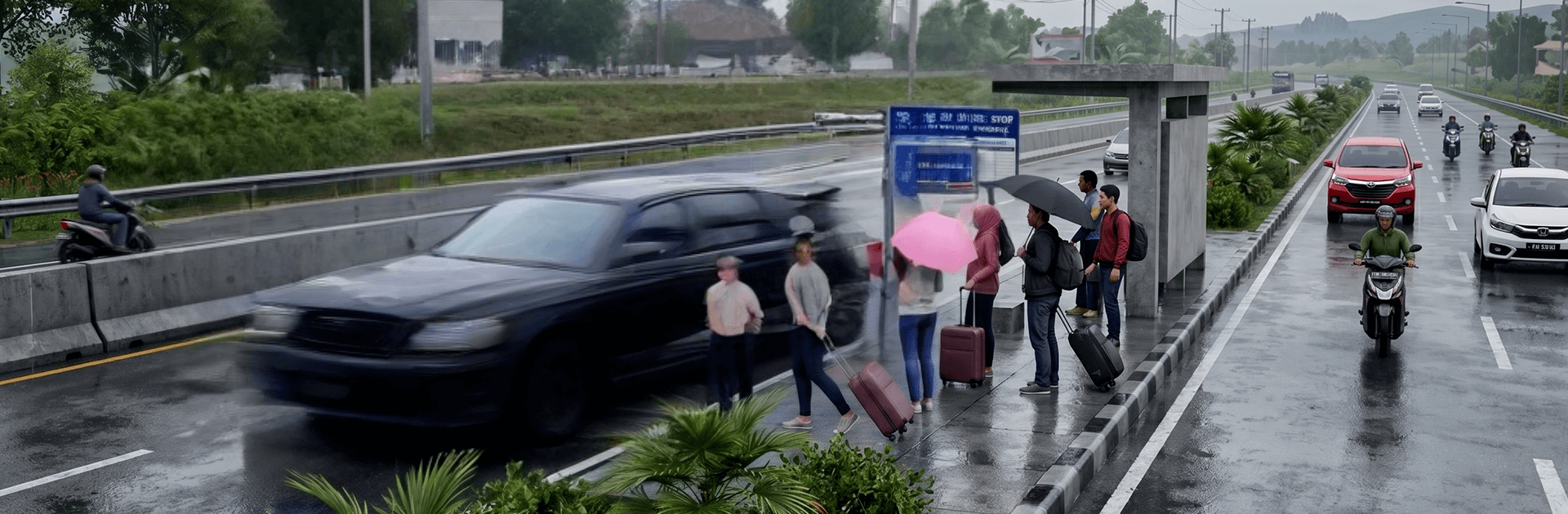
  • U.S. Roadscapes: Cruise long interstate stretches, slip through city avenues, and handle mixed road conditions across different American locales.
  • Passenger Management: Pull in, open up, load and unload with care. Smooth stops and accurate positioning earn you better results.
  • Smart Traffic Flow: Lights, signs, and surrounding vehicles keep you honest. Respect the rules or expect tight spots to get tighter.
  • Flexible Camera Views: Swap between an immersive driver’s seat and clear exterior angles whenever you need a better read on the road.
  • Progressive Routes: Tackle a growing list of challenges—from short urban hops to extended highway hauls—each demanding better timing and control.
  • Crisp Audio Cues: Engine notes, road noise, and ambient sounds help you read speed, grip, and space without taking your eyes off the route.
  • Comfortable Controls: Intuitive touch controls on mobile, with the option to enjoy smooth keyboard inputs when playing through BlueStacks.

Get ready for a buttery smooth, high-performance gaming action only on BlueStacks.

Game Features

Enhancements

  • Macros
  • Multi Instance
  • Multi Instance Sync
  • Eco Mode
  • Enhancements
Macros

Macros

Skip the boring parts of a game. Play US Highway Bus drive 3D Game with Macros and get the edge. Simply record a sequence of commands and execute them at any moment.
Multi Instance

Multi Instance

Why limit to one game on your phone when you can play many on your PC? Open multiple instances of US Highway Bus drive 3D Game at once with Multi-Instance. Leverage the power of different accounts by doing more.
Multi Instance Sync

Multi Instance Sync

Get the best out of US Highway Bus drive 3D Game with Multi-Instance Sync. Play the game from different accounts and build your own empire. Use Multi-instance sync to repeat the action in the main BlueStacks instance on all other instances.
Eco Mode

Eco Mode

Find the rarest heroes by making multiple summons in US Highway Bus drive 3D Game. And while you are at it, reduce your PC’s resource consumption with the Eco Mode. Farm efficiently. Get the best results.
Read More

How to Download and Play US Highway Bus drive 3D Game on PC or Mac

  • Download and install BlueStacks on your PC or Mac

  • Complete Google sign-in to access the Play Store, or do it later

  • Look for US Highway Bus drive 3D Game in the search bar at the top right corner

  • Click to install US Highway Bus drive 3D Game from the search results

  • Complete Google sign-in (if you skipped step 2) to install US Highway Bus drive 3D Game

  • Click the US Highway Bus drive 3D Game icon on the home screen to start playing

video
Watch Video

Minimum System Requirements

With BlueStacks 5, you can get started on a PC that fulfills the following requirements.

  • Operating System

    Microsoft Windows 7 or above, macOS 11 (Big Sur) or above

  • Processor

    Intel, AMD or Apple Silicon Processor

  • RAM

    at least 4GB

  • HDD

    10GB Free Disk Space

Note:

* You must be an Administrator on your PC. Up to date graphics drivers from Microsoft or the chipset vendor.

US Highway Bus drive 3D Game - FAQs

  • How to play US Highway Bus drive 3D Game on Windows PC & Mac?

    Play US Highway Bus drive 3D Game on your PC or Mac by following these simple steps.

    • Click on 'Play US Highway Bus drive 3D Game on PC’ to download BlueStacks
    • Install it and log-in to Google Play Store
    • Launch and play the game.
  • Why is BlueStacks the fastest and safest platform to play games on PC?

    BlueStacks respects your privacy and is always safe and secure to use. It does not carry any malware, spyware, or any sort of additional software that could harm your PC.

    It is engineered to optimize speed and performance for a seamless gaming experience.

  • What are US Highway Bus drive 3D Game PC requirements?

    Minimum requirement to run US Highway Bus drive 3D Game on your PC

    • OS: Microsoft Windows 7 or above MacOS 11 (Big Sur) or above
    • Processor: Intel, AMD or Apple Silicon Processor
    • RAM: Your PC must have at least 4GB of RAM. (Note that having 4GB or more disk space is not a substitute for RAM)
    • HDD: 10GB Free Disk Space.
    • You must be an Administrator on your PC.