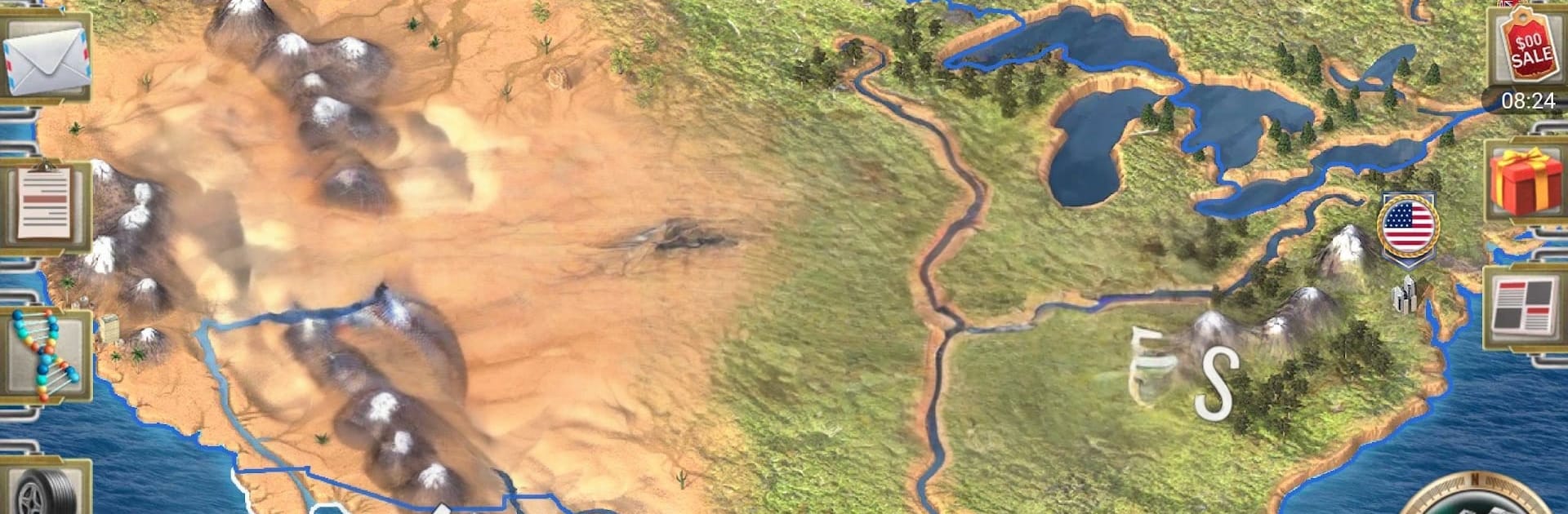
XX Century 2 Premium

XX Century 2 Premium

Strategy

| Oxiwyle Inc

Play on PC with BlueStacks or from our cloud

  • Overview
  • Game Features
  • How to Play

Page Modified On: August 24, 2026

Play XX Century 2 Premium on PC or Mac

Bring your A-game to XX Century 2 Premium, the Strategy game sensation from Oxiwyle Inc. Give your gameplay the much-needed boost with precise game controls, high FPS graphics, and top-tier features on your PC or Mac with BlueStacks.

About the Game

XX Century 2 Premium is all about running a nation your way—economy, diplomacy, and the hard choices in between. It’s a deep, flexible Strategy experience where you pick a country and try to outthink, outbuild, and outmaneuver everyone else on the world stage. Prefer a bigger screen and sharper controls? It plays comfortably on BlueStacks.

Game Features

  • Lead Any Nation: Pick from dozens of countries and craft your own path to power, whether you’re a regional heavyweight or a scrappy upstart.
  • Economy & Resources: Grow industry by securing vital materials like oil, iron, aluminum, and more to fuel development and your armed forces.
  • Army, Navy, and Defenses: Train modern units, assemble a capable fleet, and shore up borders with bunkers and fortifications.
  • Territorial Expansion: Push your influence into new lands and fold fresh regions into your growing state.
  • Statecraft & Diplomacy: Negotiate non‑aggression pacts, set up embassies, sign trade deals, and form unions to keep rivals guessing.
  • Domestic Policy: Shape your country with laws, ideology, and religious policy choices that impact stability and growth.
  • International Stage: Join the League of Nations to manage tensions, build relationships, and protect your people when it counts.
  • Intelligence Ops: Conduct espionage and sabotage to uncover secrets, sway outcomes, and quietly tip the balance.
  • Ministries & Management: Assign ministries to keep everything humming—economy, security, and public order included.
  • Trade & Logistics: Balance imports and exports, manage production sites, and keep the supply lines that power your strategy flowing.
  • Premium Perks: Get all modern states unlocked, remove ads, and use a faster day speed option (+100%) when you want to move things along.

BlueStacks gives you more room to focus on the game and less time adjusting around mobile limitations.


Game Features

Enhancements

  • Macros
  • Multi Instance
  • Multi Instance Sync
  • Eco Mode
  • Enhancements
Macros

Macros

Skip the boring parts of a game. Play XX Century 2 Premium with Macros and get the edge. Simply record a sequence of commands and execute them at any moment.
Multi Instance

Multi Instance

Why limit to one game on your phone when you can play many on your PC? Open multiple instances of XX Century 2 Premium at once with Multi-Instance. Leverage the power of different accounts by doing more.
Multi Instance Sync

Multi Instance Sync

Get the best out of XX Century 2 Premium with Multi-Instance Sync. Play the game from different accounts and build your own empire. Use Multi-instance sync to repeat the action in the main BlueStacks instance on all other instances.
Eco Mode

Eco Mode

Find the rarest heroes by making multiple summons in XX Century 2 Premium. And while you are at it, reduce your PC’s resource consumption with the Eco Mode. Farm efficiently. Get the best results.
Read More

How to Download and Play XX Century 2 Premium on PC or Mac

  • Download and install BlueStacks on your PC or Mac

  • Complete Google sign-in to access the Play Store, or do it later

  • Look for XX Century 2 Premium in the search bar at the top right corner

  • Click to install XX Century 2 Premium from the search results

  • Complete Google sign-in (if you skipped step 2) to install XX Century 2 Premium

  • Click the XX Century 2 Premium icon on the home screen to start playing

video
Watch Video

Minimum System Requirements

With BlueStacks 5, you can get started on a PC that fulfills the following requirements.

  • Operating System

    Microsoft Windows 7 or above, macOS 11 (Big Sur) or above

  • Processor

    Intel, AMD or Apple Silicon Processor

  • RAM

    at least 4GB

  • HDD

    10GB Free Disk Space

Note:

* You must be an Administrator on your PC. Up to date graphics drivers from Microsoft or the chipset vendor.

XX Century 2 Premium - FAQs

  • How to play XX Century 2 Premium on Windows PC & Mac?

    Play XX Century 2 Premium on your PC or Mac by following these simple steps.

    • Click on 'Play XX Century 2 Premium on PC’ to download BlueStacks
    • Install it and log-in to Google Play Store
    • Launch and play the game.
  • Why is BlueStacks the fastest and safest platform to play games on PC?

    BlueStacks respects your privacy and is always safe and secure to use. It does not carry any malware, spyware, or any sort of additional software that could harm your PC.

    It is engineered to optimize speed and performance for a seamless gaming experience.

  • What are XX Century 2 Premium PC requirements?

    Minimum requirement to run XX Century 2 Premium on your PC

    • OS: Microsoft Windows 7 or above MacOS 11 (Big Sur) or above
    • Processor: Intel, AMD or Apple Silicon Processor
    • RAM: Your PC must have at least 4GB of RAM. (Note that having 4GB or more disk space is not a substitute for RAM)
    • HDD: 10GB Free Disk Space.
    • You must be an Administrator on your PC.