赵云与阿斗
赵云与阿斗

赵云与阿斗

Strategy

| Mihuan Limited

Play on PC with BlueStacks or from our cloud

  • Overview
  • Game Features
  • How to Play

Page Modified On: July 06, 2026

Play 赵云与阿斗 on PC or Mac

赵云与阿斗 brings the Strategy genre to life, and throws up exciting challenges for gamers. Developed by Mihuan Limited, this Android game is best experienced on BlueStacks, the World’s #1 app player for PC and Mac users.

About the Game

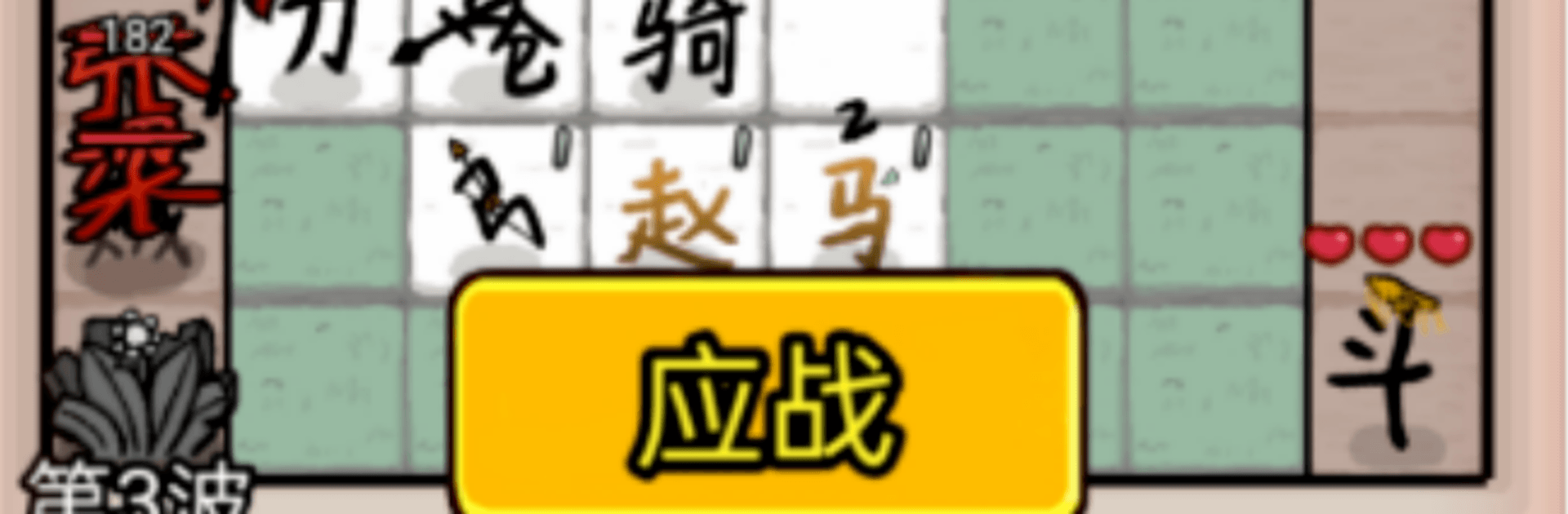
赵云与阿斗 is a Strategy game that blends merge mechanics with classic tower defense and a splash of ancient warfare. It’s fast, tactical, and surprisingly flexible—one minute you’re scrambling to plug a vulnerable lane, the next you’re chaining skills for a perfect counter. Start as a nobody on the battlefield and climb your way to commanding the whole warfront.

Game Features

  • Merge + Defense Core: Combine units to build tougher lines and smarter setups, then place them where they’ll matter most.
  • Real-Time Command: Shift troops on the fly, reinforce weak points, and react to changing enemy paths without missing a beat.
  • Skill Synergy: Mix skills to trigger satisfying combos—stuns, bursts, and buffs that turn close calls into clean wins.
  • Ancient Warfare Vibe: Feel the rhythm of old-school battles with formations, counters, and that chess-like push and pull.
  • Minimalist Ink-Wash Style: Clean, brush-inspired visuals keep the field readable while giving every fight a striking look.
  • Quick, Punchy Fights: Short, high-impact rounds that reward smart decisions and don’t waste your time.
  • From Rank to Rule: Grow from front-line grunt to the one calling the shots, unlocking broader control and tougher challenges along the way.
  • Play Comfortably on PC: Prefer a bigger view and precise clicks? You can run 赵云与阿斗 on BlueStacks while keeping all the mobile-friendly pacing.

BlueStacks gives you more room to focus on the game and less time adjusting around mobile limitations.


Game Features

Enhancements

  • Macros
  • Multi Instance
  • Multi Instance Sync
  • Eco Mode
  • Enhancements
Macros

Macros

Skip the boring parts of a game. Play 赵云与阿斗 with Macros and get the edge. Simply record a sequence of commands and execute them at any moment.
Multi Instance

Multi Instance

Why limit to one game on your phone when you can play many on your PC? Open multiple instances of 赵云与阿斗 at once with Multi-Instance. Leverage the power of different accounts by doing more.
Multi Instance Sync

Multi Instance Sync

Get the best out of 赵云与阿斗 with Multi-Instance Sync. Play the game from different accounts and build your own empire. Use Multi-instance sync to repeat the action in the main BlueStacks instance on all other instances.
Eco Mode

Eco Mode

Find the rarest heroes by making multiple summons in 赵云与阿斗. And while you are at it, reduce your PC’s resource consumption with the Eco Mode. Farm efficiently. Get the best results.
Read More

How to Download and Play 赵云与阿斗 on PC or Mac

  • Download and install BlueStacks on your PC or Mac

  • Complete Google sign-in to access the Play Store, or do it later

  • Look for 赵云与阿斗 in the search bar at the top right corner

  • Click to install 赵云与阿斗 from the search results

  • Complete Google sign-in (if you skipped step 2) to install 赵云与阿斗

  • Click the 赵云与阿斗 icon on the home screen to start playing

video
Watch Video

Minimum System Requirements

With BlueStacks 5, you can get started on a PC that fulfills the following requirements.

  • Operating System

    Microsoft Windows 7 or above, macOS 11 (Big Sur) or above

  • Processor

    Intel, AMD or Apple Silicon Processor

  • RAM

    at least 4GB

  • HDD

    10GB Free Disk Space

Note:

* You must be an Administrator on your PC. Up to date graphics drivers from Microsoft or the chipset vendor.

赵云与阿斗 - FAQs

  • How to play 赵云与阿斗 on Windows PC & Mac?

    Play 赵云与阿斗 on your PC or Mac by following these simple steps.

    • Click on 'Play 赵云与阿斗 on PC’ to download BlueStacks
    • Install it and log-in to Google Play Store
    • Launch and play the game.
  • Why is BlueStacks the fastest and safest platform to play games on PC?

    BlueStacks respects your privacy and is always safe and secure to use. It does not carry any malware, spyware, or any sort of additional software that could harm your PC.

    It is engineered to optimize speed and performance for a seamless gaming experience.

  • What are 赵云与阿斗 PC requirements?

    Minimum requirement to run 赵云与阿斗 on your PC

    • OS: Microsoft Windows 7 or above MacOS 11 (Big Sur) or above
    • Processor: Intel, AMD or Apple Silicon Processor
    • RAM: Your PC must have at least 4GB of RAM. (Note that having 4GB or more disk space is not a substitute for RAM)
    • HDD: 10GB Free Disk Space.
    • You must be an Administrator on your PC.