
Area Volume Calculator

Area Volume Calculator

Tools

| Trelleborg Sealing Solutions

Play on PC with BlueStacks or from our cloud

  • Overview
  • How to Download

Page Modified On: October 10, 2025

Run Area Volume Calculator on PC or Mac

What’s better than using Area Volume Calculator by Trelleborg Sealing Solutions? Well, try it on a big screen, on your PC or Mac, with BlueStacks to see the difference.

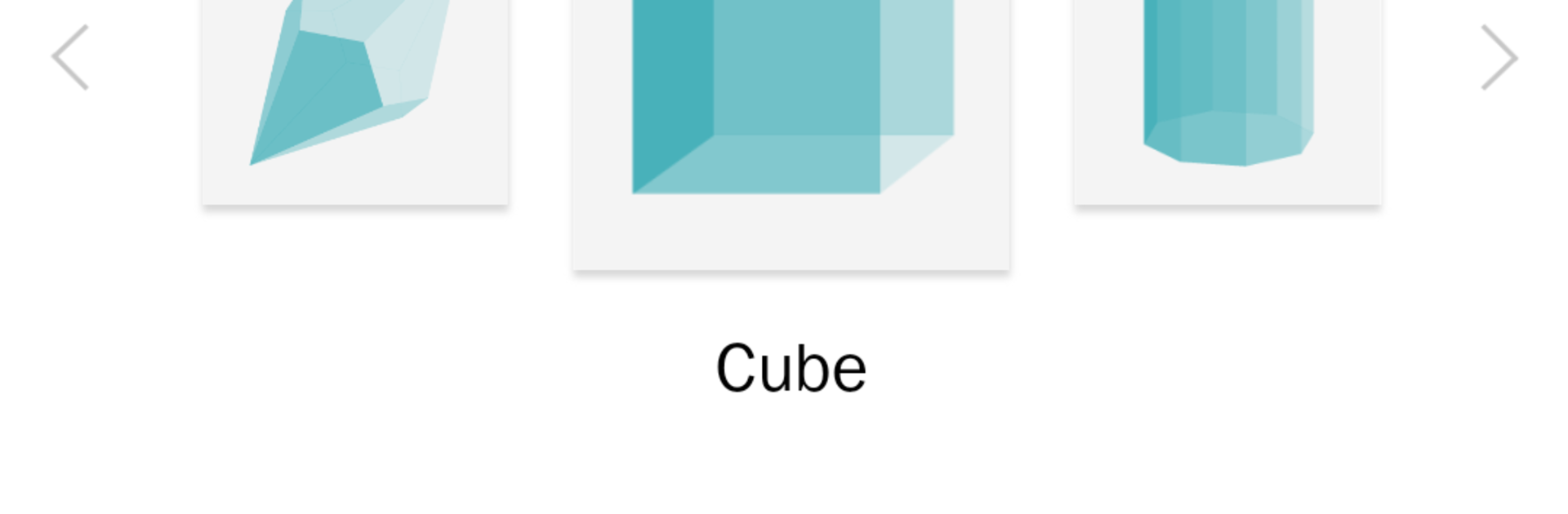
Area Volume Calculator feels like a handy little toolbox for shapes, only it runs smoother on a bigger screen. On PC with BlueStacks, scrolling through the categories and tapping shapes with a mouse feels quick, and typing numbers with a keyboard is way less fussy. Someone opens it, picks from a long list of geometric shapes, punches in a few measurements, and the app spits out area, perimeter, volume, and even weight if a material is chosen. There are loads of shapes to browse, all neatly illustrated and labeled, and there is a search bar for when the list gets long. If only a radius is known and not the diameter, the app knows what to do. It can start with a flat 2D shape and then jump into a matching 3D version to get the volume, which makes a lot of sense.

Materials are surprisingly deep. Metals, woods, liquids, even quirky stuff like almonds are in there, and favorites can be saved for quick access. It supports a pile of units, metric and both UK and US inch, from tiny millimetres up to miles, and it shows a short description and the formula used, so it is clear where the numbers come from. English and German are available. The whole thing is clean, no ads, no paywalls, which makes it easy to recommend to students, hobby builders, or engineers who just need a fast check without a spreadsheet. It is not flashy, it just does the math and gets out of the way.

Switch to BlueStacks and make the most of your apps on your PC or Mac.

How to Download and Run Area Volume Calculator on PC or Mac

  • Download and install BlueStacks on your PC or Mac

  • Complete Google sign-in to access the Play Store, or do it later

  • Look for Area Volume Calculator in the search bar at the top right corner

  • Click to install Area Volume Calculator from the search results

  • Complete Google sign-in (if you skipped step 2) to install Area Volume Calculator

  • Click the Area Volume Calculator icon on the home screen to start playing

video
Watch Video

Minimum System Requirements

With BlueStacks 5, you can get started on a PC that fulfills the following requirements.

  • Operating System

    Microsoft Windows 7 or above, macOS 11 (Big Sur) or above

  • Processor

    Intel, AMD or Apple Silicon Processor

  • RAM

    at least 4GB

  • HDD

    10GB Free Disk Space

Note:

* You must be an Administrator on your PC. Up to date graphics drivers from Microsoft or the chipset vendor.

Area Volume Calculator - FAQs

  • How to Run Area Volume Calculator on Windows PC & Mac?

    Run Area Volume Calculator on your PC or Mac by following these simple steps.

    • Click on ‘Download Area Volume Calculator on PC’ to download BlueStacks
    • Install it and log-in to Google Play Store
    • Launch and run the app.
  • Why is BlueStacks the fastest and safest platform to play games on PC?

    BlueStacks respects your privacy and is always safe and secure to use. It does not carry any malware, spyware, or any sort of additional software that could harm your PC.

    It is engineered to optimize speed and performance for a seamless gaming experience.

  • What are Area Volume Calculator PC requirements?

    Minimum requirement to run Area Volume Calculator on your PC

    • OS: Microsoft Windows 7 and above:
    • Processor: Intel or AMD Processor:
    • RAM: Your PC must have at least 2GB of RAM. (Note that having 2GB or more disk space is not a substitute for RAM):
    • HDD: 5GB Free Disk Space.
    • You must be an Administrator on your PC.




