


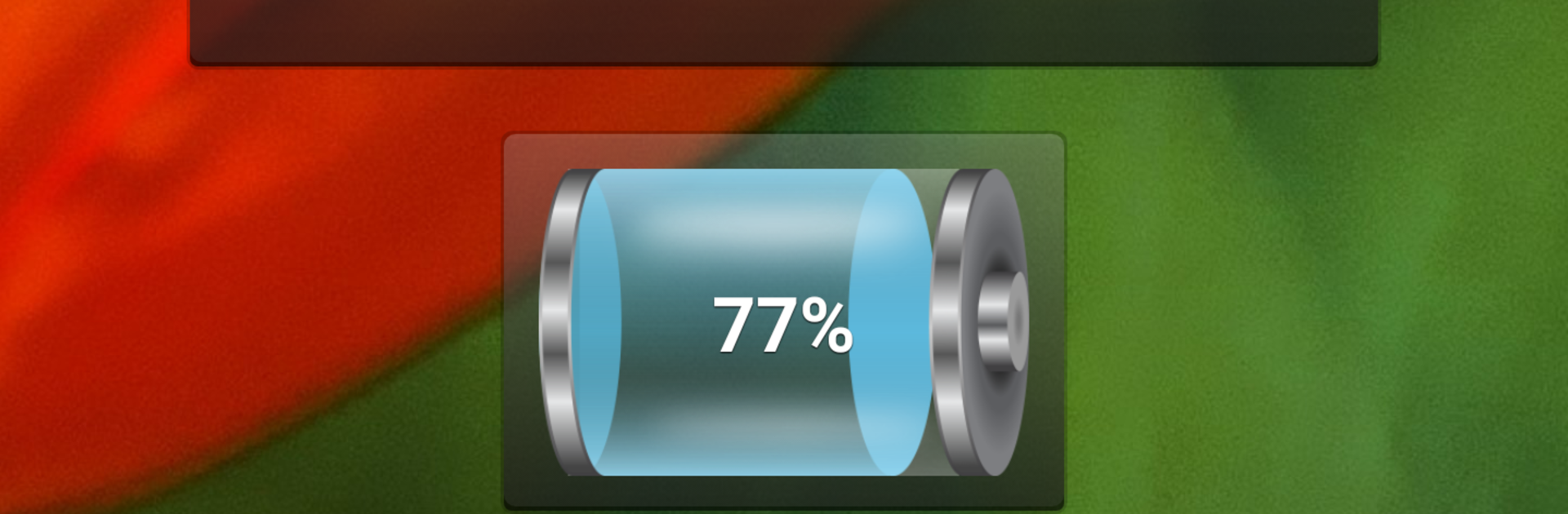


Let BlueStacks turn your PC, Mac, or laptop into the perfect home for Battery Tools & Widget, a fun Tools app from Interactive Saudi Arabia.
Battery Tools & Widget feels like a small, neat control center for anyone who cares about what the battery is actually doing. It puts the basics up front, a clear percentage with an icon, status, temperature in Celsius or Fahrenheit, health, voltage, even charging current when the device supports it. The standout bit is the “time left” estimate for charging or discharging. It does not guess right away, it watches usage for a little while, learns how power is being used, then gives a number that keeps adjusting as the load changes. The power profile graph makes that behavior easy to see, and it updates in a way that actually makes sense.
Running it on PC with BlueStacks is chill. The widgets scale nicely on a desktop, and the transparent background option means they can sit over whatever without looking messy. The status bar battery number can be shown or hidden, so it stays out of the way if someone prefers a cleaner top bar. There is a quick button to jump into the system battery screen, and a panel of handy switches in one place, Wi‑Fi, Bluetooth, data, GPS provider, brightness, screen timeout, rotation, hotspot, auto sync, airplane. It feels practical rather than flashy. Just a note, the app needs to observe at least a small chunk of battery use, around two percent, before it can estimate time wisely, so the first few minutes are quiet. If someone likes watching battery trends and wants simple widgets they can tweak, this does the job without fuss.
BlueStacks gives you the much-needed freedom to experience your favorite apps on a bigger screen. Get it now.





