




Multitask effortlessly on your PC or Mac as you try out BatteryBot Pro, a Tools app by Darshan Computing, LLC on BlueStacks.
About the App
BatteryBot Pro is a clean, reliable way to keep an eye on your phone’s power without any fluff. Built by Darshan Computing, LLC, this Tools app gives you clear battery info right where you need it, with handy widgets and smart alerts to help you stretch every charge. It’s lightweight, ad‑free, and has been refined for years to stay out of your way while doing its job.
App Features
- Precise percentage at a glance: See your exact battery level in the status bar or in a tidy notification—your choice.
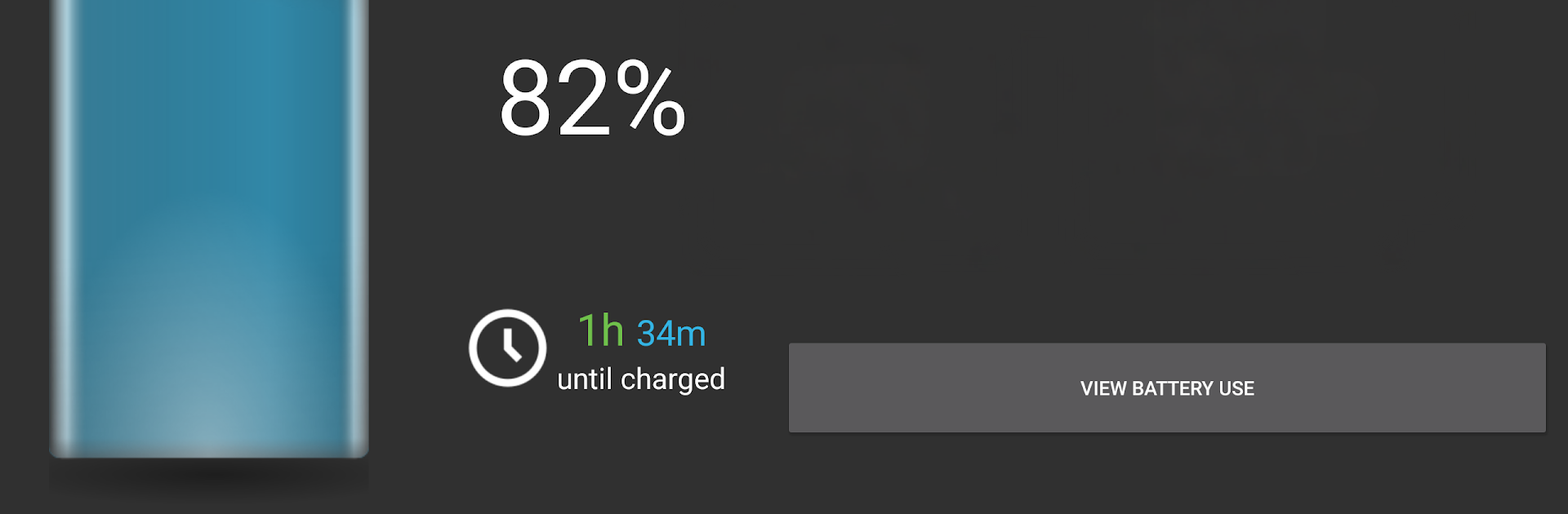
- Smart time estimates: Get automatic, usage-based predictions for how long your battery will last or how soon it’ll fill up.
- Flexible notifications: Show the icon, keep only the notification, or turn it all off and stick with widgets. You control the clutter.
- Widgets, small and large: Drop a compact 1×1 circle widget or a roomy 4×1 widget on your home screen for instant status.
- Detailed stats: Check temperature, health, voltage, and time since you last plugged in or unplugged.
- Alarms that matter: Set alerts for full charge, percentage above/below a level, high temperature, or health issues.
- Charging current (when supported): View real-time mA readings to see charge and discharge rates on compatible devices.
- Battery history & export: Log charge, status, voltage, and temperature, then browse or export to CSV for deeper insight.
- Customize the look: Pick from multiple icon styles and optional charging indicators; icon color options are available on select devices.
- Notification priority control: Tweak how prominently BatteryBot Pro appears so it stays helpful, not intrusive.
- Open-source and ad-free: Transparent, trustworthy, and built to respect your device—and your attention.
- Efficient by design: It’s extremely lightweight and won’t drain your battery.
- Works across devices: Great on phones and tablets, and you can even keep it running through BlueStacks if you like monitoring from your computer.
BlueStacks gives you the much-needed freedom to experience your favorite apps on a bigger screen. Get it now.





