
Облако Билайн
Облако Билайн

Облако Билайн

Tools

| ПАО "ВымпелКом"

Play on PC with BlueStacks or from our cloud

  • Overview
  • How to Download

Page Modified On: September 02, 2025

Run Облако Билайн on PC or Mac

Why limit yourself to your small screen on the phone? Run Облако Билайн, an app by ПАО “ВымпелКом”, best experienced on your PC or Mac with BlueStacks, the world’s #1 Android emulator.

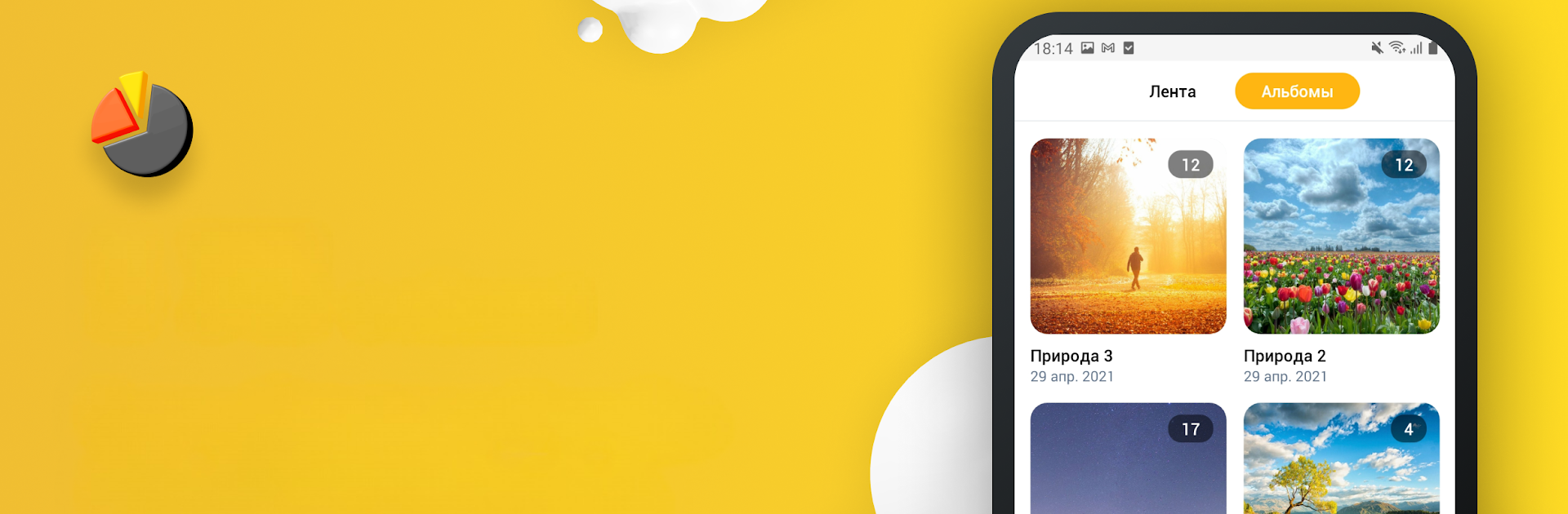
Облако Билайн feels like a simple, no-nonsense cloud locker for a phone. It gives extra space options, 25, 50, or 100 GB, and takes the pressure off the device by moving photos, videos, and files to the cloud. Registration is just a phone number, then users can flip on photo and contacts sync and let it run. If the phone is lost or broken, everything is still reachable from other devices with internet, which is the whole point. Sharing is easy too, with short links that friends can open without fuss, and there is a family access mode so a group can keep a shared area for important stuff. New users get a full 14 days to try every feature, which makes it easier to see what storage tier actually fits. For Beeline subscribers, traffic inside the service does not eat up mobile data, so backups can happen without worrying about the plan.

On a computer it works fine through BlueStacks, more like a clean gallery and file shelf. Big screen browsing helps when sorting large photo dumps, and quick mouse navigation makes clearing space on the phone less of a chore. It is focused on backup, sync, and sharing, not a bunch of extras, and that straightforward approach is what stands out. It suits anyone who wants a set-it-and-forget-it backup that is tied to a phone number rather than juggling passwords and odd settings.

Big screen. Bigger performance. Use BlueStacks on your PC or Mac to run your favorite apps.

How to Download and Run Облако Билайн on PC or Mac

  • Download and install BlueStacks on your PC or Mac

  • Complete Google sign-in to access the Play Store, or do it later

  • Look for Облако Билайн in the search bar at the top right corner

  • Click to install Облако Билайн from the search results

  • Complete Google sign-in (if you skipped step 2) to install Облако Билайн

  • Click the Облако Билайн icon on the home screen to start playing

video
Watch Video

Minimum System Requirements

With BlueStacks 5, you can get started on a PC that fulfills the following requirements.

  • Operating System

    Microsoft Windows 7 or above, macOS 11 (Big Sur) or above

  • Processor

    Intel, AMD or Apple Silicon Processor

  • RAM

    at least 4GB

  • HDD

    10GB Free Disk Space

Note:

* You must be an Administrator on your PC. Up to date graphics drivers from Microsoft or the chipset vendor.

Облако Билайн - FAQs

  • How to Run Облако Билайн on Windows PC & Mac?

    Run Облако Билайн on your PC or Mac by following these simple steps.

    • Click on ‘Download Облако Билайн on PC’ to download BlueStacks
    • Install it and log-in to Google Play Store
    • Launch and run the app.
  • Why is BlueStacks the fastest and safest platform to play games on PC?

    BlueStacks respects your privacy and is always safe and secure to use. It does not carry any malware, spyware, or any sort of additional software that could harm your PC.

    It is engineered to optimize speed and performance for a seamless gaming experience.

  • What are Облако Билайн PC requirements?

    Minimum requirement to run Облако Билайн on your PC

    • OS: Microsoft Windows 7 and above:
    • Processor: Intel or AMD Processor:
    • RAM: Your PC must have at least 2GB of RAM. (Note that having 2GB or more disk space is not a substitute for RAM):
    • HDD: 5GB Free Disk Space.
    • You must be an Administrator on your PC.




