Binary Decimal Converter

Binary Decimal Converter

Tools

| Witat Solutions

Play on PC with BlueStacks or from our cloud

  • Overview
  • How to Download

Page Modified On: November 28, 2025

Run Binary Decimal Converter on PC or Mac

Let BlueStacks turn your PC, Mac, or laptop into the perfect home for Binary Decimal Converter, a fun Tools app from Witat Solutions.

About the App

Binary Decimal Converter makes number work feel easy, whether you’re coding, studying, or just double-checking a value. It converts between bases on the fly and handles quick calculations too, including those with floating-point numbers. Built by Witat Solutions in the Tools category, it’s clean, fast, and comfortable to use on mobile—or on a larger screen with BlueStacks if you prefer a full keyboard.

App Features

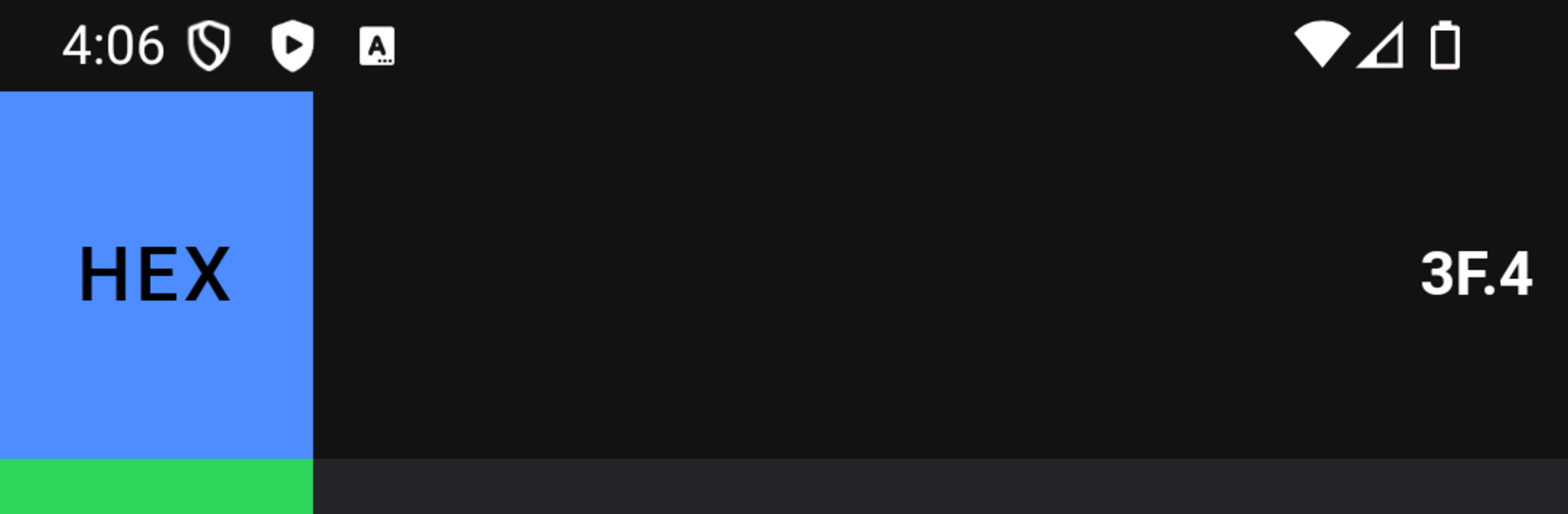
  • Multi-base conversions: Switch between binary, octal, decimal, and hexadecimal without retyping. Enter a number once and see the matching values across all bases instantly.
  • Floating-point support: Not limited to integers. Work with real numbers and fractional values with accurate results.
  • Built-in calculations: Do basic math right inside the converter, and watch the outputs update across every base as you go.
  • Dark mode: Give your eyes a break during late-night problem solving with a sleek, low‑glare theme.
  • Vibration feedback control: Choose whether the keypad gives a gentle buzz when you tap—on for a bit of tactile feel, off for total quiet.
  • One‑tap share: Need to send a result to a friend or drop it into a note? Tap a value to copy or share it through your favorite apps.
  • Multilingual interface: Use the app in English, Spanish, Portuguese, or Russian with a straightforward layout that keeps everything within reach.
  • Desktop-friendly via BlueStacks: Prefer typing on a laptop or desktop? Run it with BlueStacks for quick input and easy number entry.

BlueStacks brings your apps to life on a bigger screen—seamless and straightforward.

How to Download and Run Binary Decimal Converter on PC or Mac

  • Download and install BlueStacks on your PC or Mac

  • Complete Google sign-in to access the Play Store, or do it later

  • Look for Binary Decimal Converter in the search bar at the top right corner

  • Click to install Binary Decimal Converter from the search results

  • Complete Google sign-in (if you skipped step 2) to install Binary Decimal Converter

  • Click the Binary Decimal Converter icon on the home screen to start playing

video
Watch Video

Minimum System Requirements

With BlueStacks 5, you can get started on a PC that fulfills the following requirements.

  • Operating System

    Microsoft Windows 7 or above, macOS 11 (Big Sur) or above

  • Processor

    Intel, AMD or Apple Silicon Processor

  • RAM

    at least 4GB

  • HDD

    10GB Free Disk Space

Note:

* You must be an Administrator on your PC. Up to date graphics drivers from Microsoft or the chipset vendor.

Binary Decimal Converter - FAQs

  • How to Run Binary Decimal Converter on Windows PC & Mac?

    Run Binary Decimal Converter on your PC or Mac by following these simple steps.

    • Click on ‘Download Binary Decimal Converter on PC’ to download BlueStacks
    • Install it and log-in to Google Play Store
    • Launch and run the app.
  • Why is BlueStacks the fastest and safest platform to play games on PC?

    BlueStacks respects your privacy and is always safe and secure to use. It does not carry any malware, spyware, or any sort of additional software that could harm your PC.

    It is engineered to optimize speed and performance for a seamless gaming experience.

  • What are Binary Decimal Converter PC requirements?

    Minimum requirement to run Binary Decimal Converter on your PC

    • OS: Microsoft Windows 7 and above:
    • Processor: Intel or AMD Processor:
    • RAM: Your PC must have at least 2GB of RAM. (Note that having 2GB or more disk space is not a substitute for RAM):
    • HDD: 5GB Free Disk Space.
    • You must be an Administrator on your PC.