



Let BlueStacks turn your PC, Mac, or laptop into the perfect home for Car, Motorcycle, or Fleet Maintenance & Gas Log, a fun Tools app from AUTOsist.
About the App
If you’re the kind of person who loves to keep things organized—or honestly, just tired of losing track of your car’s oil changes—Car, Motorcycle, or Fleet Maintenance & Gas Log by AUTOsist will probably feel like a lifesaver. This easy-to-use app is all about helping you stay on top of maintenance and records for just about any vehicle you own. Whether you’re a car enthusiast, someone managing a lot of work trucks, or you just want to keep your motorcycle’s service history straight, this app cuts down on clutter and makes info a breeze to find.
App Features
-
All-in-One Garage
Handle records for cars, motorcycles, trucks, even boats and RVs—all in the same spot. It doesn’t matter if you’ve got one vehicle or a whole fleet; you’ve got room to keep things in order. -
Picture-Friendly Docs
Snap photos of receipts, repair invoices, or other documents using your phone. Everything gets stored digitally, so you don’t have to worry about paperwork piling up in your glove box. -
Gas & Fuel Log
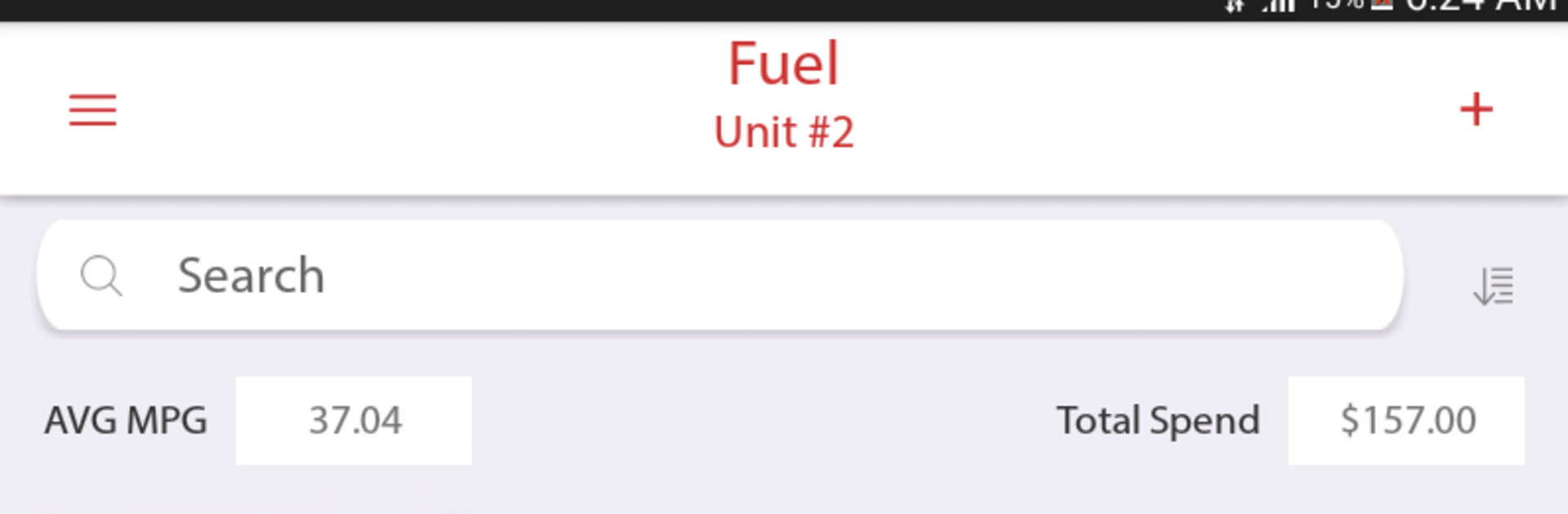
Track all your gas fill-ups with ease, and keep an eye on your fuel economy (yes, MPG nerds, we see you). Attach the receipt to each entry if you want, so you never have to search for proof again. -
Friendly Reminders
Forgetting that oil change or registration renewal? Set reminders by date or mileage, and let the app do the remembering for you. -
Full Service & Repair History
Keep a complete log of every service and repair. Need to show off your maintenance history to a buyer? Generate a neat PDF or email the records straight from the app. -
Easy Search & Sorting
Quickly look up what you need—no more scrolling for ages to see when you last replaced the tires. -
Multi-Device Sync
Your records are backed up in the cloud, so you can check them from your phone, tablet, or computer. (BlueStacks users, it works smoothly if you want to check records from your PC, too.) -
Versatile Settings
Whether you measure in miles, kilometers, gallons, or liters—adjust tracking to fit your preferences. Pick your currency too if you work internationally. -
Export & Backup Options
Want a copy for your own files? Export data to Excel or back up everything (including documents and images) using the cloud portal. -
Fleet & Business Tools
Got work vehicles? Assign drivers, set permission levels, and keep business fleet records organized. Perfect for managers who need more control. -
Vehicle Inspection Checks
Mark if something’s not working right, and get push notifications so nothing slips through the cracks. -
Offline Access
No signal? No problem. View your records even without an internet connection.
Car, Motorcycle, or Fleet Maintenance & Gas Log from AUTOsist packs a surprising amount of power into a tidy, approachable package—whether you’re handling one ride or a whole crew of them.
Eager to take your app experience to the next level? Start right away by downloading BlueStacks on your PC or Mac.





