Castle HD
Castle HD

Castle HD

Tools

| Castle HD LLC

Play on PC with BlueStacks or from our cloud

  • Overview
  • How to Download

Page Modified On: May 28, 2026

Run Castle HD on PC or Mac

Get freedom from your phone’s obvious limitations. Use Castle HD, made by Castle HD LLC, a Books & Reference app on your PC or Mac with BlueStacks, and level up your experience.

About the App

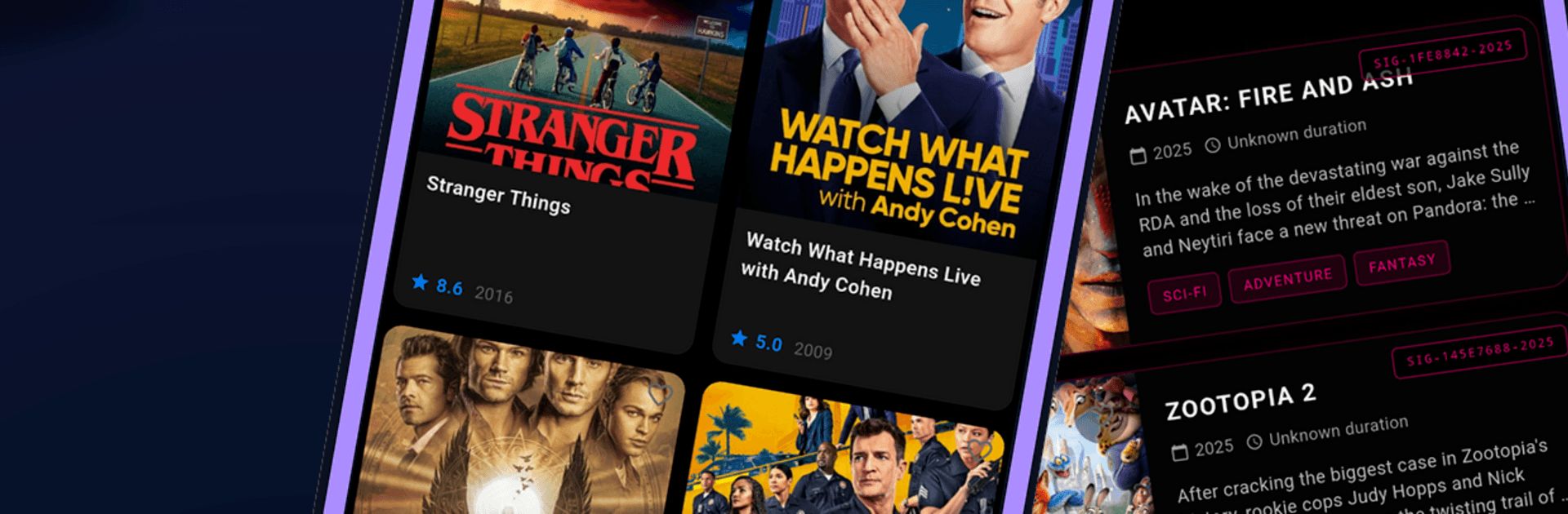
Castle HD is a quick, no-fuss way to look up movies, TV series, web series, and even live TV info in one tidy place. It’s made for discovery, so you can see what’s buzzing, learn more about each title, and stash your picks without digging through endless menus. Prefer checking from a desktop setup? It runs smoothly with BlueStacks, too.

App Features

  • Trending at a glance: Catch what’s hot today and what’s building buzz this week, so you’re never out of ideas.
  • Handy discovery hubs: Jump into Now Playing, Popular, and Top Rated sections to find something that fits your mood fast.
  • Deep-dive details: See ratings, release year, runtime, genres, a quick synopsis, and who’s in the cast—all on one clean page.
  • Trailers when available: Watch previews and related media to get a feel for a title before you add it to your list.
  • Smarter search: Look up any title and use genre filters to narrow things down in seconds.
  • Personal watchlist: Save favorites to keep your “watch next” lineup organized and easy to revisit.
  • Clean, fast design: Smooth navigation and a modern layout that keeps the focus on the content.
  • Reference-first approach: This is a discovery app in the Books & Reference genre—no hosting or streaming. Availability, images, trailers, and other data may come from third-party sources and can change over time.

BlueStacks gives you the much-needed freedom to experience your favorite apps on a bigger screen. Get it now.


How to Download and Run Castle HD on PC or Mac

  • Download and install BlueStacks on your PC or Mac

  • Complete Google sign-in to access the Play Store, or do it later

  • Look for Castle HD in the search bar at the top right corner

  • Click to install Castle HD from the search results

  • Complete Google sign-in (if you skipped step 2) to install Castle HD

  • Click the Castle HD icon on the home screen to start playing

video
Watch Video

Minimum System Requirements

With BlueStacks 5, you can get started on a PC that fulfills the following requirements.

  • Operating System

    Microsoft Windows 7 or above, macOS 11 (Big Sur) or above

  • Processor

    Intel, AMD or Apple Silicon Processor

  • RAM

    at least 4GB

  • HDD

    10GB Free Disk Space

Note:

* You must be an Administrator on your PC. Up to date graphics drivers from Microsoft or the chipset vendor.

Castle HD - FAQs

  • How to Run Castle HD on Windows PC & Mac?

    Run Castle HD on your PC or Mac by following these simple steps.

    • Click on ‘Download Castle HD on PC’ to download BlueStacks
    • Install it and log-in to Google Play Store
    • Launch and run the app.
  • Why is BlueStacks the fastest and safest platform to play games on PC?

    BlueStacks respects your privacy and is always safe and secure to use. It does not carry any malware, spyware, or any sort of additional software that could harm your PC.

    It is engineered to optimize speed and performance for a seamless gaming experience.

  • What are Castle HD PC requirements?

    Minimum requirement to run Castle HD on your PC

    • OS: Microsoft Windows 7 and above:
    • Processor: Intel or AMD Processor:
    • RAM: Your PC must have at least 2GB of RAM. (Note that having 2GB or more disk space is not a substitute for RAM):
    • HDD: 5GB Free Disk Space.
    • You must be an Administrator on your PC.