
Civilopedia
Civilopedia

Civilopedia

Tools

| Jianing Zhan

Play on PC with BlueStacks or from our cloud

  • Overview
  • How to Download

Page Modified On: September 19, 2025

Run Civilopedia on PC or Mac

What’s better than using Civilopedia by Jianing Zhan? Well, try it on a big screen, on your PC or Mac, with BlueStacks to see the difference.

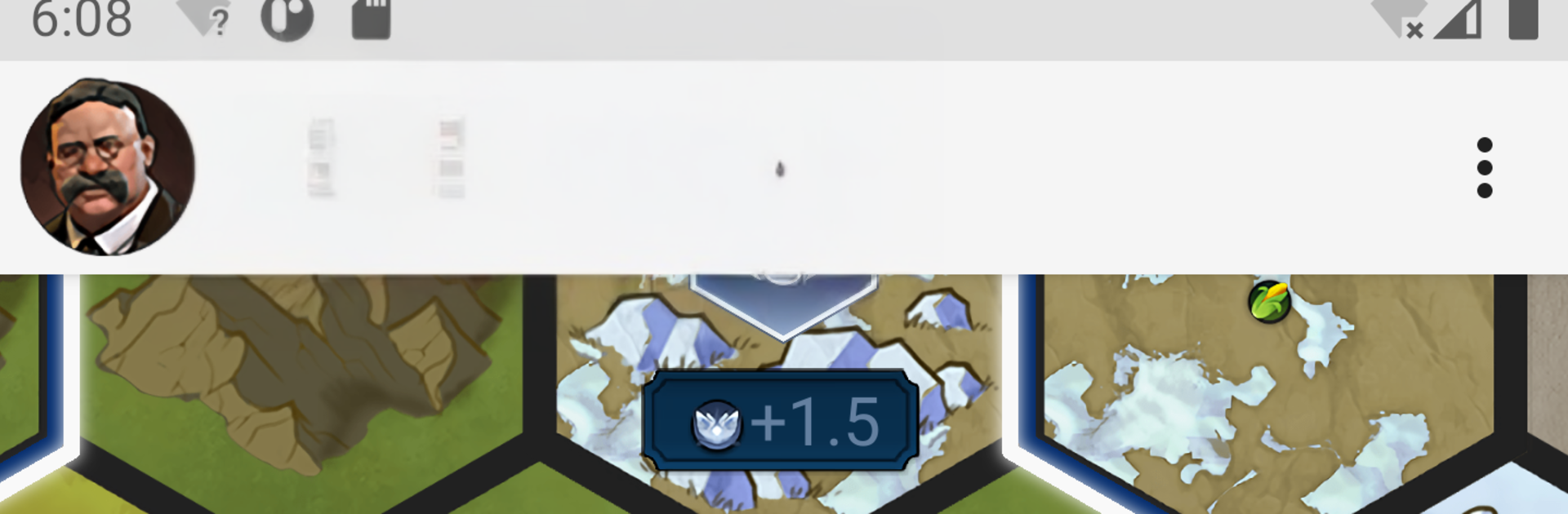
Civilopedia is basically a giant, well organized handbook for Sid Meier’s Civilization V, VI, and VII. It lays out the stuff players always forget mid-game, like what a unique unit actually does, how a wonder pays off, which tech unlocks which buildings, or the small print on terrain, resources, and promotions. The layout is simple to parse, with clear categories for leaders, civs, units, districts, wonders, techs, civics, and more, and the entries link to each other so someone can jump from, say, a resource to the improvements and the tech that unlocks them. The search is quick and forgiving, which matters when a turn timer is ticking. Numbers are easy to scan too, costs, yields, prereqs, the usual Civ data. It feels like the in-game Civilopedia, just faster to get around.

Running it on a PC through BlueStacks is handy because that bigger screen turns it into a side reference while a game is running, almost like having a second table open. Scrolling is smooth, text is readable, and flicking between categories with a mouse beats tapping tiny menus. Someone who plays different Civ versions will like that it keeps content separated by game, so there is less confusion between a Civ VI district and a Civ V building. It is not trying to be a flashy guide or a tips video. It is a clean, no fuss lookup tool that helps settle those rules questions without digging through forums.

Ready to experience Civilopedia on a bigger screen, in all its glory? Download BlueStacks now.

How to Download and Run Civilopedia on PC or Mac

  • Download and install BlueStacks on your PC or Mac

  • Complete Google sign-in to access the Play Store, or do it later

  • Look for Civilopedia in the search bar at the top right corner

  • Click to install Civilopedia from the search results

  • Complete Google sign-in (if you skipped step 2) to install Civilopedia

  • Click the Civilopedia icon on the home screen to start playing

video
Watch Video

Minimum System Requirements

With BlueStacks 5, you can get started on a PC that fulfills the following requirements.

  • Operating System

    Microsoft Windows 7 or above, macOS 11 (Big Sur) or above

  • Processor

    Intel, AMD or Apple Silicon Processor

  • RAM

    at least 4GB

  • HDD

    10GB Free Disk Space

Note:

* You must be an Administrator on your PC. Up to date graphics drivers from Microsoft or the chipset vendor.

Civilopedia - FAQs

  • How to Run Civilopedia on Windows PC & Mac?

    Run Civilopedia on your PC or Mac by following these simple steps.

    • Click on ‘Download Civilopedia on PC’ to download BlueStacks
    • Install it and log-in to Google Play Store
    • Launch and run the app.
  • Why is BlueStacks the fastest and safest platform to play games on PC?

    BlueStacks respects your privacy and is always safe and secure to use. It does not carry any malware, spyware, or any sort of additional software that could harm your PC.

    It is engineered to optimize speed and performance for a seamless gaming experience.

  • What are Civilopedia PC requirements?

    Minimum requirement to run Civilopedia on your PC

    • OS: Microsoft Windows 7 and above:
    • Processor: Intel or AMD Processor:
    • RAM: Your PC must have at least 2GB of RAM. (Note that having 2GB or more disk space is not a substitute for RAM):
    • HDD: 5GB Free Disk Space.
    • You must be an Administrator on your PC.




