
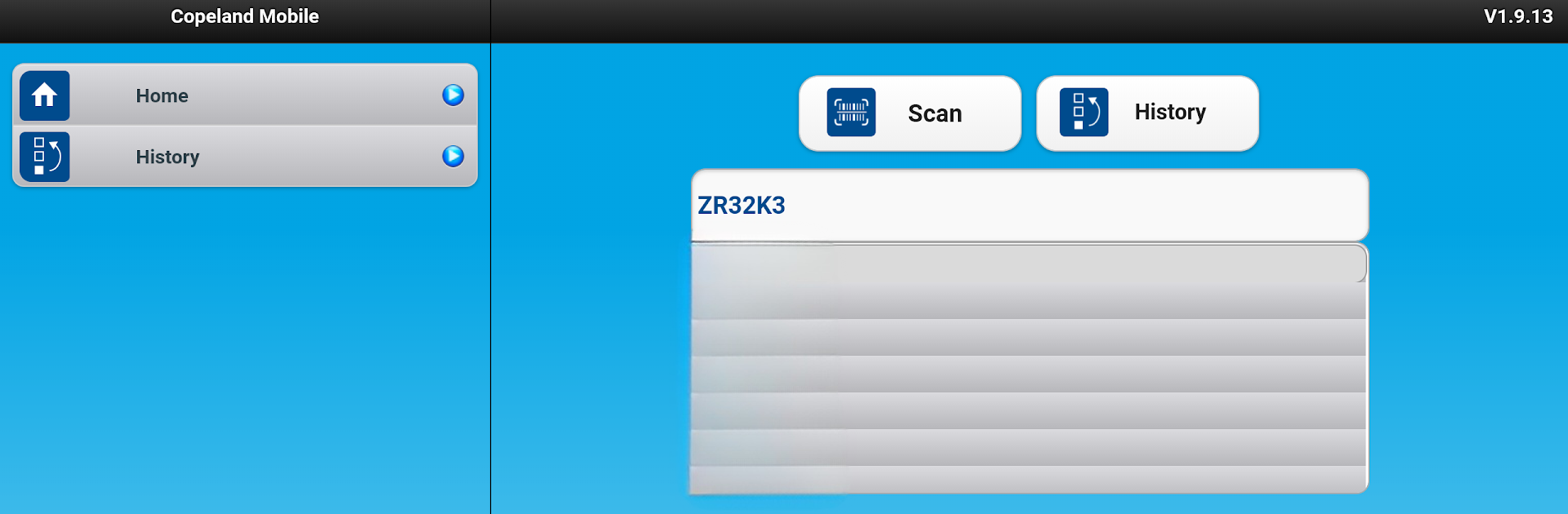
Copeland™ Mobile
Copeland™ Mobile

Copeland™ Mobile

Tools

| Copeland LP

Play on PC with BlueStacks or from our cloud

  • Overview
  • How to Download

Page Modified On: July 04, 2025

Run Copeland™ Mobile on PC or Mac

Multitask effortlessly on your PC or Mac as you try out Copeland™ Mobile, a Tools app by Emerson Climate Technologies, Inc on BlueStacks.

About the App

Got a Copeland compressor you need to check up on? Copeland™ Mobile puts decades of trusted compressor data right in your hand. Whether you’re on a busy job site or double-checking specs back at the office, this app from Emerson Climate Technologies, Inc makes finding details and technical info on all kinds of HVACR compressors pretty painless.

App Features

  • Instant Product Lookup
    Punch in just a few characters of a compressor model and the app does the heavy lifting, giving you instant suggestions so you don’t have to remember every number by heart.

  • Complete Compressor Specs
    Need wiring diagrams, model details, or specs for both air conditioning and refrigeration compressors? They’ve packed in data for over 30 years’ worth of products.

  • Parts and Accessories Listings
    Check out full parts, accessories, and bills of materials for any selected model, so you always know what you’re working with.

  • Buy Local
    Wondering where you can buy that part? “Where To Buy” helps you find nearby sources for Copeland compressors and accessories.

  • Serial Number Scanning & Validation
    Snap a picture of the serial or model number and let the app fill in the details—no more hunting for faded stickers.

  • Cross Reference for Replacements
    Figuring out which model works as a replacement? The app’s cross-reference tool has your back.

  • Wiring Diagrams & Diagnostics
    Access up-to-date wiring diagrams and easy-to-follow diagnostic info, all in your pocket.

  • Live Chat Help
    Stuck or need clarity on the go? Jump into the live chat right through the app for quick answers.

  • Metric & Imperial Conversions
    Switch between units without breaking your stride—no more second-guessing the math.

You can also check out Copeland™ Mobile on your PC using BlueStacks for a bigger view and even easier navigation when you need it.

Switch to BlueStacks and make the most of your apps on your PC or Mac.

How to Download and Run Copeland™ Mobile on PC or Mac

  • Download and install BlueStacks on your PC or Mac

  • Complete Google sign-in to access the Play Store, or do it later

  • Look for Copeland™ Mobile in the search bar at the top right corner

  • Click to install Copeland™ Mobile from the search results

  • Complete Google sign-in (if you skipped step 2) to install Copeland™ Mobile

  • Click the Copeland™ Mobile icon on the home screen to start playing

video
Watch Video

Minimum System Requirements

With BlueStacks 5, you can get started on a PC that fulfills the following requirements.

  • Operating System

    Microsoft Windows 7 or above, macOS 11 (Big Sur) or above

  • Processor

    Intel, AMD or Apple Silicon Processor

  • RAM

    at least 4GB

  • HDD

    10GB Free Disk Space

Note:

* You must be an Administrator on your PC. Up to date graphics drivers from Microsoft or the chipset vendor.

Copeland™ Mobile - FAQs

  • How to Run Copeland™ Mobile on Windows PC & Mac?

    Run Copeland™ Mobile on your PC or Mac by following these simple steps.

    • Click on ‘Download Copeland™ Mobile on PC’ to download BlueStacks
    • Install it and log-in to Google Play Store
    • Launch and run the app.
  • Why is BlueStacks the fastest and safest platform to play games on PC?

    BlueStacks respects your privacy and is always safe and secure to use. It does not carry any malware, spyware, or any sort of additional software that could harm your PC.

    It is engineered to optimize speed and performance for a seamless gaming experience.

  • What are Copeland™ Mobile PC requirements?

    Minimum requirement to run Copeland™ Mobile on your PC

    • OS: Microsoft Windows 7 and above:
    • Processor: Intel or AMD Processor:
    • RAM: Your PC must have at least 2GB of RAM. (Note that having 2GB or more disk space is not a substitute for RAM):
    • HDD: 5GB Free Disk Space.
    • You must be an Administrator on your PC.




