



What’s better than using CryptoPulse AI – Crypto Signal by Morteza Salmanpour? Well, try it on a big screen, on your PC or Mac, with BlueStacks to see the difference.
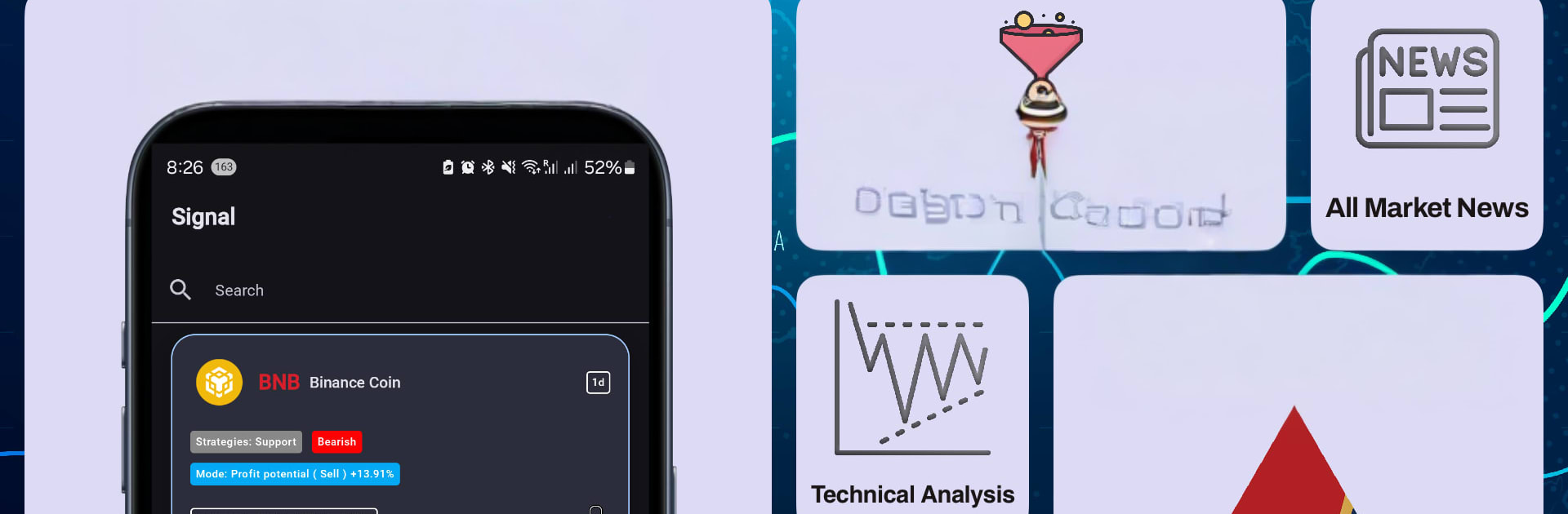
CryptoPulse AI – Crypto Signal feels like a clean little trading desk that lives on the desktop. Run through BlueStacks, the charts breathe on a bigger screen and it is easier to scan tabs without squinting. The app splits things into Technical, Signals, and News, so someone can bounce between a quick trend check, a trade idea, and what headlines are stirring the market. It aims at spot traders, futures traders, and long term holders, so it does not lock into one style.
The Signals tab is the main draw. It serves up entries and exits across 15 minutes, 1 hour, 4 hours, and daily, with simple filters for bullish or bearish. It will not magically print money, but it does narrow the watchlist fast and the alerts come in on time. The Technical tab is handy when there is no desire to read a wall of indicators. It rolls together stuff like Zig Zag, Williams Fractal, Williams %R, Vortex, Volume Oscillator, and Fibonacci into a plain trend view that shows where the market leans. The News tab slaps an emoji sentiment on each story, which sounds silly, but makes quick sense at 7 a.m. before coffee.
There is a subscription that opens unlimited coins, timeframes, and full analysis. The app claims high accuracy on signals, and while results always depend on risk and timing, the structure makes it easy to act. On BlueStacks, clicking through pairs with a mouse and leaving it parked on a second monitor works nicely for day watchers.
BlueStacks gives you the much-needed freedom to experience your favorite apps on a bigger screen. Get it now.





