Daily Weather
Daily Weather

Daily Weather

Tools

| Transsion Holdings

Play on PC with BlueStacks or from our cloud

  • Overview
  • How to Download

Page Modified On: September 14, 2026

Run Daily Weather on PC or Mac

Multitask effortlessly on your PC or Mac as you try out Daily Weather, a Tools app by Transsion Holdings on BlueStacks.

About the App

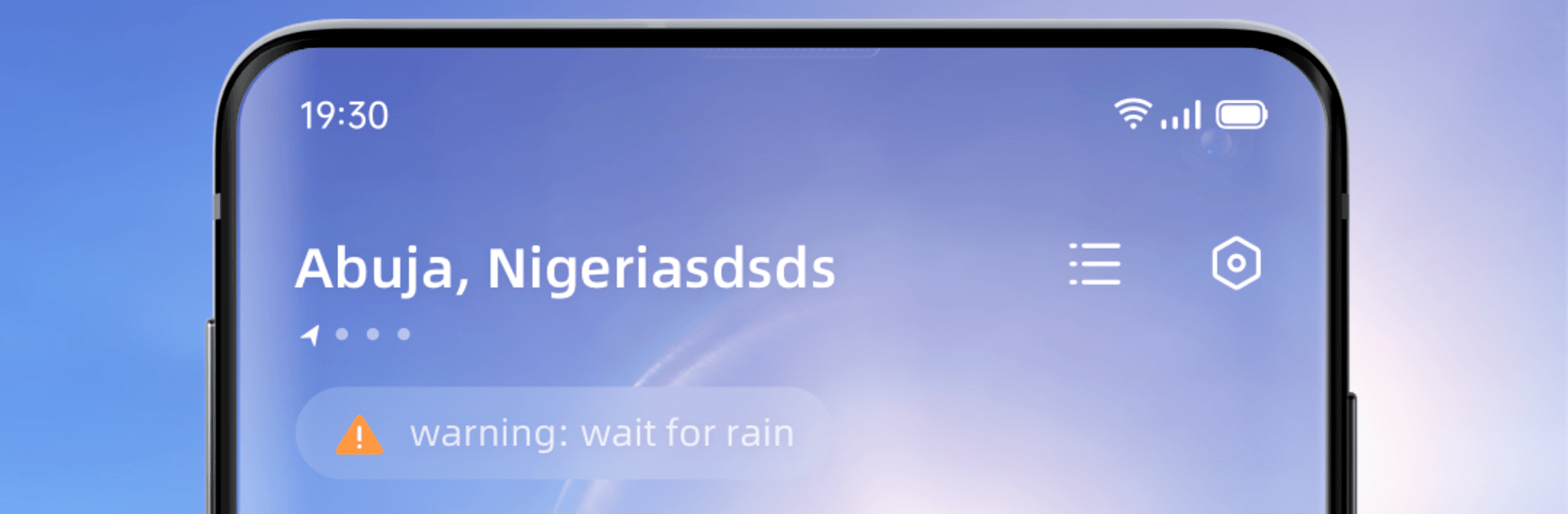
Daily Weather keeps you one step ahead of whatever the sky’s cooking up. It brings you clear, timely forecasts and handy context so you can plan your day, your weekend, or that long-awaited trip without second-guessing. As part of the Tools genre, it’s built for practical, everyday use—and if you like checking forecasts on a bigger screen, it works smoothly with BlueStacks too.

App Features

  • Hyper-accurate forecasts: Get dependable conditions for right now, the next few hours, and the days ahead so you can plan with confidence.
  • Hour-by-hour breakdown: See a detailed 72-hour timeline that helps you line up commutes, workouts, and late nights around changing weather.
  • Extended daily outlook: Look ahead up to 15 days to find the best windows for travel, events, or that backyard project you keep postponing.
  • Real-time alerts and effects: Stay in the loop with timely weather warnings and dynamic visuals that reflect what’s happening outside.
  • Complete conditions at a glance: Check humidity, UV index, wind speed, precipitation chances, and air quality without digging through menus.
  • Sunrise and sunset times: Time your morning runs, golden-hour photos, or evening plans with accurate light schedules.
  • Smart life guidance: Get practical tips for travel, sports, and what to wear—matched to the forecast so decisions feel easy.
  • Travel helper: Prep for trips with weather-based suggestions and heads-ups, so you’re not surprised when you arrive.

BlueStacks gives you the much-needed freedom to experience your favorite apps on a bigger screen. Get it now.


How to Download and Run Daily Weather on PC or Mac

  • Download and install BlueStacks on your PC or Mac

  • Complete Google sign-in to access the Play Store, or do it later

  • Look for Daily Weather in the search bar at the top right corner

  • Click to install Daily Weather from the search results

  • Complete Google sign-in (if you skipped step 2) to install Daily Weather

  • Click the Daily Weather icon on the home screen to start playing

video
Watch Video

Minimum System Requirements

With BlueStacks 5, you can get started on a PC that fulfills the following requirements.

  • Operating System

    Microsoft Windows 7 or above, macOS 11 (Big Sur) or above

  • Processor

    Intel, AMD or Apple Silicon Processor

  • RAM

    at least 4GB

  • HDD

    10GB Free Disk Space

Note:

* You must be an Administrator on your PC. Up to date graphics drivers from Microsoft or the chipset vendor.

Daily Weather - FAQs

  • How to Run Daily Weather on Windows PC & Mac?

    Run Daily Weather on your PC or Mac by following these simple steps.

    • Click on ‘Download Daily Weather on PC’ to download BlueStacks
    • Install it and log-in to Google Play Store
    • Launch and run the app.
  • Why is BlueStacks the fastest and safest platform to play games on PC?

    BlueStacks respects your privacy and is always safe and secure to use. It does not carry any malware, spyware, or any sort of additional software that could harm your PC.

    It is engineered to optimize speed and performance for a seamless gaming experience.

  • What are Daily Weather PC requirements?

    Minimum requirement to run Daily Weather on your PC

    • OS: Microsoft Windows 7 and above:
    • Processor: Intel or AMD Processor:
    • RAM: Your PC must have at least 2GB of RAM. (Note that having 2GB or more disk space is not a substitute for RAM):
    • HDD: 5GB Free Disk Space.
    • You must be an Administrator on your PC.