
Dungeon Map Generator

Dungeon Map Generator

Tools

| Externius

Play on PC with BlueStacks or from our cloud

  • Overview
  • How to Download

Page Modified On: October 13, 2025

Run Dungeon Map Generator on PC or Mac

What’s better than using Dungeon Map Generator by Externius? Well, try it on a big screen, on your PC or Mac, with BlueStacks to see the difference.

Dungeon Map Generator feels like a safety net for game nights when the party goes off the rails and the DM needs something fast that still looks planned. Hit generate and it spits out a full dungeon layout with rooms, corridors, enemies, traps, and some treasure ideas, so the table is not waiting while paper notes get shuffled. The vibe is practical rather than flashy. It is built to help a DM react in the moment and keep momentum moving without writing a whole new adventure between turns.

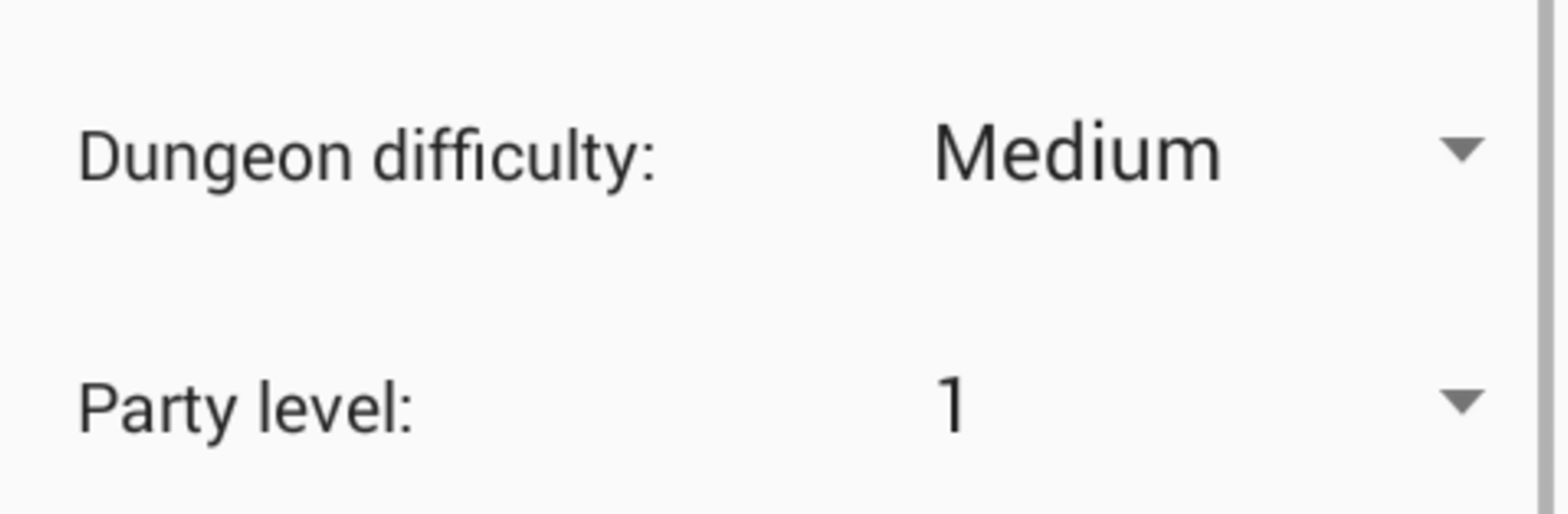
What stands out is the control before the roll. A DM can set the dungeon size and overall difficulty, tell it how many players there are and what level they are, adjust room size and density, and decide how trap heavy the place should feel. You can also pick what kind of monsters inhabit the place, so the vibe matches the campaign tone. Generate a few times until a layout fits, then add custom notes and flavor to tie it into the story. It is a generator, not a full campaign tool, so no giant lore blocks or complicated rule sheets, which honestly keeps it fast. On PC with BlueStacks, having a big screen and a mouse makes tweaking the options and reading the map way easier mid session.

Ready to experience Dungeon Map Generator on a bigger screen, in all its glory? Download BlueStacks now.


How to Download and Run Dungeon Map Generator on PC or Mac

  • Download and install BlueStacks on your PC or Mac

  • Complete Google sign-in to access the Play Store, or do it later

  • Look for Dungeon Map Generator in the search bar at the top right corner

  • Click to install Dungeon Map Generator from the search results

  • Complete Google sign-in (if you skipped step 2) to install Dungeon Map Generator

  • Click the Dungeon Map Generator icon on the home screen to start playing

video
Watch Video

Minimum System Requirements

With BlueStacks 5, you can get started on a PC that fulfills the following requirements.

  • Operating System

    Microsoft Windows 7 or above, macOS 11 (Big Sur) or above

  • Processor

    Intel, AMD or Apple Silicon Processor

  • RAM

    at least 4GB

  • HDD

    10GB Free Disk Space

Note:

* You must be an Administrator on your PC. Up to date graphics drivers from Microsoft or the chipset vendor.

Dungeon Map Generator - FAQs

  • How to Run Dungeon Map Generator on Windows PC & Mac?

    Run Dungeon Map Generator on your PC or Mac by following these simple steps.

    • Click on ‘Download Dungeon Map Generator on PC’ to download BlueStacks
    • Install it and log-in to Google Play Store
    • Launch and run the app.
  • Why is BlueStacks the fastest and safest platform to play games on PC?

    BlueStacks respects your privacy and is always safe and secure to use. It does not carry any malware, spyware, or any sort of additional software that could harm your PC.

    It is engineered to optimize speed and performance for a seamless gaming experience.

  • What are Dungeon Map Generator PC requirements?

    Minimum requirement to run Dungeon Map Generator on your PC

    • OS: Microsoft Windows 7 and above:
    • Processor: Intel or AMD Processor:
    • RAM: Your PC must have at least 2GB of RAM. (Note that having 2GB or more disk space is not a substitute for RAM):
    • HDD: 5GB Free Disk Space.
    • You must be an Administrator on your PC.



